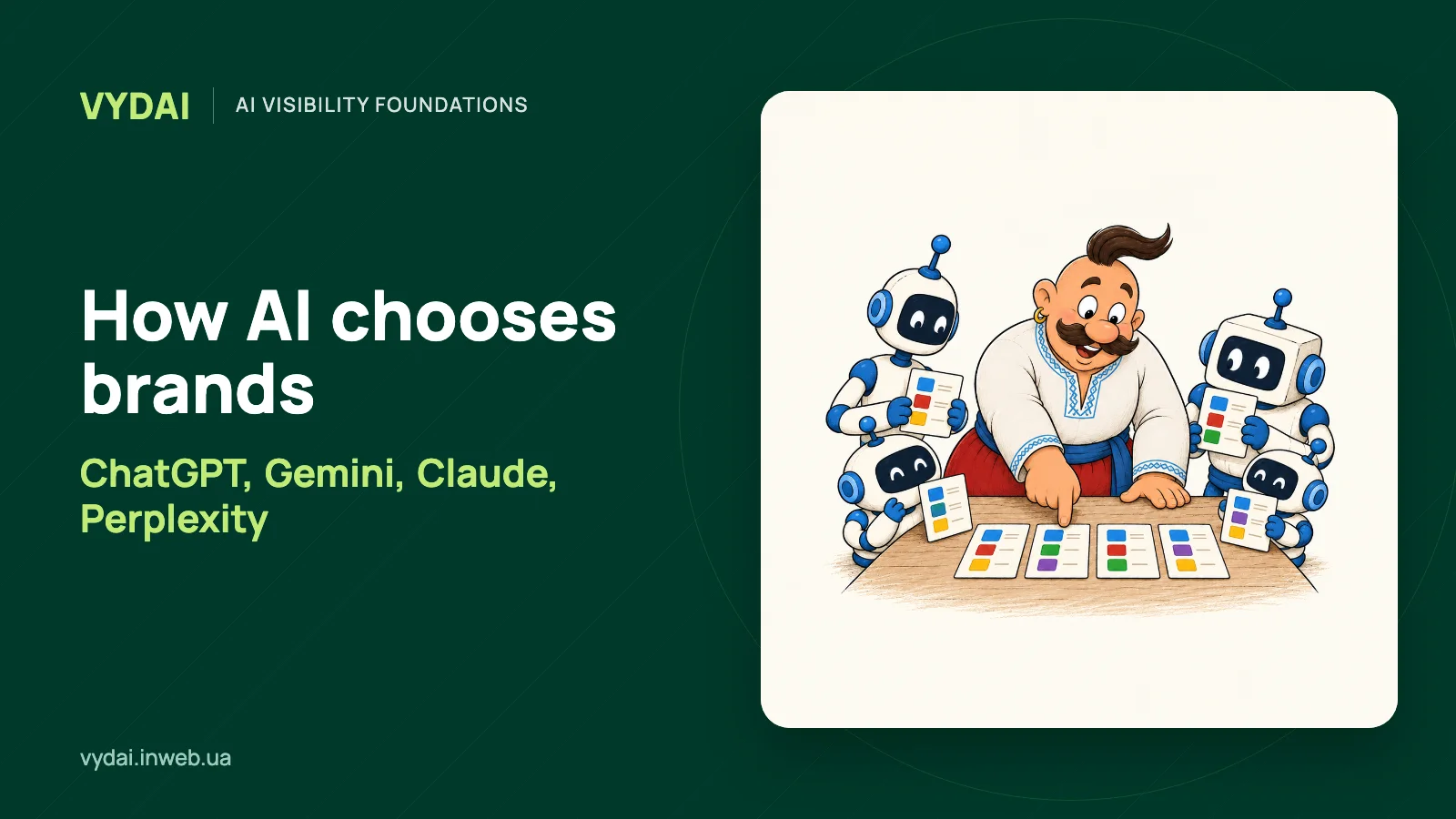
How AI chooses brands in practice comes down to three differences you can check: which search index or providers a web-enabled answer uses, whether it displays sources, and whether its crawler can reach your site. Start by checking the search surface, bot access, and cited pages. Then compare recommendations using the same queries.
How each system finds and cites brands
| System | Search and index | Sources in answers | Crawler access | First brand check |
|---|---|---|---|---|
| ChatGPT Search | May use third-party search providers; the mix can vary | Search answers may include citations and Sources | OAI-SearchBot | Allow OAI-SearchBot in robots.txt and check CDN or host access |
| Gemini Apps | Some answers are grounded in Google Search results | Sources and related links appear sometimes | Google-Extended controls grounding; Googlebot crawls Google Search | Check indexing and the rules for both tokens |
| Google AI Overviews and AI Mode | Google Search; pages must be indexed and eligible for a snippet | Supporting links appear; the set varies by answer | Googlebot | Check indexing and snippet eligibility in Search Console |
| Claude with web search | Search provider not disclosed | Anthropic says web-search responses include citations | Claude-SearchBot | Check that the bot can reach key public pages |
| Perplexity | Perplexity describes its own live web index | Perplexity says its answers carry inline citations | PerplexityBot | Check bot access and whether cited URLs are current canonical pages |
This comparison reflects provider documentation checked as of October 2026. OpenAI says ChatGPT Search sometimes works with third-party search providers and that sites should allow OAI-SearchBot to be eligible for search results. Google distinguishes Googlebot, which controls access to Google Search and its features, from the Google-Extended robots.txt token, which controls use of content for grounding in Gemini Apps. Google-Extended does not affect a site's presence in Google Search. OpenAI on ChatGPT Search and OAI-SearchBot, Google on crawlers and Google-Extended, Google on AI features in Search, Google on Sources in Gemini Apps
How recommendations differ across ChatGPT, Gemini, Claude, and Perplexity
Using the same query and context makes it easier to see how ChatGPT, Gemini, Claude, and Perplexity differ in their brand recommendations, and which pages each system chooses to cite.
OpenAI Search may start automatically or when a user selects it; its citations help check whether a brand page answers the query. Gemini Apps sometimes show Sources, while Claude adds citations to answers created with web search. Perplexity describes a separate live web index of its own, not only a developer API. The system-specific sections below focus on what a brand can check in its pages and server logs. OpenAI on ChatGPT Search, Google on Gemini sources, Anthropic on Claude web search, Perplexity on its live web index
How AI reaches a brand mention
For a brand, two practical questions matter: can the system find its pages, and does it select them as sources for an answer? Crawler access and indexing help answer the first. Visible citations and the pages chosen alongside the brand help examine the second. That gives a useful order of work: confirm technical access, then assess the page's content and fit for the query.
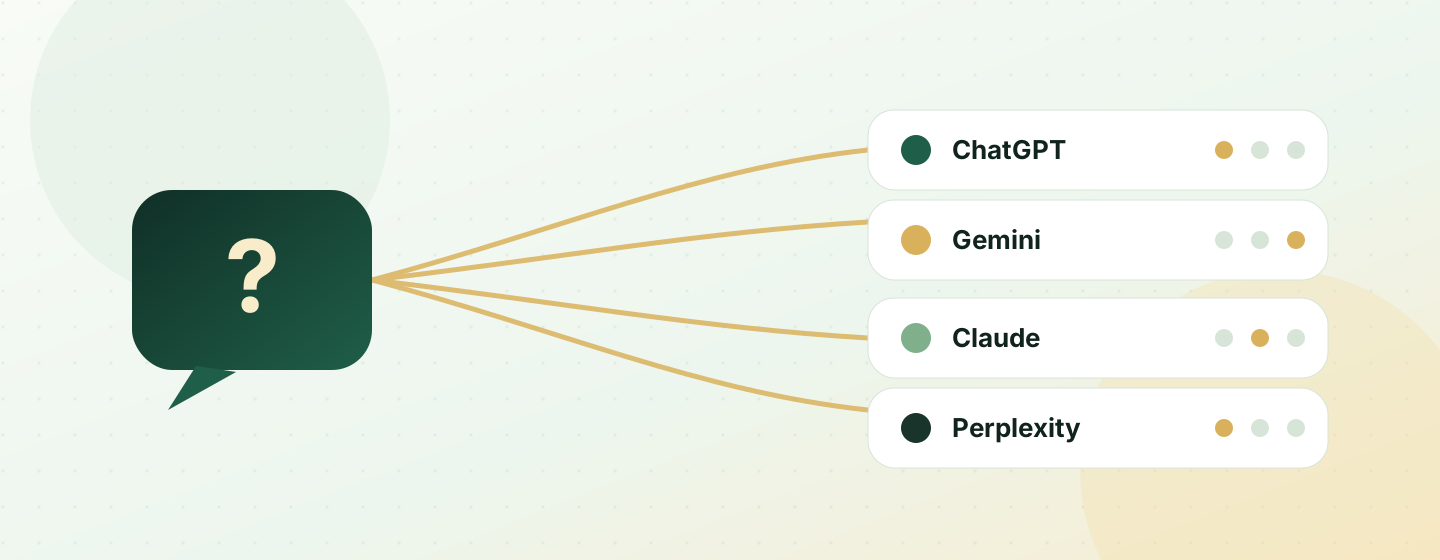
For example, if an answer names a brand but shows no sources, record a mention without visible support. If it links to a competitor’s review, check whether that page uses criteria you can compare against your own. Do not record a URL you found separately as a source for the answer unless the system displayed it.
For a deeper review of a case where AI names a competitor instead of your brand, read Why AI recommends competitors. For a method to analyze citations and domains, see How to analyze sources and citations in AI answers.
How ChatGPT recommends brands
ChatGPT Search may start a web search automatically when a query needs current information. OpenAI says it sometimes sends rewritten queries to third-party search providers and may issue follow-up searches. It does not identify a specific partner for every answer. Search responses may include citations, though their completeness and accuracy are not guaranteed. OpenAI on ChatGPT Search, providers, and citations
The first brand check is whether robots.txt, the CDN, and the host allow OAI-SearchBot. OpenAI names this bot as a requirement for a site to be eligible for ChatGPT search results. Then open Sources in an answer and check whether it cites the page with the relevant product, service, or location details. If the bot is absent from your server logs, investigate access rules before rewriting the copy. OpenAI's OAI-SearchBot access guidance
Shopping recommendations separately use user intent, context, and product metadata from different sources. Retailers should compare product names, descriptions, prices, and availability across their catalog and product profiles. This documentation concerns product listings; it does not define a universal way to recommend companies or B2B services. OpenAI on product selection in ChatGPT Shopping
For product brands, also check that catalog fields are complete for the models or variants customers may name in a query. For services, use a different review: make sure the landing page states the offer, location, terms, and supporting evidence clearly. This separates product-feed work from broader brand visibility in web search.
How Gemini shows sources
Some Gemini Apps answers are grounded in Google Search, while Sources and related links do not appear in every response. When links do appear, check whether they lead to the brand's page or to a profile with the specific details a customer needs. If Sources are absent, record that answer as having no displayed sources rather than adding pages you found separately. Google on grounding in Gemini Apps, Google on sources in Gemini Apps
AI Overviews and AI Mode run in Google Search, expand to related queries, and show links to supporting pages. A brand's first check is concrete: use Search Console to inspect whether key pages are indexed and eligible for a snippet. Googlebot controls access to Google Search and its features. Google-Extended separately controls the use of content for grounding in Gemini Apps; it does not replace Googlebot. Google on AI Overviews and AI Mode, Google on Googlebot and Google-Extended
Google does not require separate technical optimization for these AI features. If a URL is not indexed or has a snippet restriction, resolve that first: an unindexed page cannot appear as a supporting link. Key pages still need to meet normal Search requirements and give a direct answer to comparison queries. Google Search Central on AI feature eligibility
For a brand page, the title, visible copy, and internal links should clearly name the product and audience. If a Search feature displays a category overview, compare its supporting links with your page: does the page include comparable product details, are those facts accessible without signing in, and are key details hidden behind an interactive widget?
What you can check in Claude
When web search is enabled, Anthropic says Claude's responses include source citations. The company does not disclose an external search provider or separate index for Claude's consumer web search, so compare the actual URLs in an answer instead of assigning it an undocumented provider. Anthropic on web search and citations in Claude
Anthropic describes Claude-SearchBot as a crawler that navigates the web to improve search result quality. A brand's first check is whether the bot can reach public pages with product, service, and supporting details. If the server blocks it, review robots.txt and the WAF, then check the logs again. Access does not guarantee a citation, but a blocked crawler cannot fetch the page for web search. Anthropic on Claude-SearchBot and crawler controls
Check that the crawler receives the same useful information as a visitor: the canonical URL, service copy, and links to supporting evidence. If the page depends on JavaScript, a sign-in, or geographic access rules, inspect the crawler response in server logs. Anthropic does not publish citation weights or brand rankings, so focus on observable pages and fix access or content gaps.
How ChatGPT and Perplexity differ when recommending brands
ChatGPT sometimes uses third-party search providers; OpenAI does not identify the provider for each answer. Perplexity describes its own live web index and says PerplexityBot follows robots.txt. The company also says its answers include inline citations. For a first technical check, test OAI-SearchBot and PerplexityBot separately, then compare the pages cited by each system. OpenAI on search providers, Perplexity on its index and crawler, Perplexity on Search and citations
If Perplexity cites a review or directory instead of the brand's own page, check whether that page gives the same information in a clear format: what the company does, who the offer is for, and which sources support its claims. Test real customer queries about the category, task, and brand separately; one result cannot establish a universal ranking rule.
For a service, review more than the homepage: check the specific service page, case facts that link to primary evidence, and current company profiles. If PerplexityBot appears in logs but the system does not cite the target page, compare its wording with the pages that did appear. That gap can suggest which user-facing details are missing without claiming to know a hidden ranking formula.
How to test brand recommendations across AI tools
For a useful comparison, keep wording, language, country, and search mode consistent. To understand why AI systems recommend different brands, compare their sources, crawler access, and how well cited pages answer the customer query. Repeat the check later to see whether mentions or sources changed.
- Save the full query and any context that could affect the answer.
- Record the brands named and whether one is directly recommended.
- Save the links shown by the system and check their content.
- Mark sources as “not shown” when no links appear, or flag links that do not support the claim.
- Compare mentions, citations, and recommendations separately.
| What to record | What it helps you check |
|---|---|
| Query, language, country, date, and mode | Whether the answers can be compared fairly |
| Brands named and recommendation wording | Whether there is a mention or a direct recommendation |
| URLs displayed by the system | Which source supports a specific claim |
| Missing links or unsupported claims | Where your interpretation must remain uncertain |
Compare ChatGPT, Gemini, Claude, and Perplexity for a brand in one log: query, mode, brands named, citations, crawler status, and pages that need improvement. If a competitor is recommended, check whether its cited pages answer the customer task more directly. If the brand is absent across systems, check access to its canonical page and whether the page clearly states its category. If it is mentioned without citations, separately inspect the search mode and whether that interface displays sources for the response.
What mention, citation, and recommendation mean
A mention is a brand name in an answer. A citation is a link the system displays. A recommendation is a brand presented as an option for the user’s task. So what is the difference between an AI brand mention, citation, and recommendation? The first records a name, the second points to a source, and the third connects the brand to a user need.

Define these categories before measuring results. For the scope and limits of AI visibility, see what AI visibility means.
How to improve brand information for AI answers
Start with verifiable facts on your own site: the company name, category, audience, terms, and evidence for stated benefits. Check whether important external profiles that you can inspect describe the brand consistently. This cannot guarantee an appearance in an answer, but it can make the information clearer to readers and reduce ambiguity.
For the next check, choose queries that reflect real customer tasks rather than just keywords. The guide How to choose queries for AI visibility monitoring can help you build that set.
What brands should check for each AI system
- If OAI-SearchBot is blocked, inspect robots.txt, the WAF, and CDN access. OpenAI names access for this bot as a condition for inclusion in ChatGPT search results. Do not confuse it with GPTBot, which has a different role.
- If Googlebot cannot index key URLs or pages prevent snippets, resolve that in Search Console. If Googlebot is allowed but Google-Extended is blocked, Google Search remains separate; the restriction affects use of content for grounding in Gemini Apps.
- If Claude-SearchBot or PerplexityBot cannot fetch a page, review robots.txt, the WAF, and server logs. Check each user agent separately: allowing Googlebot does not open access for other crawlers.
- If a bot reaches a URL but the page does not appear in citations, compare it with the pages that did appear. Check whether it states the category, audience, product details, terms, and primary evidence for important claims.
- If a brand is mentioned without visible links, first check the interface and answer mode: Gemini Apps do not show Sources in every response, and ChatGPT shows them in search responses. Do not treat a missing citation as proof that a crawler was blocked.
Use this order: crawler access, indexing, cited URL review, then page content. To understand how AI chooses brands in a category, the team can act on these checks even when a provider does not disclose its recommendation ranking.
Frequently Asked Questions
How to compare ChatGPT, Gemini, Claude, and Perplexity for a brand? Send each system the same query in a recorded mode. Save the language, country, date, brands named, links shown, and exact recommendation wording.
What is the difference between an AI brand mention, citation, and recommendation? A mention is a brand name in an answer, a citation is a displayed source link, and a recommendation presents the brand as an option for a task. Check each separately.
Why AI systems recommend different brands? Compare search modes, crawler access, and the pages each system cites. Then check whether those pages answer the same customer query.
How ChatGPT recommends brands when web search is on ChatGPT may show Sources and citations. Check that OAI-SearchBot can access the page and that the cited source supports the claim about the brand.
How to evaluate a Gemini answer with no Sources button Record the brands and claims, mark sources as “not shown,” and verify the facts separately. Google says Gemini Apps do not show Sources in every response.
How we do it in VYDAI
As of October 2026, VYDAI checks brands in ChatGPT, Gemini, Claude, Google AI Overviews, and Google AI Mode. Its report pages let you review brand and competitor mentions, sources, and changes over a selected period. Perplexity is not included in VYDAI monitoring, so check its answers separately by hand. Explore the reports in the demo or create an account to add your queries.