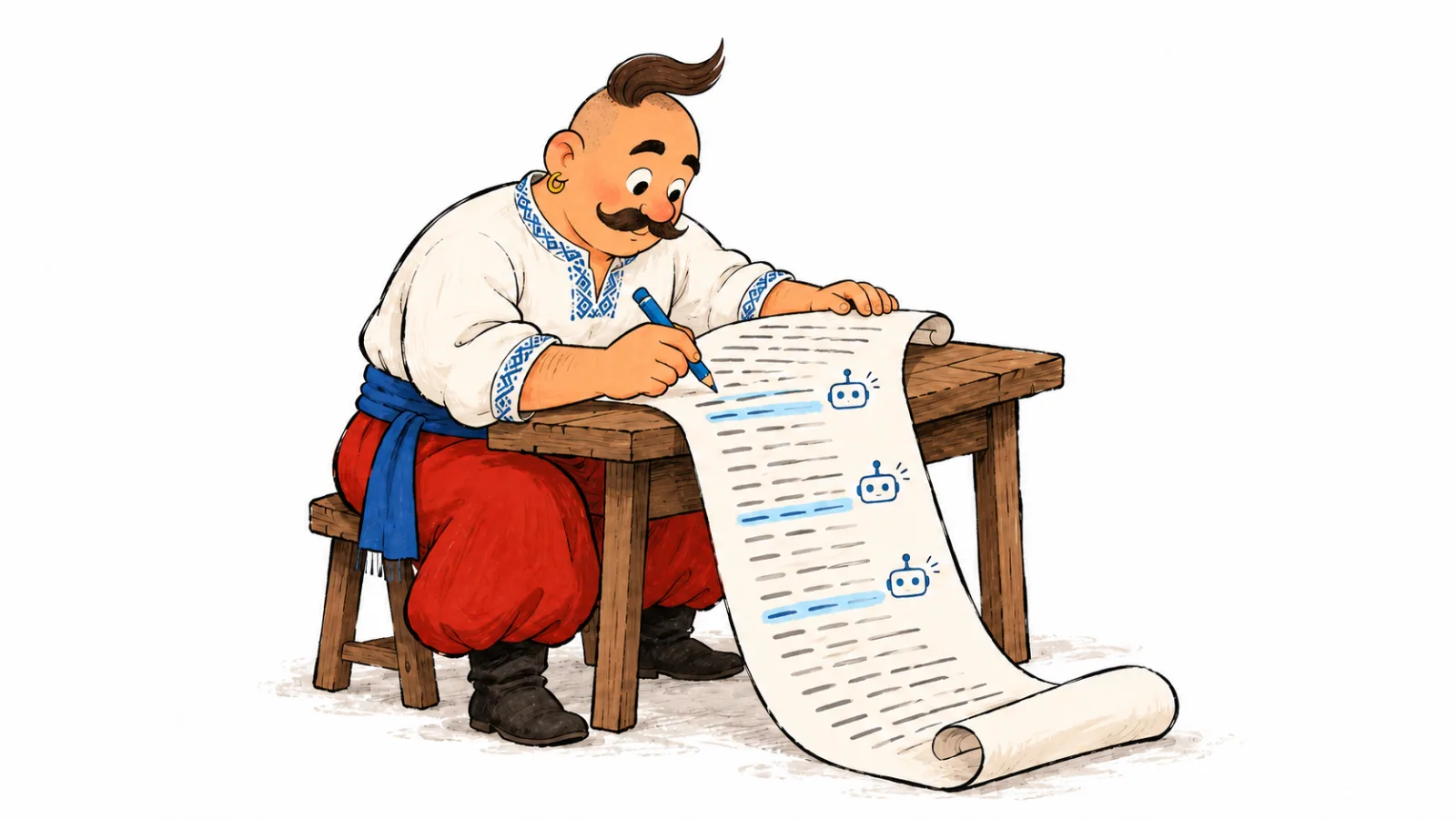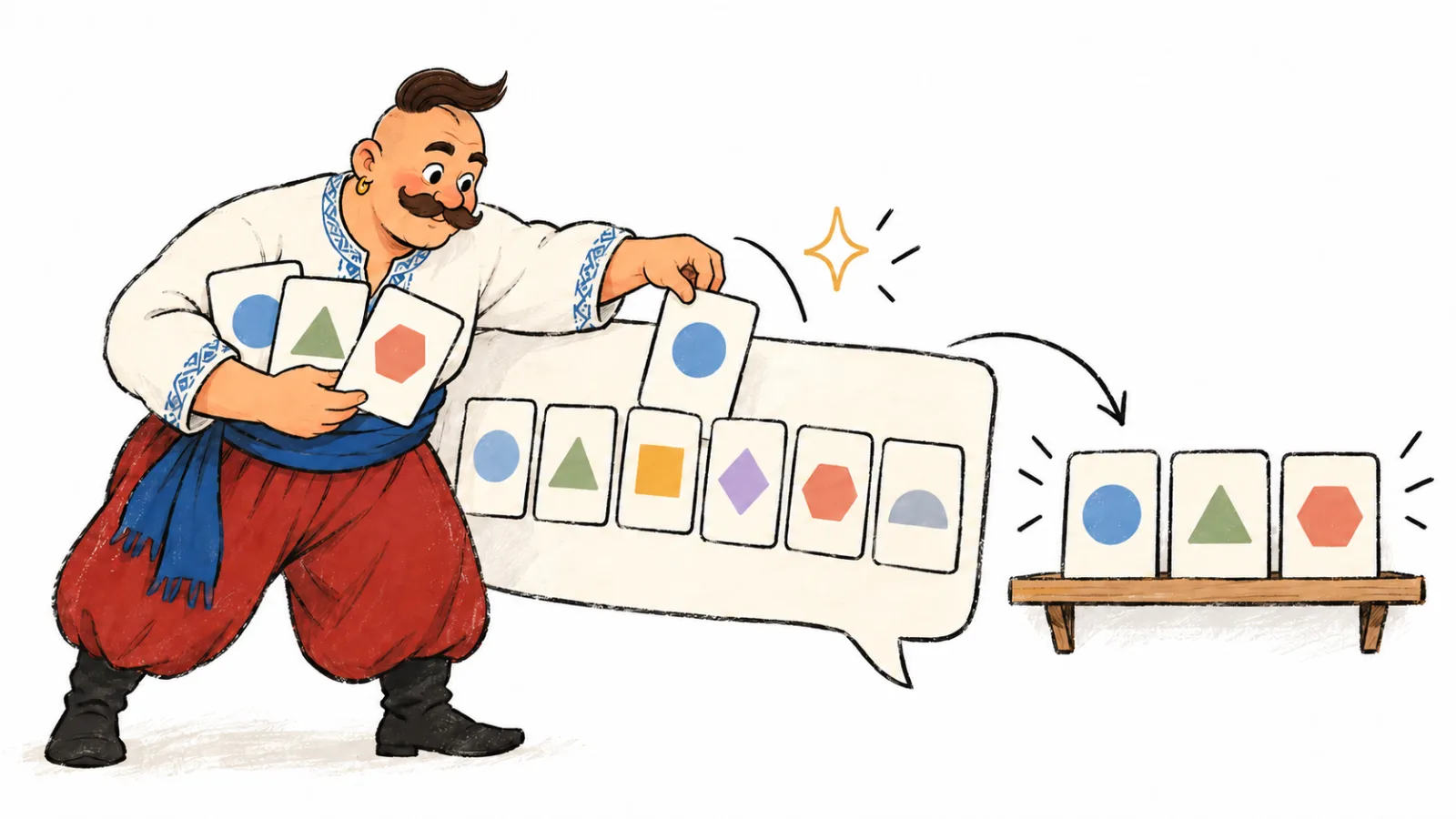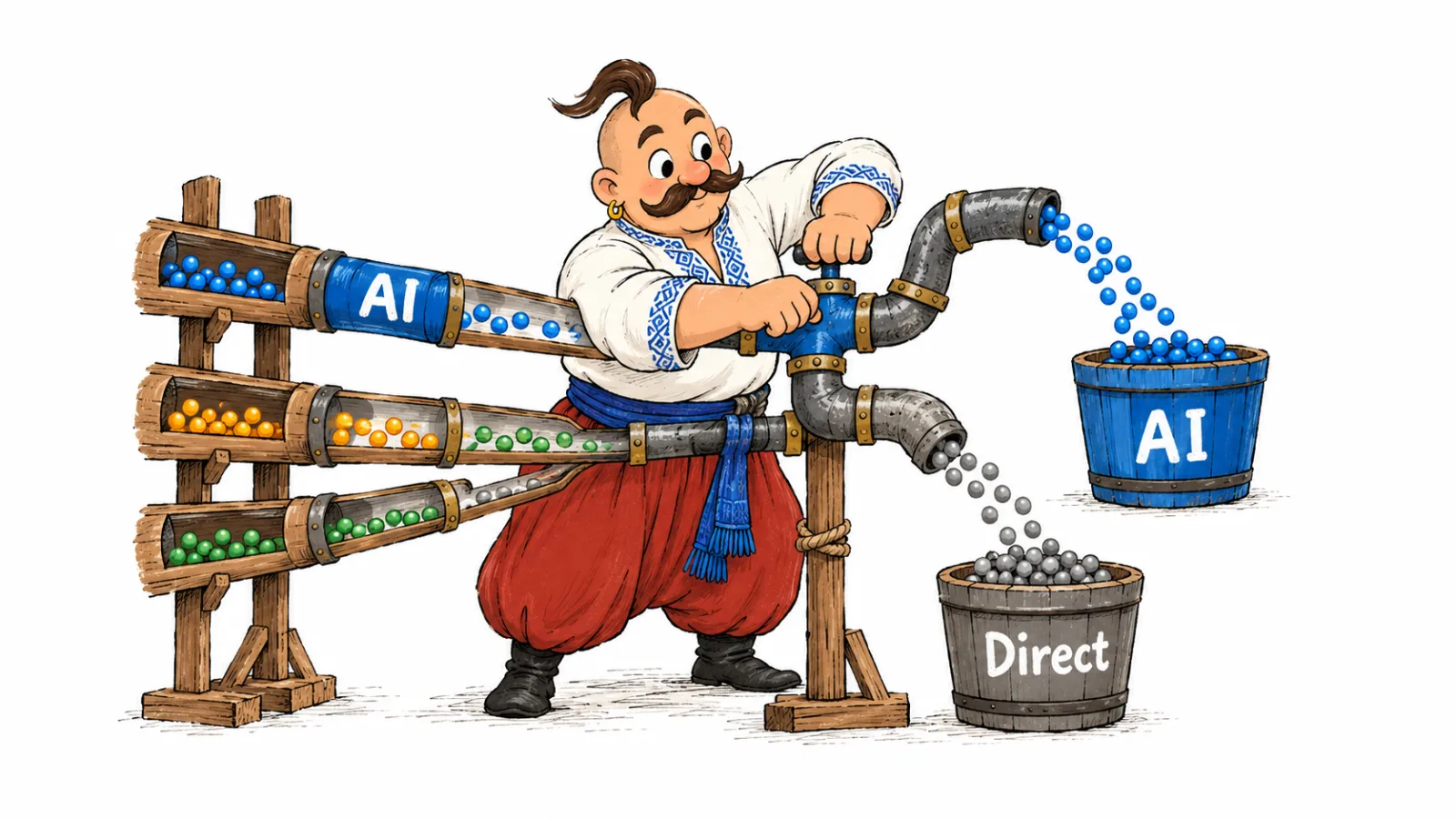
To check ChatGPT sources, save the links shown with a specific answer and record the query, mode, and date. Then check what each page supports and compare domains across queries. This reveals recurring sources and gives you evidence for deciding what to investigate in content, SEO, or PR. Links in an answer show sources for that answer; they do not reveal the material a model learned during training.
How to check ChatGPT sources and other AI systems
First check whether the answer contains links you can open. A web search may show citations and a Sources panel. An answer without web search may have no verifiable links. In that case, the answer text cannot identify which pages were used in model training.
| Mode | What you can check | Next step |
|---|---|---|
| Answer with web search | Displayed links and citation snippets | Open each link and check which statement it supports |
| Answer without web search | Links, if any are present and open | Do not infer a source list from the answer text |
| API query without a search tool | Provenance of links, if the service returned any | Separate supplied context from what cannot be verified |
OpenAI warns that search results and citations may be incomplete, outdated, or incorrect. To check ChatGPT sources, open each page, review its date, and verify that it supports the specific statement in the answer. OpenAI's guide to searching the web with ChatGPT
Where does ChatGPT get its information? A single answer may combine knowledge learned during training with information retrieved through web search. Only the latter can be checked against specific URLs.
Why cited sources matter
A citation shows a page associated with part of an answer. Record its URL, the answer excerpt, page type, and any brand mentioned, then check what the source supports.
Save the full page URL, not just the domain.
For a discussion of which types of sites can act as trust signals, see AI trust sources: websites, PR, directories, and reviews. This article focuses on how to read and log visible citations.
Sources behind AI answers: what to check on the page
After opening a link, inspect the page itself, not just its domain. This table helps describe what you found without making claims about a model's hidden process.
| Page type | What to record |
|---|---|
| Reference article or encyclopedia | Which definition or fact it supports and which primary sources it links to |
| Discussion or forum | What participant experience appears and whether it fits the query |
| Ranking or directory | Selection criteria, update date, and context of the brand mention |
| Media article or review | Publication date, author, and exact context of the mention |
| Brand website | Whether it supports specific product details or terms |
| Video or podcast | Whether a transcript is available and where the claim appears |
The study how ChatGPT recommends smartphone brands in Ukraine shows an example of sources in answers about a product category.
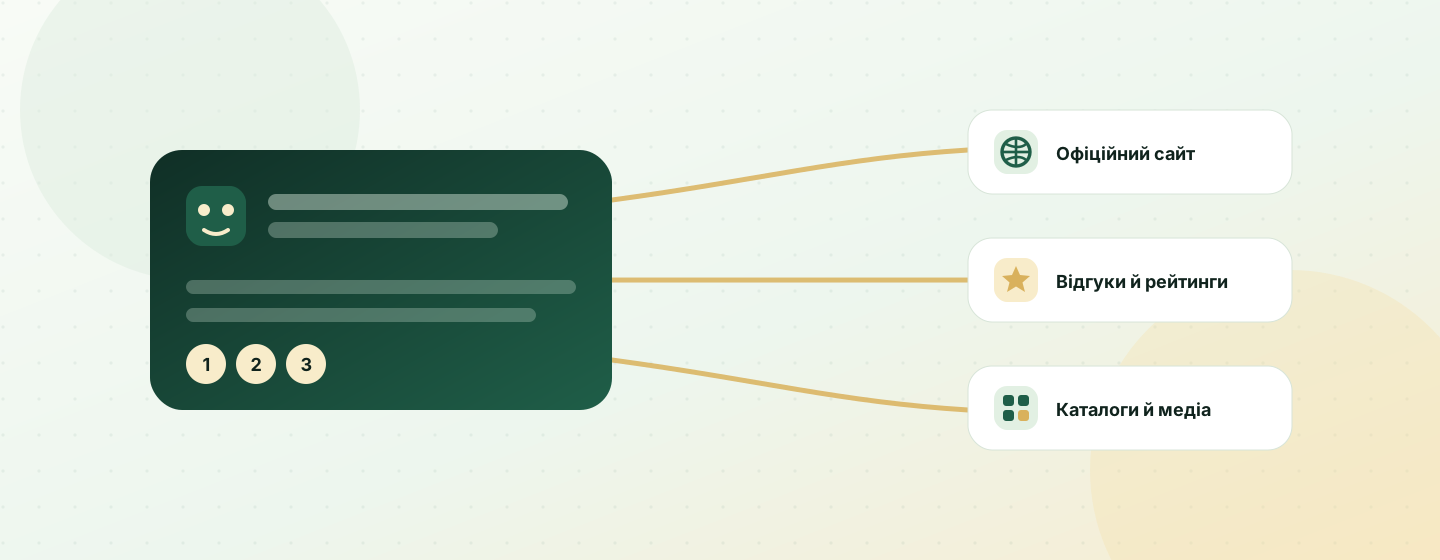
Where to find citations in different systems
As of October 2026, interfaces may show sources inline or in a separate panel. Check the links visible in your own answer; their location and availability depend on the system and mode.
| System | Where to check |
|---|---|
| ChatGPT with web search | Open a citation or the Sources panel, when shown. OpenAI help |
| Perplexity | Open a numbered citation below the answer. Perplexity's guide to how the service works |
| Google AI Overviews and AI Mode | Open the links shown with the answer. Google's documentation on AI features in Search |
| Gemini Apps | Open Sources when the panel is available; not every answer includes links. Gemini help on sources |
| Claude with web search | Check citations shown with the answer. Anthropic's instructions for web search in Claude |
Google says AI Overviews and AI Mode may run multiple related searches and show links to pages that support an answer. No separate schema.org markup is required for these features; standard SEO requirements still apply. Google's documentation on AI features in Search
How to build an AI source map
Save each answer as a separate record. The query and date keep checks distinct; the URL lets you revisit a page; page type and mention context show what to investigate next.
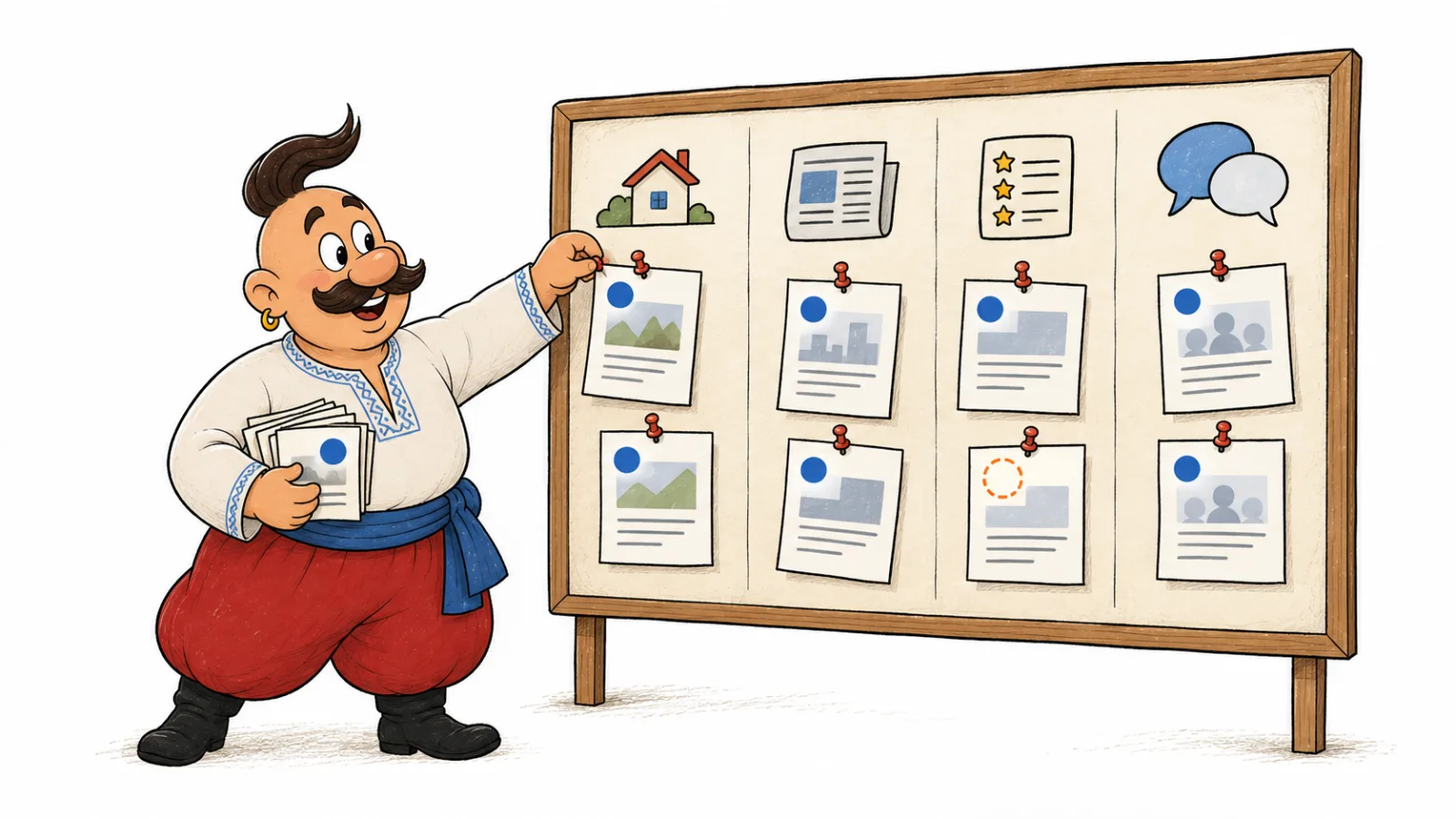
| Date | System and mode | Query | Cited URL | Domain | Page type | Brand or competitor mention | What the page supports |
|---|---|---|---|---|---|---|---|
| hypothetical example: check date | ChatGPT with web search | query about choosing a CRM | page link from the answer | domain from URL | review or directory | brand mentioned in a comparison | supports a feature description |
To compare Perplexity citations with ChatGPT or another system, keep the system name in each row. Do not combine the data into one ranking without a breakdown by system and query. This lets you check ChatGPT sources across answers without mixing them with links from other systems.
If you need to build an AI source map for several queries, group rows by system before comparing URLs and domains.
Which domains AI cites most often: what studies show
Published measurements show different patterns because they cover different systems, queries, and periods. Reddit, Wikipedia, and YouTube recur in reports, but their share depends on the system and topic. The table summarizes studies with stated methods; it is not a universal ranking of websites.
| Study and period | Systems and sample | Most-cited domains or finding | Limitation |
|---|---|---|---|
| Semrush, July 14 to October 12, 2025 | ChatGPT Search, Google AI Mode, and Perplexity; 230,000 prompts, weekly snapshots over 13 weeks, and more than 100 million citations | Reddit and Wikipedia were among ChatGPT's leading domains; LinkedIn, YouTube, Reddit, Google, and Google Blog were among AI Mode's leaders in the sample. | It covers three systems and a limited window; the report documents substantial citation changes during that period. |
| Conductor, September 2025 to March 2026 | ChatGPT, ChatGPT Search, Perplexity, Google AI Overviews, AI Mode, Gemini, and Claude; 1,056 data points by system, intent, and month | YouTube led most intents in Perplexity, Google AI Overviews, and Gemini; Wikipedia regularly led some intents in ChatGPT Search, while ChatGPT leaned more on Wikipedia and Reddit. | Results show a leader by intent and month, not one ranking across all queries; Claude was covered for only two months. |
| Hendricks, snapshot from September 1, 2026 | ChatGPT, Perplexity, Gemini, and Google AI Overviews; 480 identical questions, 16,069 citations, and 7,775 domains | Reddit appeared in 68.1% of Perplexity answers and 38.3% of AI Overview panels; YouTube appeared in 47.0% of AI Overview panels. Share of all citations differed: Reddit held 4.45% and 5.59%, respectively, while YouTube held 6.86% in AI Overviews. | This is one snapshot of a fixed question set, not a trend; another niche may produce different results. |
| Ahrefs, 2026 update to its AI Overview study | Google AI Overviews; 863,000 keyword SERPs and 4 million URLs in AI Overview answers | YouTube was the most-cited domain in Brand Radar data; among cited URLs outside the top 100 standard results for the same query, YouTube made up 18.2%. | This is data from one commercial tool about Google AI Overviews; it does not describe other systems or every possible query. |
Use these results as prompts for checking your own map. Group records by system, topic, and query intent; count separately how many answers include a domain and what share of all citations it holds. The guide to AI visibility and SEO metrics explains how to distinguish mention frequency from citation share. Then open several pages on that domain and record their context: reference material, discussion, video, ranking, or news. If your data differs from an industry report, first check for differences in the sample and query intent.
How to analyze AI citations
Start with the cited page, not an assumption about how the model formed its answer.
Recurring domains in AI answers
Count how many distinct queries included a domain. Record page and citation counts separately, but do not use citation count as a substitute for coverage across queries. Inspect recurring domains in AI answers by checking the cited pages and their context, then compare them with the topics in your own queries.
When building an AI source map, keep each query and system in its own row. This makes it possible to compare which sources recur across prompts without treating every citation as a separate signal.
Page type and role
Record whether the page is a review, comparison, product page, reference, or discussion. Then compare it with the answer excerpt: does it support a specific fact, recommend a brand, or mention it in passing?
Competitor source analysis in AI search
Record the URLs of pages that name a competitor and the exact context of the mention. Check whether the source provides an evidenced comparison, an independent review, or only a name in a list. Use that analysis to decide which supporting evidence, comparisons, or expert commentary to develop in your content or PR.
A quick filter for choosing sources
Keep a page for further analysis if it recurs across different queries, contains a substantive mention of your brand or a competitor, or supports a fact that matters to a reader's decision. If none applies, mark it as low priority and focus on sources with clear context.
How to turn a source map into next steps
Choose the next check based on what the page shows.
If a cited page contains inaccurate information about a company, follow the guide to correcting wrong brand information in ChatGPT.
| Observation | What to check next |
|---|---|
| A media article is cited without a brand mention | Whether there is a relevant topic for expert commentary or PR |
| An industry forum is cited | Whether there is an open discussion where the company can contribute a useful response within community rules |
| A ranking or directory is cited | Whether the brand profile is current and the ranking criteria are clear |
| A competitor's page is cited | Which facts and evidence it provides and whether your site answers the same question |
| The answer shows no sources | Repeat the check with web search and verify statements separately against primary sources |
For follow-up planning, see how to turn an AI visibility report into an SEO, content, and PR plan.
Common mistakes in source analysis
- Drawing a conclusion from one answer. Repeat the same query on different dates and compare sources.
- Combining different systems. Keep each system's name and analyze its results separately.
- Confusing search rank with a citation. For Google AI Overviews and AI Mode, check the links in the answer itself. Google describes query fan-out as running related searches to develop an answer. Google documentation
- Treating a citation as proof of why a brand was recommended. Check only what is visible on the page and in the answer.
- Saving a URL without its query and date. Without them, it is difficult to reproduce the context of the check.
Frequently asked questions
Where does ChatGPT get its information? ChatGPT can draw on knowledge learned during training, information retrieved through web search, or context supplied by the user. Citations let you open the web pages shown for a particular answer; check training material as a separate question.
What sources does ChatGPT use? It depends on the answer and mode. When ChatGPT shows citations, open each page and check which part of the answer it supports.
What websites does ChatGPT cite? Inspect URLs in a specific answer, record each domain, and repeat the same query later. Reviewing which websites ChatGPT cites across repeated queries can reveal recurring domains, but not why a system selected them. The websites ChatGPT cites can change between checks, so retain each date alongside the domain.
How does ChatGPT cite websites? In answers with web search, ChatGPT may show a source link beside a statement or in a Sources panel. This shows how ChatGPT cites websites when web search is active. Open the page and check the context.
How can I find sources cited by ChatGPT? To learn how to find sources cited by ChatGPT, open the links displayed with the answer. Save each URL with the exact query, mode, and check date so you can compare results later.
How can I compare AI citations across prompts? Keep each query and system in a separate row. This shows how to compare AI citations across prompts by tracking which URLs and domains recur. Do not treat one system's citations as evidence about another system.
How we do it in VYDAI
As of October 2026, VYDAI collects answers and cited sources for your queries in ChatGPT, Gemini, Claude, Google AI Overviews, and Google AI Mode. In the workspace, you can review answers, brand mentions, sources, and competitors alongside the checked queries.
To explore the interface, open the VYDAI demo or create an account. For manual source analysis, you can start by saving each query, date, and displayed link; your team decides what to do next.
To check ChatGPT sources again, revisit the same map with a new date and compare URLs, citation context, and domains for each query.