To choose prompts for AI visibility tracking, start with the situations in which customers select a product: by budget, use case, brand comparison, or reliability. Separate branded and unbranded prompts, keep the wording fixed, and run the same prompts again under recorded conditions. You can then see which scenarios surface your brand, which sources appear, and where answers vary.
A prompt here means a question or instruction sent to an AI system. Google Search Console queries can suggest useful wording, but build the monitoring set around customer decisions and product use, then check the language against real conversations.
Separate branded and category prompts in ChatGPT
A branded prompt names a company or product. It helps you see how a system describes a brand it recognizes. A category prompt describes a need without naming the company, so it helps you check whether your brand appears when someone is still comparing options.
Keep the groups separate. A question about a specific CRM's service checks brand awareness; a prompt about CRM software for a small sales team shows which providers the system may recommend in the category. If you combine those results into one metric, you cannot tell whether brand familiarity changed or whether the brand appeared among recommendations.
Start with buyer scenarios
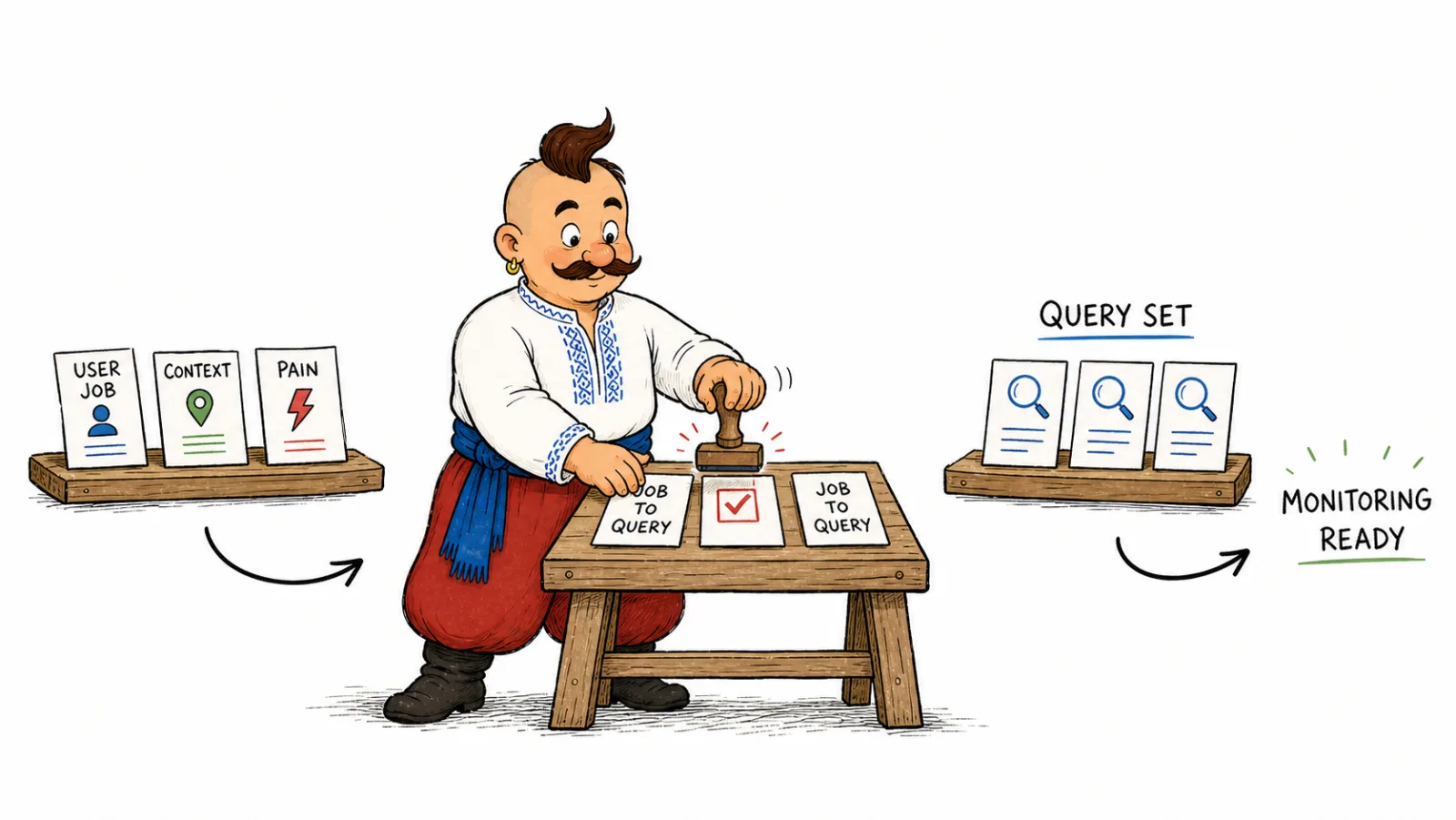
Describe the customer, the need, and the constraints before you write a prompt. This aligns with the Jobs to Be Done method: the Christensen Institute explains it through a person's circumstances and the progress they are trying to make.
| Scenario | Intent | CRM example |
|---|---|---|
| Category selection | Identify the type of solution needed | “Which CRM should a small sales team choose?” |
| Comparison | Compare alternatives by relevant criteria | “Which CRM works for a team moving from spreadsheets?” |
| Problem solving | Find a solution to a specific work task | “How can a team organize customer inquiries?” |
| Constraints | Add a budget, location, or requirement | “Which CRM works for a sales team in Lviv?” |
Not every business needs every type. Location matters to a local service; for a product that does not depend on location, adding a city only creates unnecessary variation. For ChatGPT prompt monitoring, first define the decision the answer should support, then choose the wording.
Turn buyer scenarios into prompts
VYDAI's own study provides a worked example of moving from customer situations to a prompt pool. The smartphone recommendation study for Ukraine built 15 prompts across budget, use case, comparison, reliability, and general-choice scenarios. Actual prompts included “Which smartphone should I get for under 10,000 hryvnias in Ukraine right now?”, “Which phone takes the best photos, especially at night?”, “Xiaomi or Samsung for the same price, and which is more reliable?” and “Which smartphone brand is most reliable and has good after-sales support?” These are English renderings of the Ukrainian prompts used in the study.
This example shows one way to organize a set. Budget scenarios make price part of the decision; use cases specify the task; comparisons test named alternatives; reliability captures what matters after purchase. Use those groups as a starting map, then replace smartphone needs with situations your customers actually face. The study article includes the original prompts, method, and limitations.
For each candidate prompt, write down who is asking, what they are trying to decide, which constraints affect the choice, and whether a useful answer could mention your brand. If the product cannot serve that situation, leave it out even when the wording sounds popular.
How to build an AI search query set
Build from broad customer situations toward the criteria that change a decision. Google's documentation on AI Overviews and AI Mode describes query fan-out: for a complex search, the system may run related searches across subtopics. Check whether your own pool covers different sides of the need, such as category, comparison, budget, or a meaningful constraint.
To understand how to evaluate the results from that pool, see AI visibility and SEO metrics.
Use this description as a cue to test several sides of the need in your own pool. After an initial collection, compare the groups with customer language. If two prompts lead to the same decision, keep one or label the separate condition that the other tests.
How many prompts should I track for AI visibility
Start with a grid of buyer scenario × intent. For a first version, take each relevant scenario and test category selection, a concrete use case, and a comparison or constraint. The smartphone study collected 15 prompts across five scenario groups; use its variety as a guide and fill the cells that fit your products and customers.
For B2B, add the buyer's role, such as CTO, procurement, or security, and the buying stage; the GEO for B2B and IT companies article includes prompt examples.
| Scenario | Intent | Prompt | Branded? | Priority | Review date |
|---|---|---|---|---|---|
| Budget | Selection | “Which smartphone should I get for under 10,000 hryvnias in Ukraine right now?” study example | No | High | After the next cycle |
| Camera | Use case | “Which phone takes the best photos, especially at night?” study example | No | High | After the next cycle |
| Alternatives | Comparison | “Xiaomi or Samsung for the same price, and which is more reliable?” study example | Yes | Medium | After the next cycle |
| Support | Reliability | “Which smartphone brand is most reliable and has good after-sales support?” study example | No | Medium | After the next cycle |
Use the table as a starting template and expand it when scenarios lead to different decisions or results reveal a gap. If several rows test the same need, combine them before running the set and spend that time on distinct questions.
Where to find prompts for AI visibility monitoring
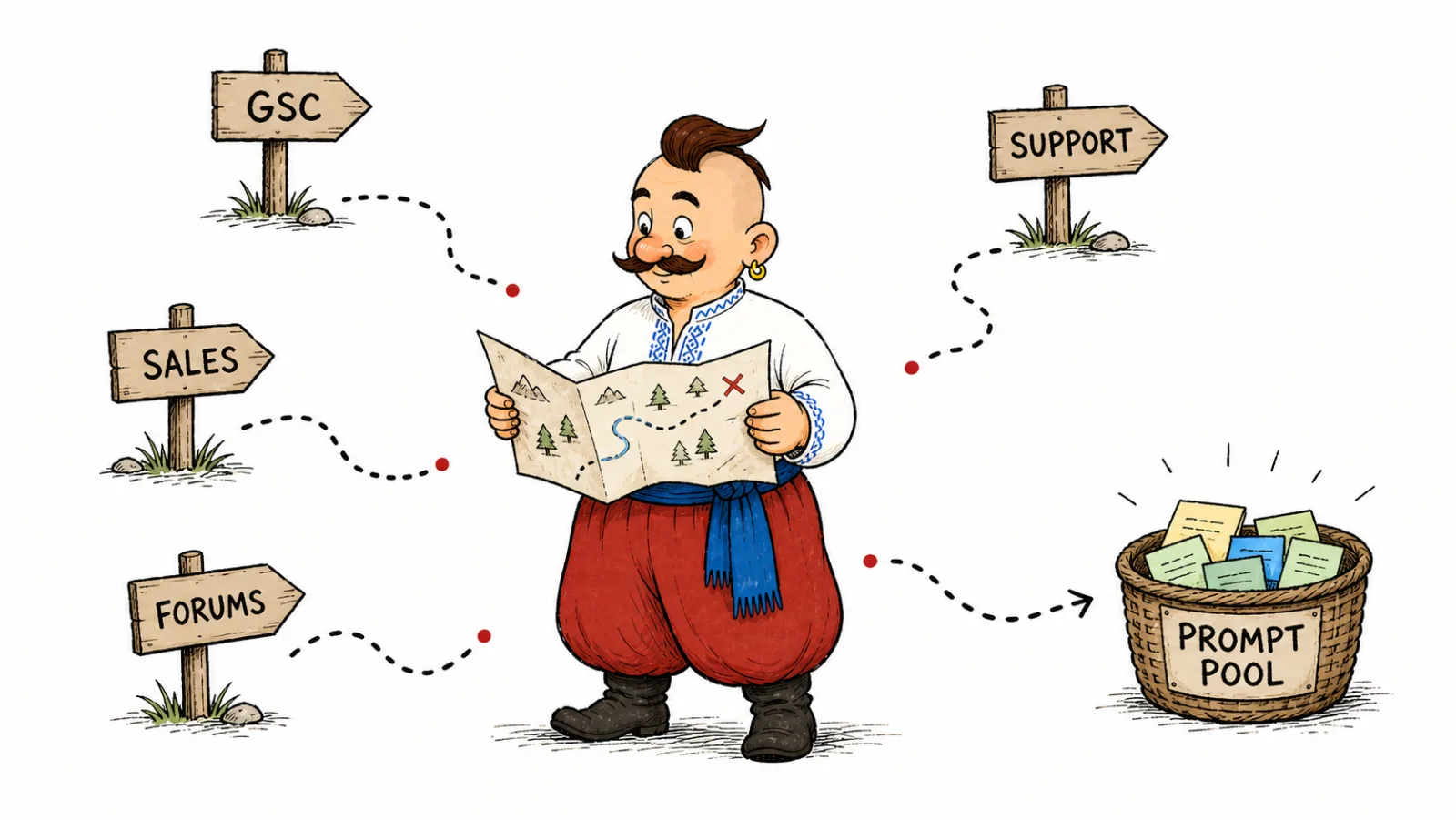
Combine customer wording with search data and material about related solutions. The Google Search Console Performance report shows queries associated with site impressions and clicks. Sales conversations reveal selection criteria, support tickets show problems after purchase, and relevant discussions show how people describe their needs.
| Source | What to collect | How to check fit |
|---|---|---|
| Sales and demos | Reasons for choosing, objections, alternatives | Does this recur in a buyer's decision? |
| Support | Obstacles during product use | Is this a selection question or only a how-to issue? |
| Google Search Console | Search wording about the product and need | Can it become a real selection scenario? |
| Forums and communities | How people describe the problem | Does the discussion fit your market and audience? |
| Competitor pages and People also ask | Additional comparison criteria | Does the question duplicate an existing scenario? |
| AI suggestions | Ideas to validate | Check each idea against customer and search data |
Search queries can reveal vocabulary and intent; reshape them as questions someone might ask a conversational AI to get a recommendation or comparison.
How to identify noisy prompts for AI monitoring
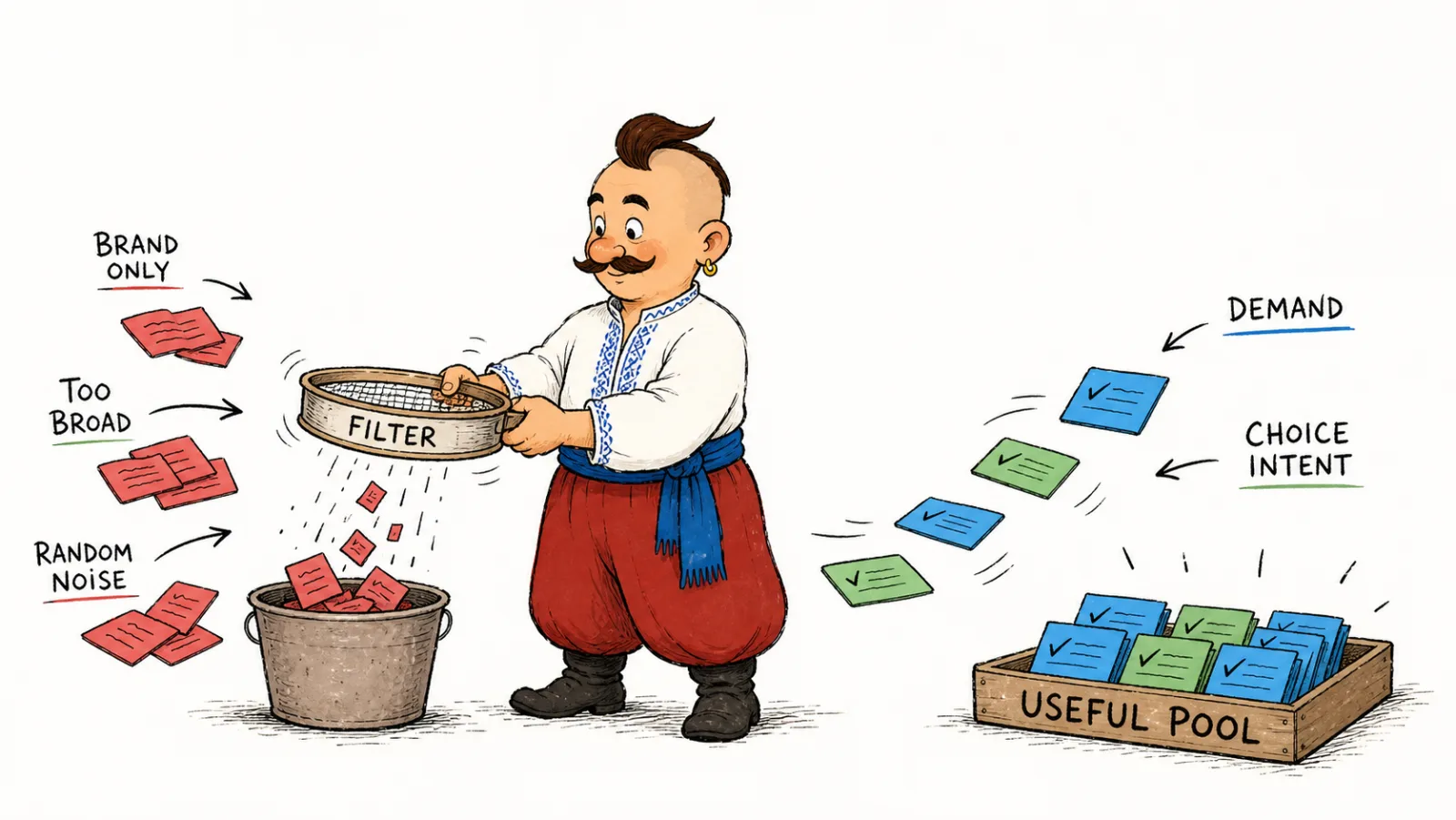
Before adding a prompt, check that it fits the product, has a clear intent, and could lead to an answer that helps someone decide about a brand or category.
| Check | Action |
|---|---|
| Can the product solve the stated task? | Keep it when an answer could lead to the product or solution type |
| Does the scenario fit the audience and market? | Add the relevant region or customer type, or set it aside |
| Does it test a distinct criterion? | Combine it with a duplicate if it cannot change the decision |
| Is there a clear reason to run it again? | Record the purpose and metric, or remove it from visibility measurement |
Informational questions can be useful when you want to assess how AI explains a category. Keep them in a separate group from recommendation prompts, so a change in explanatory answers does not distort the view of brand presence during selection.
How to choose prompts across AI models
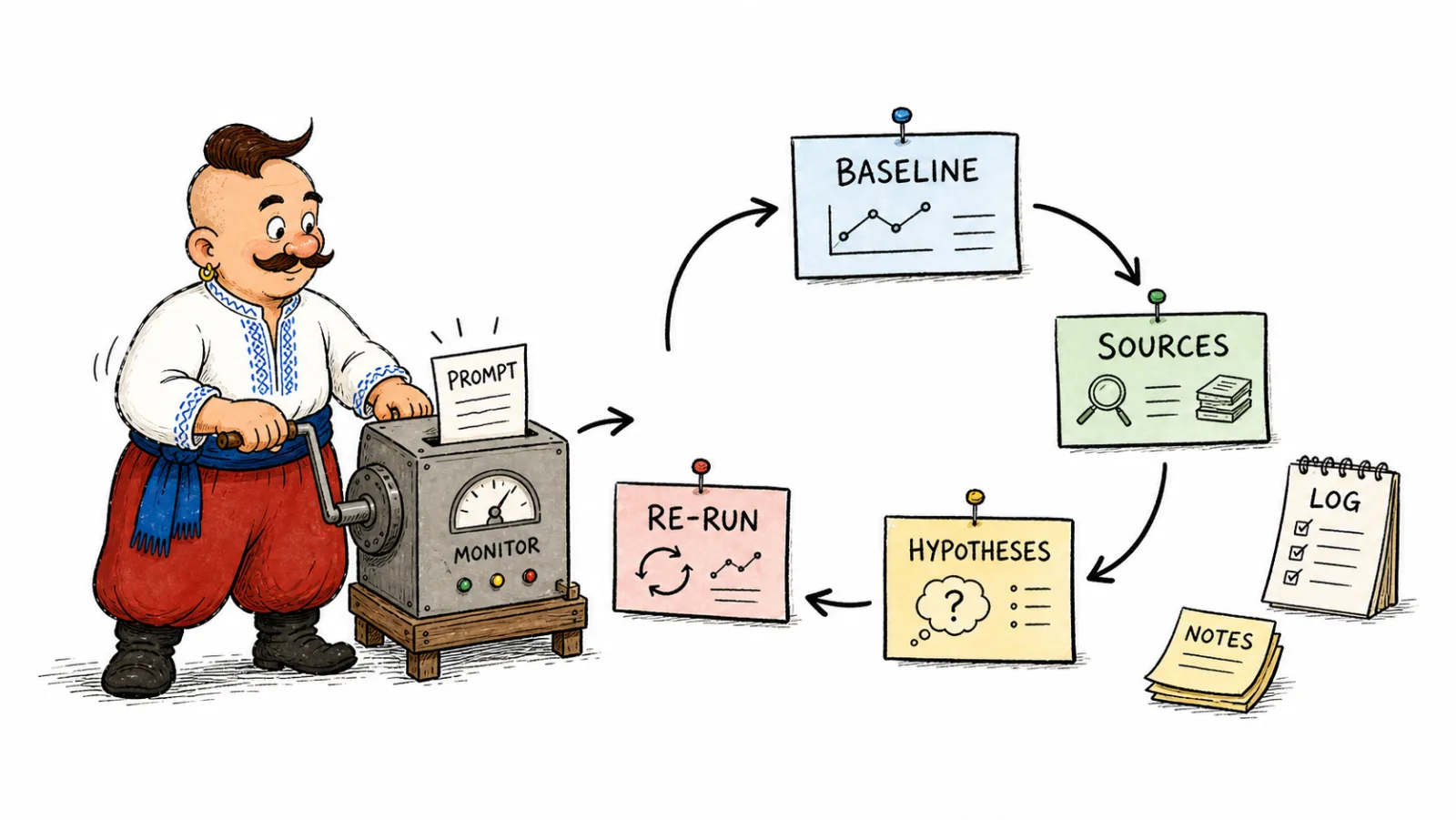
Record the exact wording, system, mode, date, and answer. In ChatGPT Search, a prompt may be turned into targeted search queries, and memory may affect search, as described in OpenAI's ChatGPT Search help. As of October 2026, this documentation describes ChatGPT Search; record the actual run conditions for other systems.
For a repeat-measurement example, VYDAI ran 15 prompts three times each through the Responses API with web search. The documented method used gpt-5.6-luna, the Responses API, its web search tool, and approximate UA location; these conditions define the setup for this study example. Average similarity between brand sets by Jaccard index was 67.15%; the index compares shared names with the union of brands in the answers. For a first diagnostic, repeat each prompt three times using this approach, then direct additional runs to scenarios where answers differ; this practical starting procedure comes from the study method. Some brands recurred in that sample, while the mix of recommendations changed across runs.
Variation differed by scenario: the gaming prompt had 17.78% average brand overlap across repeats, while the teenager scenario had 83.33%; the two comparison prompts had 100% overlap in this set of runs. This is why segment-level review matters: an overall average can hide an unstable use case. If that segment affects a business decision, check more prompts and repeats for it instead of increasing the whole pool evenly.
To make the result useful, distinguish brand presence from a recommendation and from a cited source. Label the type of each mention, save the answer and URL, and review examples that changed across runs. This gives the team more to work with than a change in the summary metric: you can see whether a recommendation disappeared, its explanation changed, or a different source appeared.
| What to record | How to interpret it |
|---|---|
| Brand mention | The name appears, even as an example or alternative |
| Recommendation | The system directly suggests the product or includes it among options |
| Source | The URL cited in the answer |
| Change between runs | Which name, recommendation, or URL appeared or disappeared |
An independent study by Grossman and coauthors in the SIGIR 2026 proceedings also compared repeated runs. For AI Overviews, average Jaccard overlap of source URLs under the same conditions was 0.66, while regular Google Search had 0.78. The authors drew a stratified random sample of 100 queries and compared two responses per configuration, as detailed in the study method. They measured source URL overlap, while VYDAI compared brand sets; these metrics capture different signals, and both show the value of repeat measurements.
For ChatGPT prompt monitoring and other platforms, keep the run conditions with the answer. OpenAI's prompt engineering documentation describes nondeterministic generation and possible differences between model snapshots. A practical next step is to check stability in your own scenarios, then record model, mode, or wording changes as separate conditions.
How often should I review AI tracking prompts
Review the pool when the product, audience, market, or selection criteria change. A new product line can create new scenarios; after a change in the offer, check whether the existing prompts still fit. When conditions are steady, first assess the answers you have collected: which prompts still test distinct decisions, where new brands or sources appeared, and which results vary across runs.
Do not edit the wording in the middle of a comparison cycle. Save a changed prompt as a separate version with its date and reason so you can compare like with like and understand which decision changed the result.
Frequently Asked Questions
How to choose prompts for AI visibility tracking? Describe a real customer decision, including the use case and any constraint that shapes the choice. Turn it into a short question that could produce a brand or category recommendation, then keep the wording for repeat measurement.
How should I separate branded and unbranded prompts when monitoring AI visibility? A branded prompt names the company; an unbranded prompt describes the need without it. Track the groups separately because one checks how a system describes the brand and the other checks whether it appears in category recommendations.
How many prompts should I track for AI visibility? Use a scenario-by-intent grid and include the cells relevant to your product. Add prompts when a missing customer situation would change what you learn; merge rows that test the same decision.
How often should I review AI tracking prompts? Review them after product, market, or audience changes and after assessing collected answers. Save revised wording as a new version so it remains clear which conditions each result belongs to.
How do I repeat prompts to track ChatGPT recommendations? Store the exact text, system, mode, and date with each answer. Repeat under the same conditions, and record a changed prompt or mode as a separate version.
How do I compare answers from different AI systems? Use the same customer scenario, then compare the brands and sources in each answer. Record the actual wording and mode whenever systems handle a prompt differently.
How we do it in VYDAI
As of October 2026, VYDAI onboarding lets you add prompts or generate suggestions and edit them. The Prompts page shows prompt text, results, and the last-checked date. VYDAI monitors ChatGPT, Gemini, Claude, Google AI Overviews, and Google AI Mode. Build the pool around customer decisions, then review how results change by scenario.
You can create an account or view the demo to see the prompt list and results in the product. You can also analyze the sources behind AI answers, turn an AI visibility report into an SEO, content, and PR plan, or review why your brand does not appear in AI answers. Start with buyer decisions and compare repeat results.