AI crawlers in robots.txt need separate rules by purpose. A search crawler can help a page appear in search answers, while a training crawler may collect public material for model development. Check the user-agent, which identifies the client in an HTTP request, and the host before changing access rules.
The table lists the main crawlers and robots.txt tokens, followed by examples for GPTBot, OAI-SearchBot, ClaudeBot, PerplexityBot, and Google-Extended. The file gives instructions to compliant crawlers; it does not protect private pages with a password.
What robots.txt controls
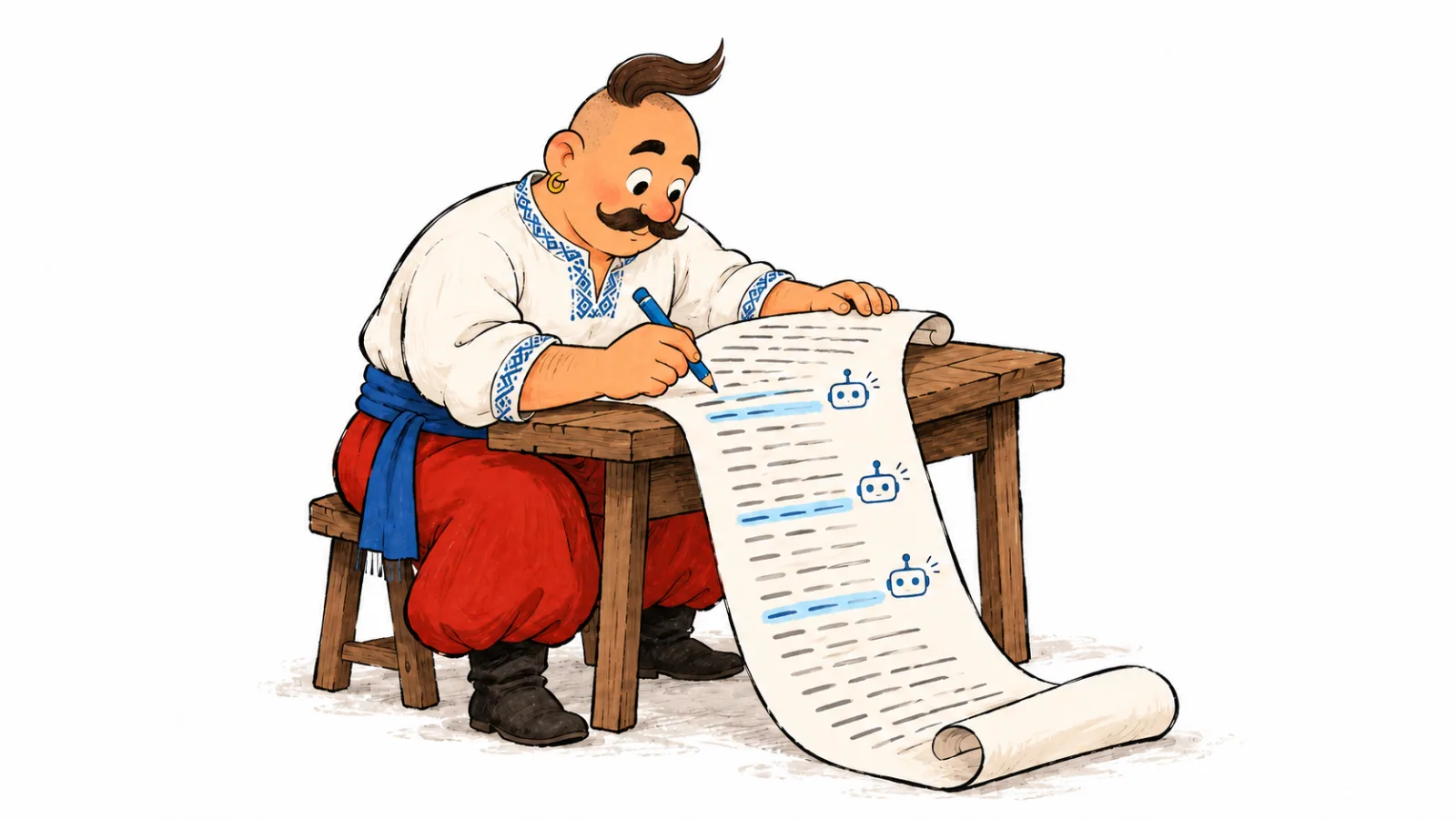
robots.txt is a text file at the root of the site, such as https://example.com/robots.txt. It is read by automated clients to understand which URLs the site owner allows or does not allow crawling.
The basic format is simple:
User-agent: ExampleBot
Disallow: /private/
Allow: /blog/

Sitemap: https://example.com/sitemap.xml
Each group starts with User-agent. A crawler uses the group for its token; User-agent: * provides default rules for clients without a more specific group. Group selection and path matching are described in RFC 9309.
If you are comparing robots.txt and llms.txt, see how to create an llms.txt file and why a site might use one.
RFC 9309 says these rules are not access authorization. robots.txt does not prevent people from opening a page, set a password, or guarantee that every bot follows the instructions.
The file helps manage crawlers that follow its rules. Protect private materials with authentication, server access controls, or a web application firewall (WAF). noindex controls search appearance; it does not protect a page. Use access controls for private URLs.
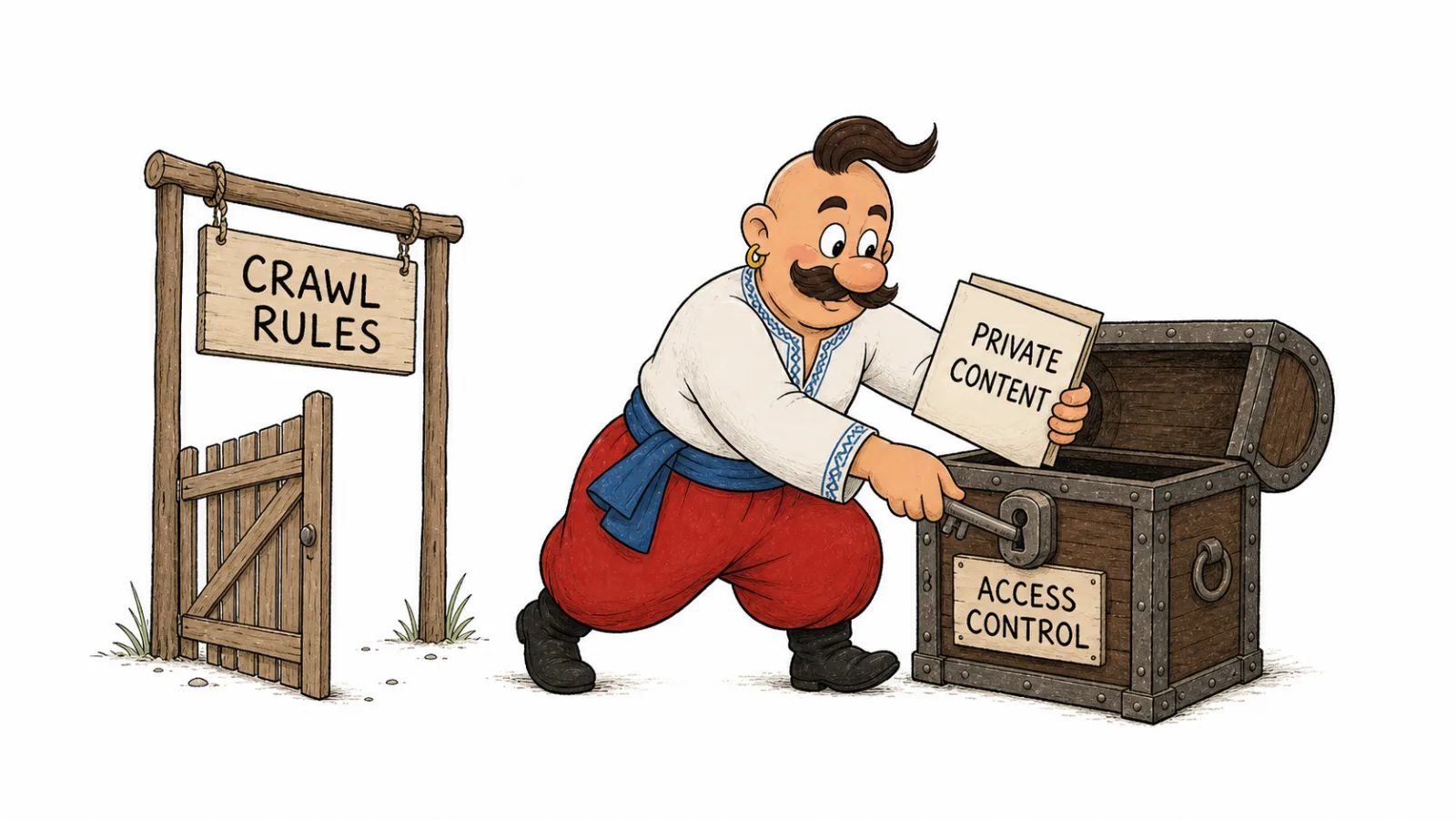
The rules apply to a specific protocol, host, and port. https://example.com/robots.txt does not control https://blog.example.com/; HTTP and HTTPS also need separate files. See Google's robots.txt scope documentation.
Why AI crawlers have different roles
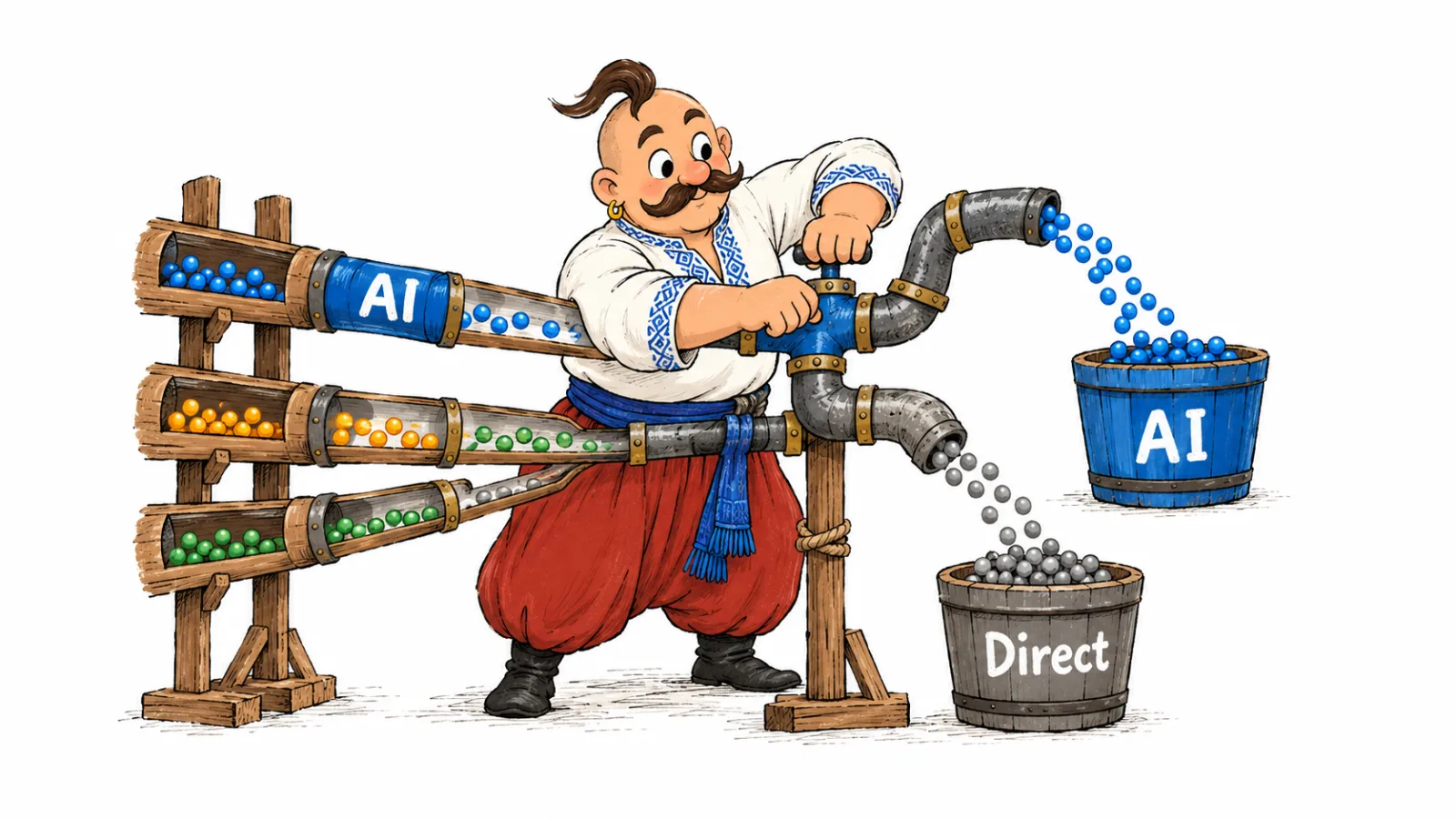
One service can use different user-agents for different tasks:
- training or improvement of foundation models;
- indexing for AI search;
- opening the page at the direct request of the user;
- technical verification of pages, advertising or security.
For example, a site owner can allow OAI-SearchBot for ChatGPT search answers and separately block GPTBot from collecting content for training. Each user-agent can have its own rule.
That is why it is better not to write one rough block:
User-agent: *
Disallow: /
This rule blocks all compliant crawlers, including Googlebot. Check its effect before using it on a site that needs to appear in Google Search.
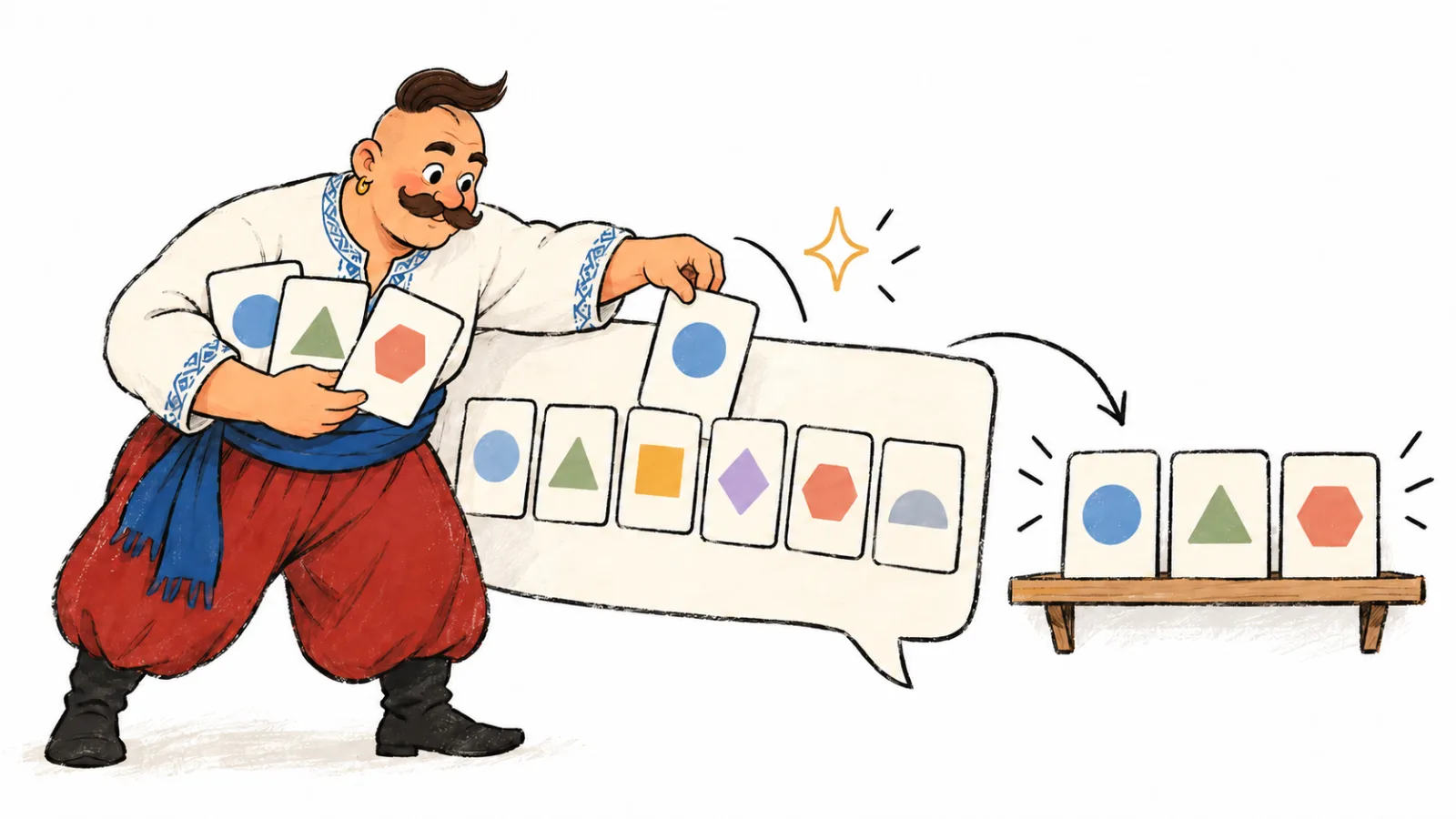
Training, AI search, and user-requested retrieval
Separate access for collecting material for model training, crawling for search answers, and opening a page at a user's request.
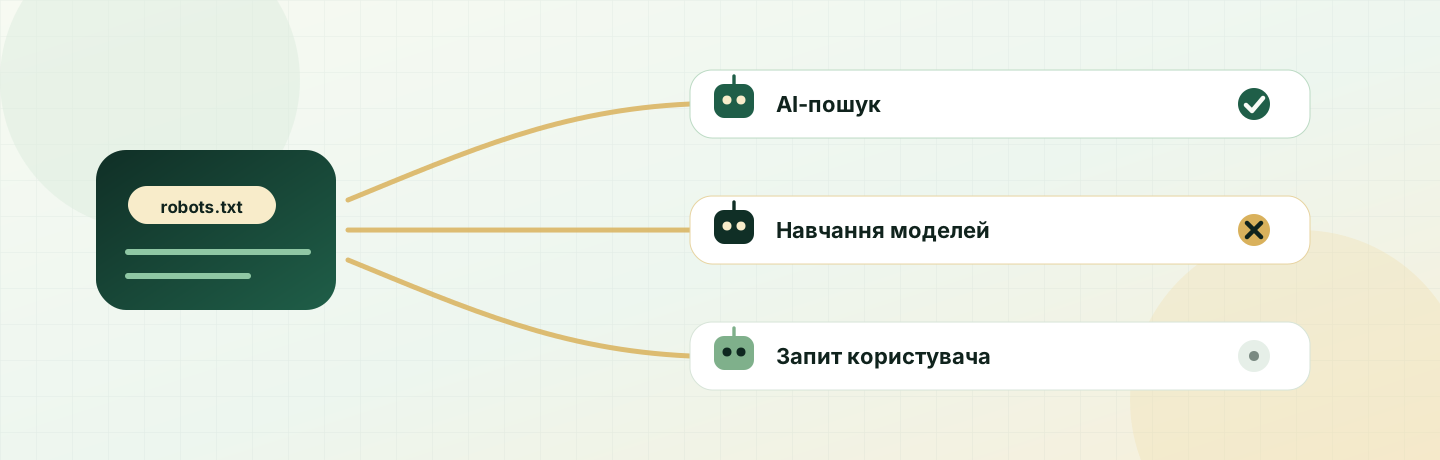
| Scenario | What happens | Why it matters |
|---|---|---|
| Model training | A crawler collects public content that may be used to train or improve models | Decide whether to allow this use of site content |
| AI search and indexing | A service crawls pages to show the site in answers, sources, and links | Page eligibility in ChatGPT Search, Claude, Perplexity, and other AI search features |
| User-requested retrieval | The user asks the AI to open a URL or perform an action, and the bot requests that page | Site availability when a user explicitly initiates access |
This distinction affects whether pages can appear in search answers. The article on AI visibility and SEO explains the broader effect of AI answers on the search journey.
Basic AI bots and what they mean
As of October 2026, the platforms' official documentation describes the roles below. This list covers major search and training user-agents, not every automated client on the web.
| Company | User-agent or token | Documented role | What blocking means |
|---|---|---|---|
| OpenAI | GPTBot | Crawls content that may be used to train foundation models | Signals that site content should not be used for this training |
| OpenAI | OAI-SearchBot | Helps sites appear in ChatGPT search answers | The site may not appear in ChatGPT Search answers, though it may remain a navigational link |
| OpenAI | ChatGPT-User | Opens a page after a user action in ChatGPT or Custom GPTs | robots.txt may not apply to user-initiated actions |
| Anthropic | ClaudeBot | Collects web content that may be used for model training | Signals that new site content should not be used for training |
| Anthropic | Claude-SearchBot | Crawls pages to improve Claude search | The site may be unavailable in Claude search answers |
| Anthropic | Claude-User | Opens a page at a Claude user's request | Claude may not receive the page in response to the request |
| Perplexity | PerplexityBot | Crawls pages for Perplexity search results | The site may be absent from relevant Perplexity results |
| Perplexity | Perplexity-User | Fetches a page when a user asks Perplexity to open it | Perplexity says these requests generally are not controlled by robots.txt |
Google-Extended | A robots.txt token for content use in Gemini Apps and Vertex AI | Does not control Google Search inclusion or ranking | |
| Apple | Applebot | Crawls pages for search features across Apple's ecosystem | The site may be absent from relevant Apple results |
| Apple | Applebot-Extended | A token for opting out of using Applebot content to train models | Apple says crawled content should not be used for model training |
| Common Crawl | CCBot | Collects pages for the Common Crawl open web archive | Common Crawl stops new crawling of pages covered by the rule |
| Amazon | Amazonbot, Amzn-SearchBot, Amzn-User | Crawling for Amazon and user-requested page access | Relevant Amazon services may not receive the page |
Use a list of AI bots for robots.txt to check which user-agent handles each task. OpenAI separates GPTBot from OAI-SearchBot: one relates to training, the other supports ChatGPT search. Sources: OpenAI crawler documentation, Anthropic crawler guidance, Perplexity crawler documentation, Google's crawler list, Applebot documentation, Common Crawl's CCBot guidance, and Amazonbot guidance.
OpenAI: GPTBot, OAI-SearchBot, and ChatGPT-User
OpenAI separates search from model training. In OpenAI documentation, OAI-SearchBot is described as a search crawler that helps sites appear in ChatGPT search results. GPTBot is a separate crawler for content that may be used to train foundation models.
How to configure GPTBot in robots.txt
Create a dedicated group and specify which paths it can crawl. To block the full site, add Disallow: /.
How to allow OAI-SearchBot in robots.txt
Give it a separate group. Keep GPTBot in its own group if search and training access should differ:
User-agent: OAI-SearchBot
Allow: /

User-agent: GPTBot
Disallow: /
This rule does not guarantee a brand mention. OpenAI says that blocking OAI-SearchBot prevents the site from appearing in ChatGPT search answers, although it may still appear as a navigational link.
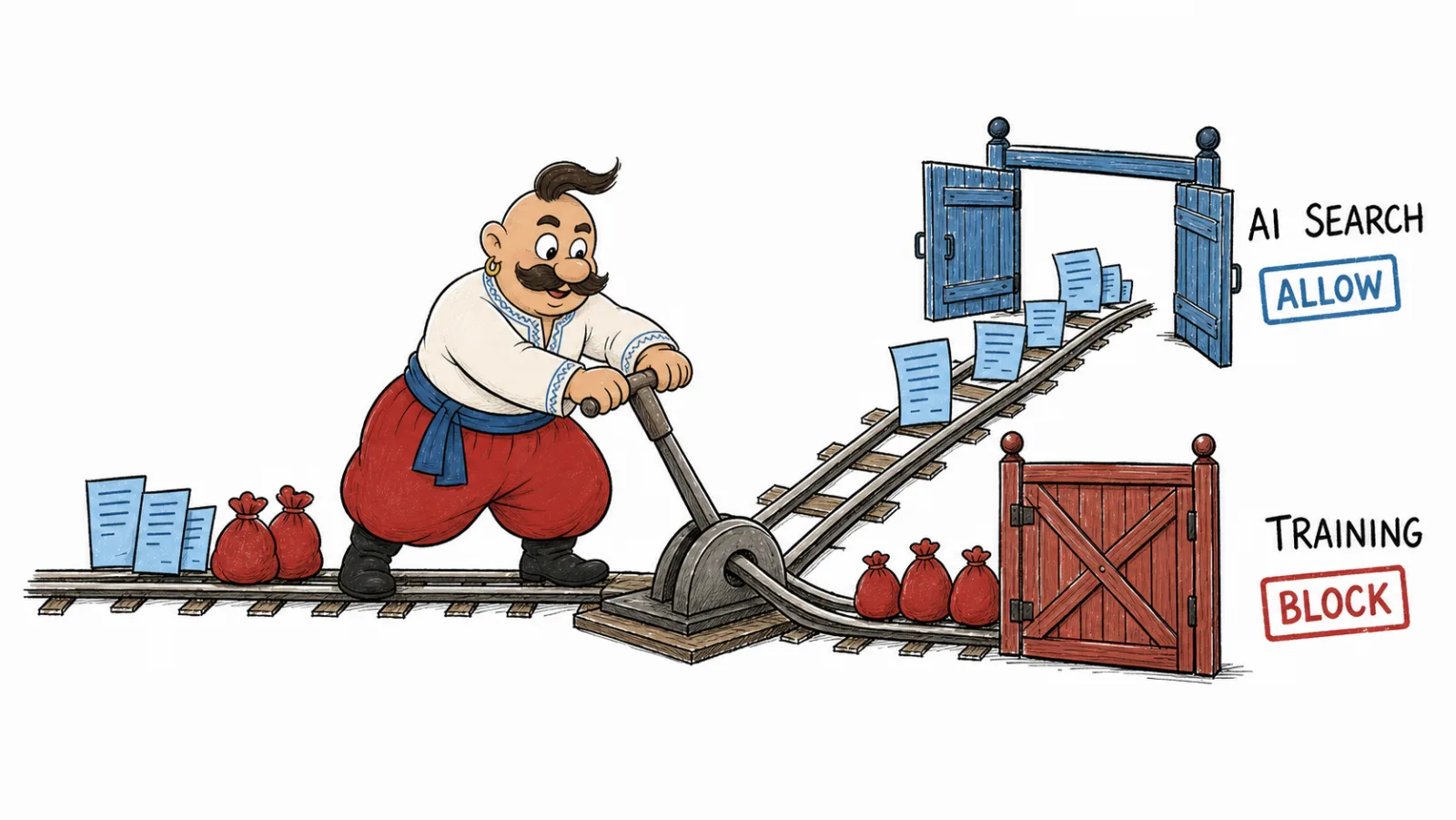
ChatGPT-User opens pages after an action in ChatGPT or Custom GPTs. OpenAI says robots.txt may not apply to these user-initiated requests, so protect private pages with server access controls.
Anthropic: ClaudeBot, Claude-SearchBot, and Claude-User
Anthropic explains their different roles in its crawler guidance: ClaudeBot collects web content that may be used for training, Claude-SearchBot improves Claude search, and Claude-User opens pages at a user's request.
How to block ClaudeBot in robots.txt
Create a separate group. Keep Claude-SearchBot allowed if pages should remain available in Claude search:
User-agent: ClaudeBot
Disallow: /

User-agent: Claude-SearchBot
Allow: /

User-agent: Claude-User
Allow: /
Do not block the crawler's IP at the firewall if you expect it to read new instructions from /robots.txt. Keep the file accessible.
PerplexityBot and Perplexity-User
Perplexity in its crawler documentation writes that PerplexityBot is needed to appear and link to sites in Perplexity results. It also states that PerplexityBot is not used to scan content for fundamental AI models.
How to manage PerplexityBot in robots.txt
Create a separate group for this user-agent and set access under your policy.
User-agent: PerplexityBot
Allow: /
Perplexity-User fetches a page after a person asks Perplexity to open it. Perplexity says these requests generally ignore robots.txt. Use authentication or server access controls for sensitive pages.
You can add a Perplexity-User rule as an instruction, but it is not a privacy control:
User-agent: Perplexity-User
Disallow: /clients/
Protect /clients/ with server-side authentication.
Google-Extended and Googlebot
Google-Extended does not have a separate HTTP user-agent. Google describes it as a control token in robots.txt; its existing Google user-agents crawl pages. See Google's Google-Extended documentation. To configure Google-Extended in robots.txt, create a separate group for it.
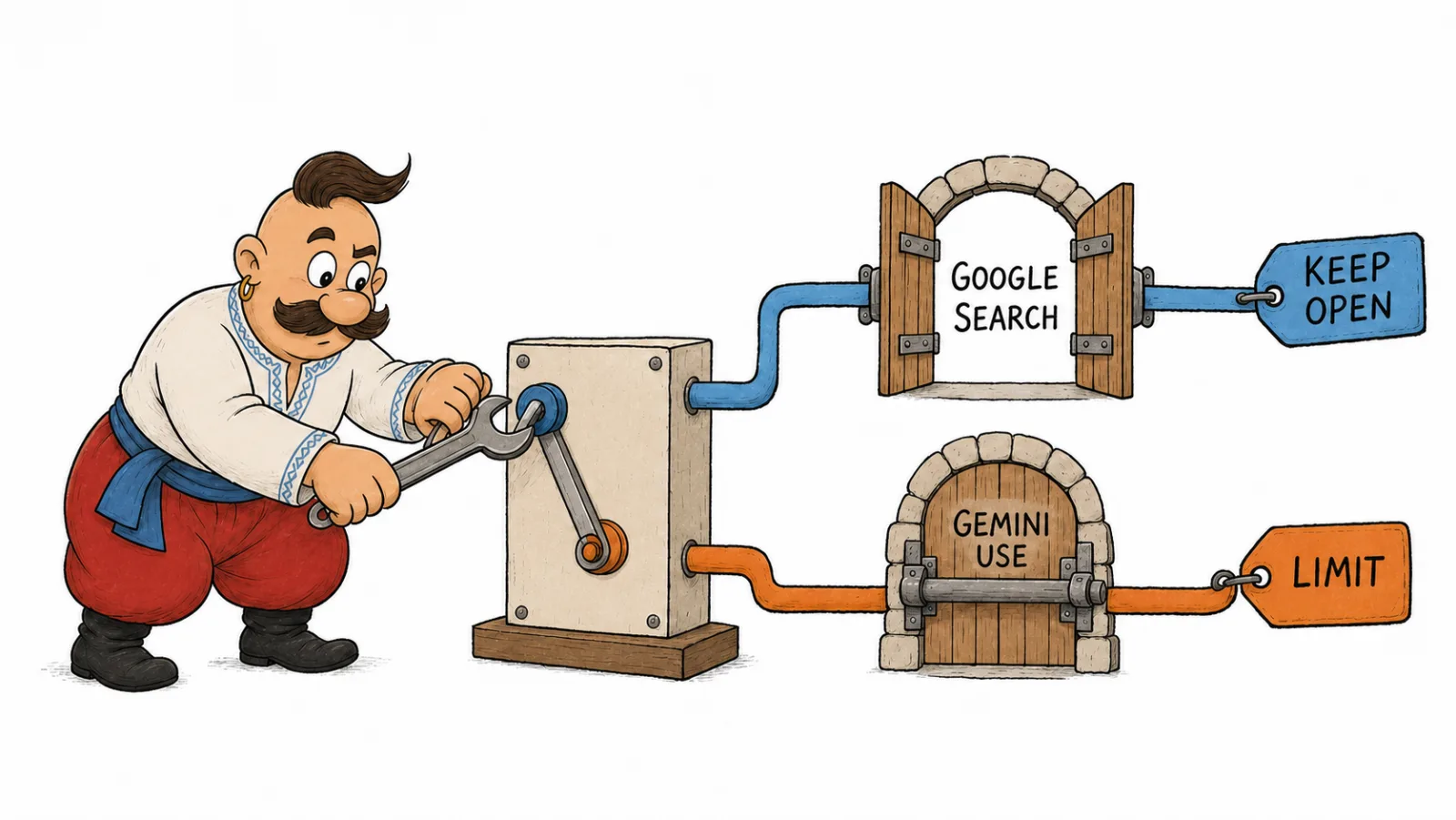
Google-Extended lets publishers manage whether crawled content can be used in Gemini Apps and Vertex AI. It does not control inclusion in Google Search or act as a ranking signal. Google AI Overviews and AI Mode are Google Search features; see Google's robots meta directives for controls on snippets and use of pages in these features.
If you want to keep regular Google Search open but limit Google-Extended:
User-agent: Googlebot
Allow: /

User-agent: Google-Extended
Disallow: /
If you use Googlebot instead of Google-Extended, the rule affects crawling for Google Search.
Ready-to-use robots.txt rules
These examples show separate policies. Before publishing, check which rules apply to the target URL and user-agent.
Scenario 1. Allow AI search but block training crawlers
This policy leaves search crawlers access while restricting some content-use scenarios.
User-agent: OAI-SearchBot
Allow: /

User-agent: Claude-SearchBot
Allow: /

User-agent: PerplexityBot
Allow: /

User-agent: GPTBot
Disallow: /

User-agent: ClaudeBot
Disallow: /

User-agent: Google-Extended
Disallow: /
Permission does not guarantee that a page will appear in answers. To review which sources models cite, see how to analyze sources AI relies on.
Scenario 2. Block the listed AI bots
Suitable for a site where AI visibility is not the goal, or for content with an increased risk of copying.
User-agent: GPTBot
Disallow: /

User-agent: OAI-SearchBot
Disallow: /

User-agent: ChatGPT-User
Disallow: /

User-agent: ClaudeBot
Disallow: /

User-agent: Claude-SearchBot
Disallow: /

User-agent: Claude-User
Disallow: /

User-agent: PerplexityBot
Disallow: /

User-agent: Perplexity-User
Disallow: /

User-agent: Google-Extended
Disallow: /
OpenAI says blocking OAI-SearchBot prevents a site from appearing in ChatGPT search answers, though it may remain a navigational link. Other platforms document their own behavior.
Scenario 3. Block individual sections
It is suitable when public blogs, documentation and service pages can be accessed, but service, client or archive sections are not.
User-agent: GPTBot
Disallow: /clients/
Disallow: /internal/
Allow: /blog/
Allow: /services/

User-agent: OAI-SearchBot
Disallow: /clients/
Disallow: /internal/
Allow: /
Check how each crawler applies Allow and Disallow before publishing this template.
Scenario 4. Keep Google Search open and limit Google-Extended
Suitable when a site needs to stay in Google Search, but the team wants to limit Google-Extended.
User-agent: Googlebot
Allow: /

User-agent: Google-Extended
Disallow: /
For URL paths, the longest matching rule applies and matching should account for case. These rules appear in RFC 9309 and Google's robots.txt specification. As a result, /blog/ and /Blog/ may produce different results.
How to check that the rules work
After publishing, check that the file is accessible and review actual requests to the site.
- Open
https://domain.com/robots.txtin a browser. Confirm that the server returns the file, not an HTML error page or an access denial. - Check the rules for each subdomain. If a blog lives on
blog.example.com, it needs its ownrobots.txt. - Check server logs for these user agents:
GPTBot,OAI-SearchBot,ChatGPT-User,ClaudeBot,Claude-SearchBot,Claude-User,PerplexityBot,Perplexity-User, andGooglebot. OpenAI saysChatGPT-Usermay not be governed byrobots.txt, while Perplexity saysPerplexity-Usergenerally ignores it (OpenAI, Perplexity). Their presence after aDisallowrule does not by itself prove that the rule failed. For a period-wide view of visits and bulk IP checks, see AI crawler log analysis. - Match the user-agent with official IP ranges if the provider publishes them. Only a user-agent can be faked.
- Check the CDN and WAF. Cloudflare, AWS WAF, nginx, security plugins, or WordPress plugins can block the bot even before it reads
robots.txt. - Allow time for rules to update. As of October 2026, OpenAI says its systems may take about 24 hours to apply OAI-SearchBot changes (OpenAI crawler documentation). Other platforms may update on a different schedule.
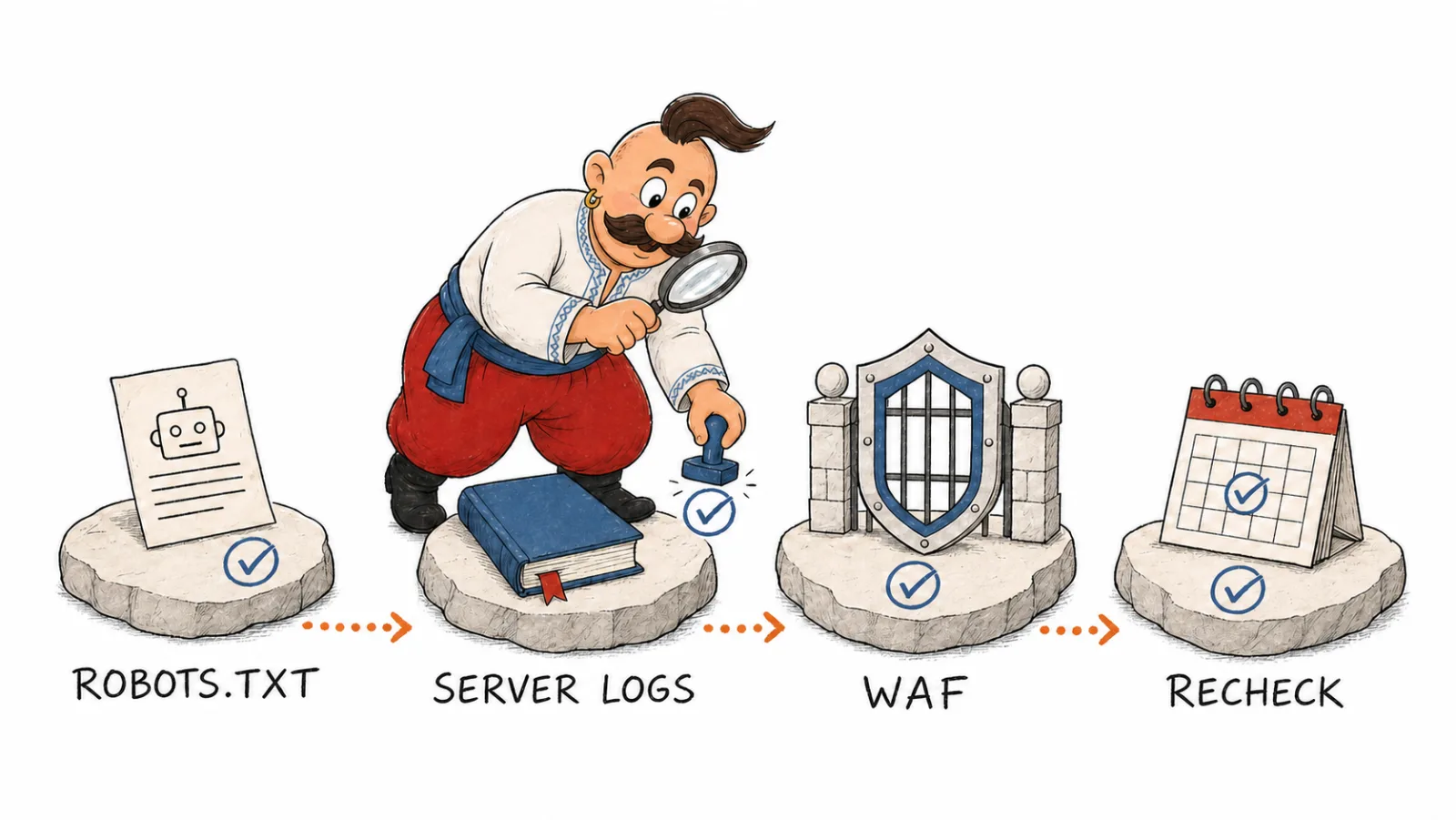
Also check whether priority pages were blocked accidentally. If previously cited pages disappear after a rules change, access may be the cause. See which website pages most often appear in AI answers for a method to identify pages that should remain accessible.
Common mistakes
Check that you have not confused GPTBot with OAI-SearchBot, Googlebot with Google-Extended, or the main host with a subdomain. Disallow tells a compliant crawler not to fetch a path; it does not by itself remove a URL from an index. Anyone can read paths listed in a public robots.txt. RFC 9309 allows crawlers to cache the file, and not every crawler supports the non-standard Crawl-delay directive.
robots.txt sets crawling rules; it does not explain why a page should be cited. That depends on its content, accessible structure, and sources. For technical markup, see how structured data affects AI visibility.
Which policy to choose for different sites
Choose rules based on whether the site should be available for search, content collection for training, or both.
| Site type | Practical policy |
|---|---|
| Blog or media | Allow search bots if you want pages to be eligible for answers; decide separately about training crawlers |
| SaaS or service site | Allow product, blog, FAQ, and documentation pages; protect private accounts, test environments, and client areas |
| Ecommerce | Allow categories, product pages, and help content; protect carts, internal search, parameter filters, and personal accounts |
| B2B company | Leave service pages, cases, expert materials available; handle PDFs, price lists, and client materials with care |
| Closed knowledge base | Do not rely on robots.txt; set authorization and server access control |
| Medical, legal, or financial website | Review the policy with a legal or compliance specialist if content has access restrictions |
After changing rules, check robots.txt access for each host, server responses, and request logs.
Quick check
Decide which systems should find the site and whether you allow pages to be used for training. Create separate user-agent groups, check the file for the right host, and compare test responses with server logs. This is how to manage AI crawlers in robots.txt without confusing search with training collection.
Frequently asked questions
Will blocking GPTBot remove my site from ChatGPT? No. OpenAI says OAI-SearchBot controls whether a site can appear in ChatGPT search answers, while GPTBot relates to model training. Check both groups separately.
how to block GPTBot with robots.txt?
Create a User-agent: GPTBot group and add Disallow: / to ask it not to crawl the site. Keep a separate OAI-SearchBot rule if ChatGPT search should remain available.
how to allow ChatGPT to crawl a website
Allow OAI-SearchBot in robots.txt. This lets ChatGPT Search crawl pages, but does not guarantee that a specific page will appear in an answer.
Why is a bot still visiting after I added Disallow?
Check the host, user-agent group, whether /robots.txt is accessible, and server logs. Perplexity says user-initiated Perplexity-User requests generally are not controlled by this file.
GPTBot vs OAI-SearchBot: what's the difference? GPTBot collects pages that may be used for model training. OAI-SearchBot crawls pages for ChatGPT search answers. OpenAI's crawler documentation describes these as separate controls.
Does Google-Extended affect Google Search? No. Google says Google-Extended does not affect inclusion in Google Search or work as a ranking signal. Path matching and case rules are in RFC 9309.
How we do it in VYDAI
The VYDAI GEO audit checks robots.txt for a URL and sends test requests with user-agent strings such as OAI-SearchBot, Claude-SearchBot, and PerplexityBot. It can also flag a server response that looks like a WAF page instead of the site's content. This checks access; it does not mean VYDAI monitors brand mentions in Perplexity.
For Google-Extended, the audit reads the rule in the file but does not send a separate HTTP request because Google does not use this token as an HTTP user-agent. A VYDAI test request does not verify an official crawler; confirm the request source in server logs and against the provider's published IP ranges. Open the GEO audit or register for VYDAI.