To create llms.txt, add your site name, a short factual summary, and links to useful public pages. It is a proposed Markdown format, a way to structure plain text, not a Google requirement: Google Search does not use llms.txt and says the file does not affect Search visibility or rankings. In Ahrefs' May 2026 sample, 97% of the files found received no HTTP request that month. First decide on a real workflow in which an agent will be given the file URL. llms.txt for a website with documentation can serve as a short index for that workflow. If your goal is AI search visibility, start with our guide to AI visibility and its relationship to SEO.
What is llms.txt
Jeremy Howard published the proposal on September 3, 2024, according to the proposal site. As of October 2026, the site still describes it as an open proposal, not a required web standard. It suggests a short file at /llms.txt with context and links that an agent may need when working with a site.
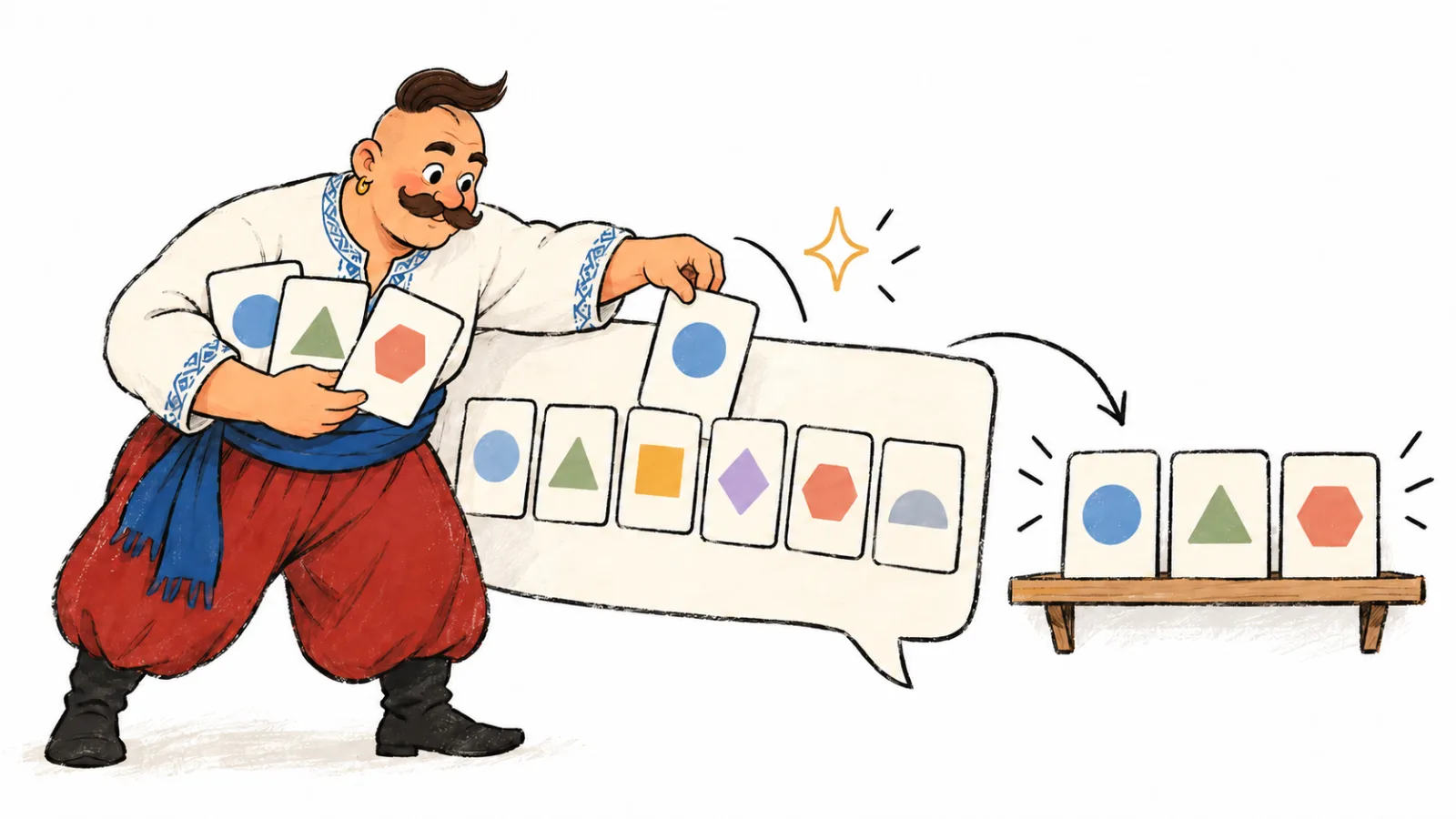
A product page is built for people. It may include navigation, repeated interface elements, and scripts. An agent looking for pricing or a setup guide has to separate those elements from the useful content. The proposal offers a compact starting point with links to the full pages. That is a suggested workflow, not a promise that every chatbot will discover the file automatically.
Who requests llms.txt
A public URL does not mean a system fetches it. Ahrefs' study of 137,210 domains covered Web Analytics domains that received traffic in May 2026. Ahrefs checked responses from /llms.txt and classified the user agents in server logs. Its customers are more technical than the web at large, so the share of sites with a file should not be generalized to all websites.
| Who or what | What sources show as of October 2026 | What it means |
|---|---|---|
| Google Search | Google says Search itself does not use llms.txt. The file neither helps nor harms visibility or rankings. | Do not create it to qualify for Google AI Overviews or AI Mode. |
| Chrome Lighthouse | The Lighthouse audit for llms.txt marks a missing file with a 404 response as Not Applicable. | An audit exists, but it does not make the file a Search requirement. |
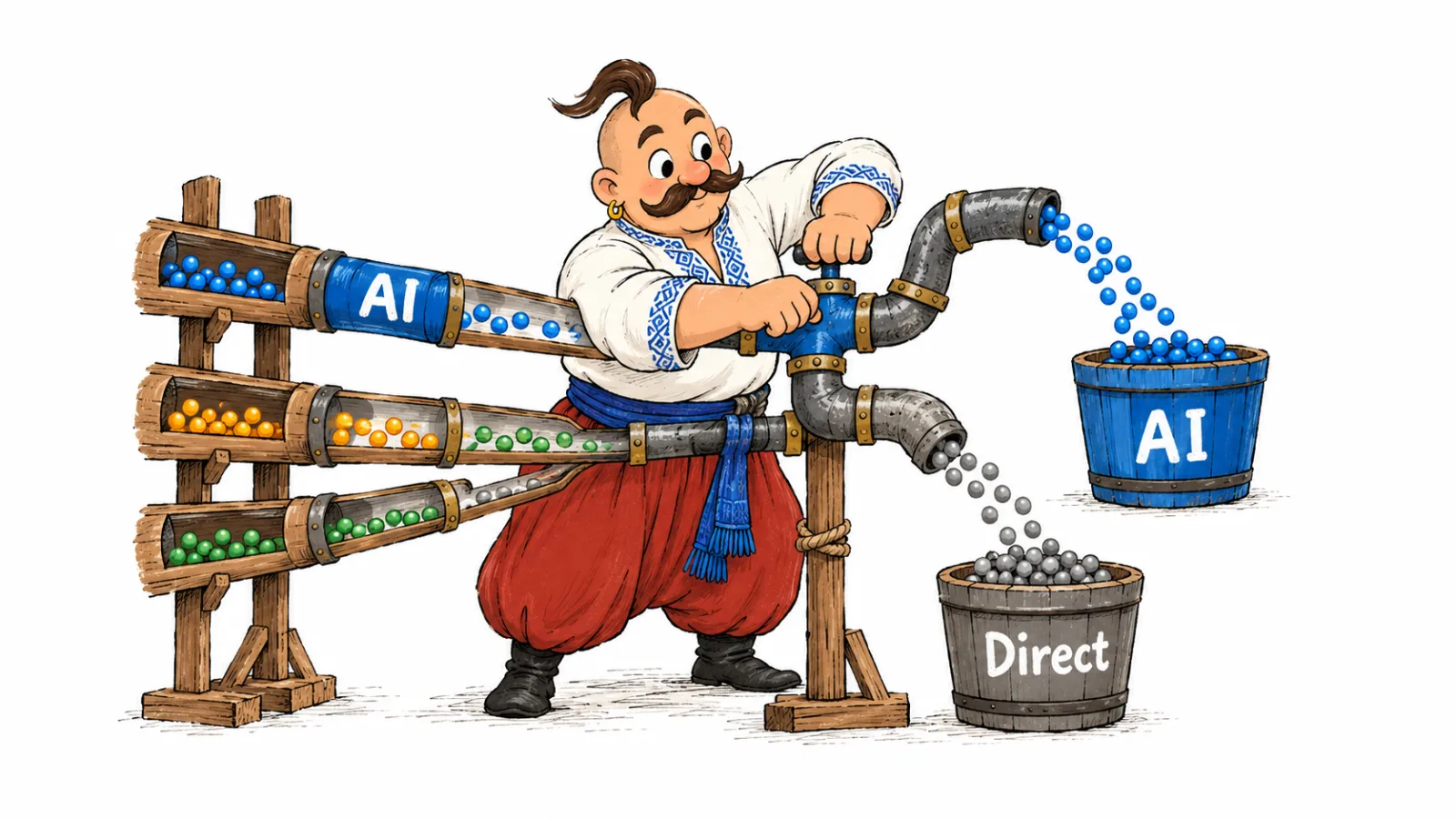
| AI bots | Ahrefs' server logs classified 19.5% of requests as traffic from AI bots across several categories. Retrieval bots OAI-SearchBot and PerplexityBot made 1.1% of requests; the AI assistant category, which includes ChatGPT-User, made 2.5%. | A user agent identifies the program making a request, but does not show that the file affected an answer or citation. |
| Coding tools | GPTBot was the most frequent named AI user agent and Claude-Code was second. The proposal names software documentation as a likely use case. | You can give an agent the file URL. Do not assume Cursor or Claude Code will find every site's file on its own. |
| Documentation platforms and vendors | Mintlify can generate llms.txt and llms-full.txt. Anthropic, Stripe, and Cloudflare publish files. | Publication shows availability, not use by consumer AI search. |
In the Ahrefs sample, 28% of domains returned a Markdown file with HTTP 200; this was not a check that every file followed the proposal. Of the domains with a file, 97% received no request in May 2026, and bots made 96% of requests to existing files. The sample is more technical than the web at large, and its request data covers one month. It records HTTP fetches, not whether a program used the file's contents.
Server logs can show that a program fetched a file. They cannot establish whether an AI search feature relied on it for a particular answer.
Google's Markdown documentation
In May 2026, John Mueller explained that Google publishes Markdown copies of developer documentation because coding tools can parse them efficiently. He called this a temporary way to save tokens, since those tools can also read HTML. This explanation is about Markdown copies of documentation pages, not a standalone llms.txt file. Search Engine Journal's report on Mueller's explanation makes that distinction.
Does your site need llms.txt?
Start with the likely reader and the person who will maintain the file. For a website, llms.txt is useful only when an agent has a reason to follow its links. If you can name a workflow where an agent gets the URL and follows its links, publishing may be useful. If the only goal is appearing in Google AI Overviews, focus instead on Google AI Overviews and AI Mode eligibility.
| Site or goal | Decision | Next step |
|---|---|---|
| Developer documentation, APIs, or SDKs | Create one when agents work from your docs. | Link to key sections and any useful Markdown versions. |
| SaaS with a knowledge base | Create one if someone owns updates. | Select setup, product, pricing, security, and support pages. |
| Shopify store | Check Shopify's managed file first. | Shopify builds /llms.txt from /agents.md; edit agents.md.liquid when needed. |
| WordPress service or company site | A plugin or manual file can work, but useful pages and access come first. | Review which pages a generator includes and correct titles and descriptions for llms.txt on WordPress. |
| Small site with a few pages | Defer it unless an agent workflow needs the file. | Make sure the important pages are clear and accessible. |
| Goal: appear in Google AI Overviews | llms.txt is not the route. | Follow Google's Search guidance and monitor Search Console. |
The file does not control crawler access, replace a sitemap, repair weak pages, or guarantee citations. Use robots.txt and access controls for crawling rules and private areas.
llms.txt vs robots.txt and sitemap.xml
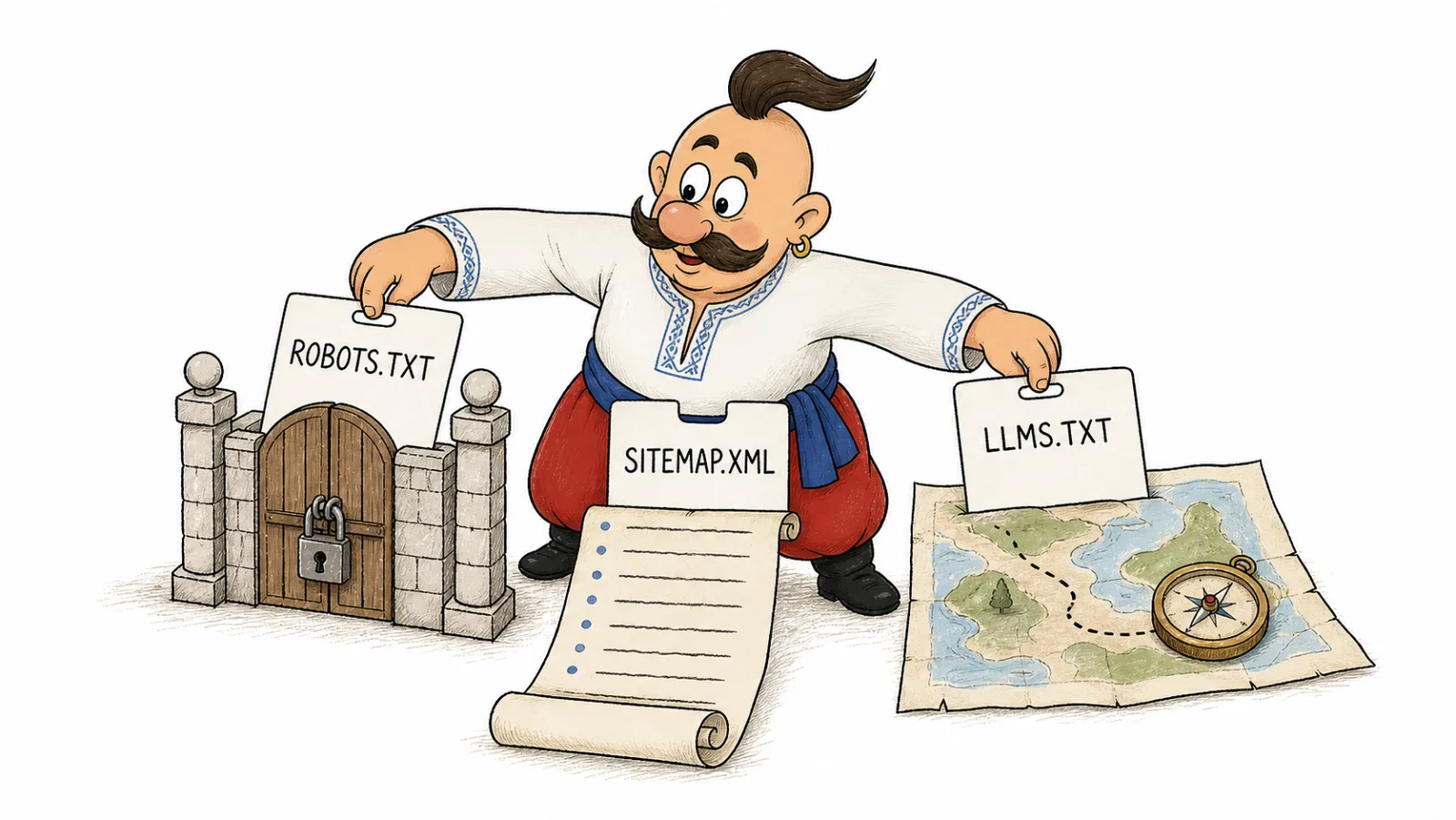
These files have different jobs. robots.txt states crawl rules for compatible bots, sitemap.xml lists URLs, and llms.txt offers a short context and a selected set of links. See our guide to controlling AI crawlers with robots.txt for access rules.
| File | Main role | What not to expect |
|---|---|---|
robots.txt | Gives compatible crawlers rules for site paths. | It does not describe pages or rank their importance. |
sitemap.xml | Lists URLs that a site owner wants search engines to discover. | It does not explain why one page matters for a question. |
llms.txt | Provides brief context and a curated list of pages. | It does not control access or need to list every URL. |
The llms.txt proposal describes the file as something that can coexist with existing standards. Do not copy every sitemap URL into it. Select pages that reflect the site's purpose.
llms.txt format and specification status
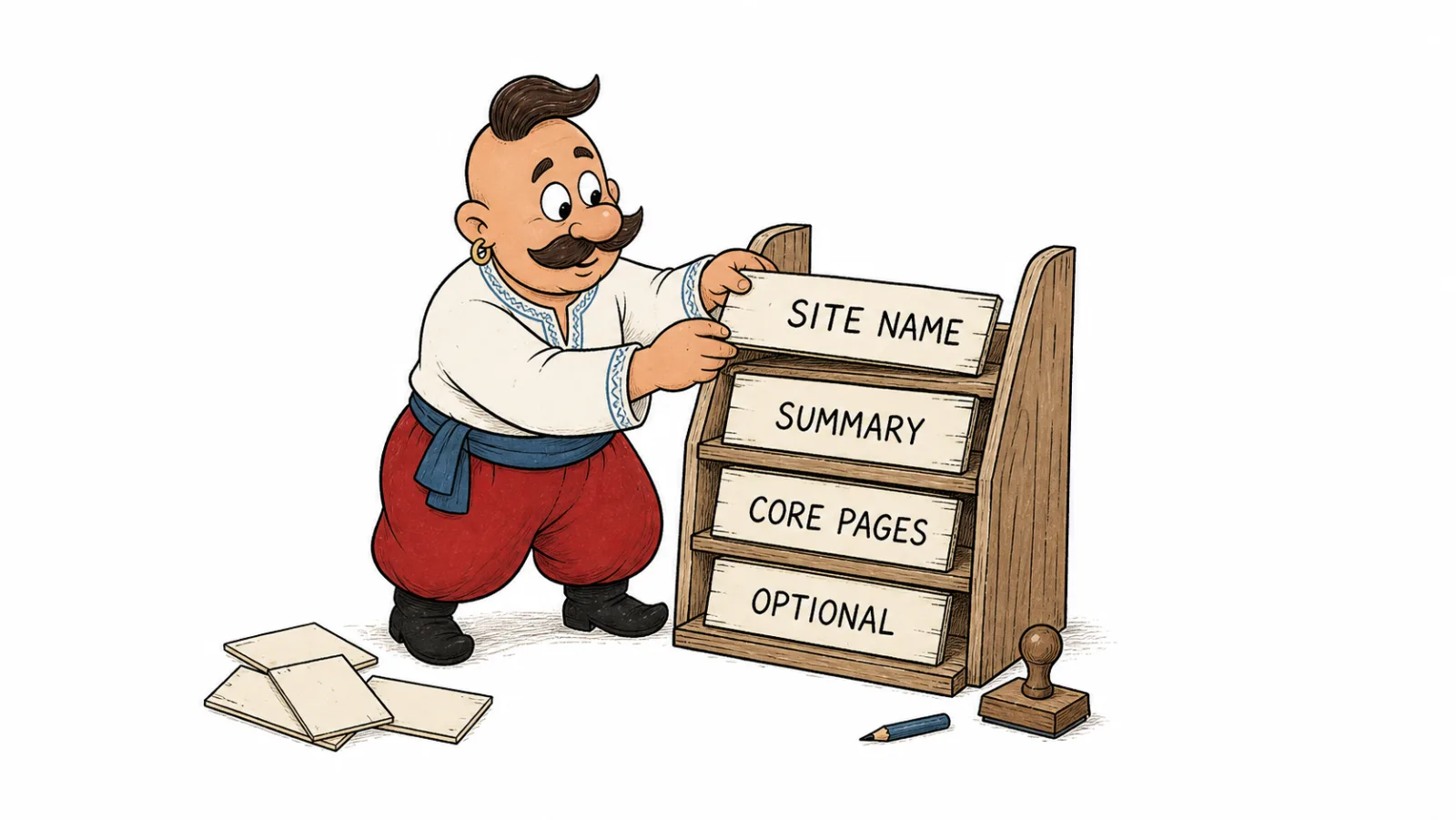
As of October 2026, the proposal format has one required element: an H1 with the project or site name. Other elements add context or group links.
| Element | Status in the proposal | Example |
|---|---|---|
| H1 with the site name | Required and the only required element | # Example Store |
| Short blockquote summary | Recommended | > An online store for home appliances. |
| Plain paragraphs | Allowed for context | Shipping and warranty details are in the customer section. |
| H2 sections with URL lists | Main way to group links. A link label is required; a description after a colon is optional. | - [Shipping](https://example.com/shipping): Delivery options and timing. |
## Optional section | Convention for secondary material, not a requirement | ## Optional |
| Markdown versions of pages | Proposed for pages an agent may need | https://example.com/shipping.md |
| File location | Site root or a subpath such as /docs/llms.txt; a more specific file applies to its subtree | https://example.com/llms.txt |
| Content-Type, charset, and language | Not specified by the proposal | Check the live response headers and text. |
The format proposal uses Markdown links in each list item. Add a short description after the colon only when it explains the page better than its title. There is no required number of sections or links.
llms.txt example for an online store
Here is a fictional example for a home appliance store. example.com is a reserved example domain under RFC 2606, and Example Store is a made-up name.
# Example Store

> An online home appliance store. Product categories describe available equipment. The customer section covers delivery, payment, returns, and warranty.

## Catalog

- [Large appliances](https://example.com/catalog/large): Refrigerators, washing machines, and cooktops.
- [Small appliances](https://example.com/catalog/small): Vacuums, kettles, and kitchen equipment.

## For customers

- [Delivery and payment](https://example.com/delivery-payment): Available delivery and payment methods and estimated timing.
- [Returns](https://example.com/returns): Return terms and steps.
- [Warranty and service](https://example.com/warranty): Warranty coverage and repair information.
- [Frequently asked questions](https://example.com/faq): Answers about orders, delivery, and service.

## Optional

- [Buying guides](https://example.com/blog): Advice on choosing and caring for appliances.
Descriptions should help a reader choose which page to open. Promotional wording does not do that.
| Weak description | More useful description |
|---|---|
| Great prices! | Current refrigerator prices and model specifications. |
| Shipping | Delivery methods, cost, and estimated timing. |
| About us | Business contacts, opening hours, and company details. |
| Our blog | Practical advice on choosing and caring for appliances. |
Which pages should you include
Start with pages that answer customer questions or explain the product. A store may include categories, delivery, returns, warranties, and help pages. A software company may include features, pricing, integrations, documentation, and support terms. Do not add a URL simply because it appears in the navigation.
Choose a small set of useful evergreen articles instead of the entire blog archive. Our guide to analyzing sources and citations in ChatGPT can help you review which pages support AI answers. Check that each URL opens, matches its description, and does not lead to an outdated copy.
llms-full.txt and Markdown page versions
The llms.txt proposal suggests clean Markdown versions for pages an agent may need. This is optional. First make sure the index points to accurate versions of the pages.
llms-full.txt is a larger companion file that can combine page content for an agent to fetch in one go. It is a platform practice, not a required part of the minimal proposal. Mintlify documents automatic generation, Shopify documents /llms-full.txt, and X Developer Docs shows its documentation file set. A large documentation site may benefit from that setup; a small company site may only need the index.
How to create llms.txt step by step
- Assign an owner, such as the documentation, content, or site lead.
- Collect important public URLs and remove duplicates. Check whether similar pages have different purposes.
- Write the site name and a short factual summary. State what the site offers and where readers can find key information.
- Group links under clear headings such as
Catalog,For customers,Documentation, orPolicies. - Add a short description when the page title needs more context. Do not claim anything the page does not say.
- Save the file as
llms.txtin UTF-8. - Publish it at the site root or under the relevant path, then check the live URL and every link.
- Review it when pricing, policies, documentation structure, or URLs change.
How to publish llms.txt on WordPress, Shopify, or a static site
As of October 2026, publishing depends on the platform and access to the site root. A plugin or template can create the file, but review the output after it is live.
| Platform | How to publish | What to check |
|---|---|---|
| WordPress with Yoast SEO | Yoast describes automatic generation and manual or automatic page selection. | Review the output and remove unwanted page types. |
| WordPress with Rank Math | Rank Math documents its LLMS Txt module, including content types, a page limit, and preview. | Confirm the module is enabled and the file is not empty. |
| WordPress.com | WordPress.com documents manual upload through SFTP to htdocs. Availability depends on the plan. | Confirm the available path and upload method for your plan and hosting. |
| Shopify | Shopify builds /llms.txt from /agents.md. | For llms.txt on Shopify, edit agents.md.liquid to customize the default. Use llms.txt.liquid only if that file needs different content. |
| Static site or Next.js | Put the file in the directory served from the site root, such as public/ when that is the configured static folder. | After deployment, check /llms.txt on the live site. A file in the repository alone is not enough. |
The proposal does not specify a response Content-Type, character encoding, or multilingual setup. Save non-English text as UTF-8 and check the response headers. Live files from Stripe and Cloudflare use text/markdown and text/plain. A charset=utf-8 parameter tells clients how to decode the text. It helps preserve Cyrillic characters, but it is a practical recommendation rather than a rule in the proposal.
The proposal is silent on multilingual sites. You can include both language versions in one file and label each link. A separate /en/llms.txt is a design choice, not a rule. Shopify documents one file on the primary domain without a localized version.
How to validate llms.txt
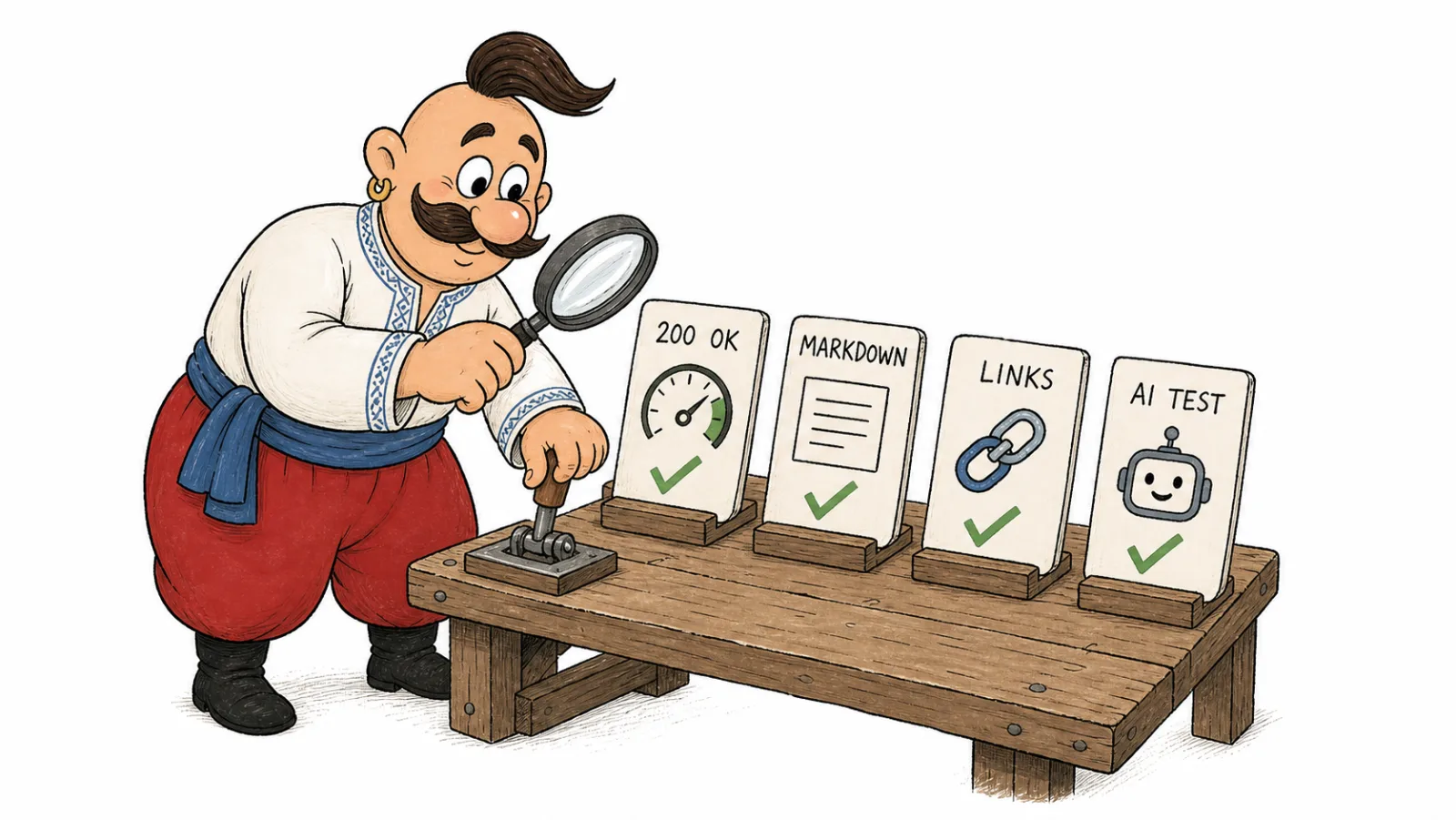
Check the live URL, response headers, and body. These commands show the server response and the first lines of the file.
curl -sI https://example.com/llms.txt
curl -s https://example.com/llms.txt | head
Look for a 200 status and a Content-Type header. Check for charset=utf-8 and make sure the request does not pass through unnecessary redirects. The second command should show Markdown, not an HTML challenge, CAPTCHA, or error message. A 200 status alone does not prove that the body is the right file.
| Check | How to confirm it |
|---|---|
| URL | Open https://example.com/llms.txt without signing in. |
| Status and redirects | Confirm the final response is 200 at the expected URL. |
| Content-Type and encoding | Review Content-Type; confirm non-English characters display correctly. |
| Body | Confirm the server returns Markdown rather than an error or security page. |
| Links | Open each URL, compare its content with the description, and remove outdated or private pages. |
| Agent test | Give an agent only the file URL and ask where the return policy is. The proposal's author suggests testing questions this way. |
| Requests in logs | Check whether the server received requests to /llms.txt. A request does not prove use in an AI answer. |
The Chrome Lighthouse audit is an optional extra. A missing file that returns 404 is marked Not Applicable. If the URL returns a CAPTCHA or security error, check the CDN or WAF, a network layer that filters requests. Our guide to checking access for AI crawlers explains the difference between access rules and the server's actual response. For a broader technical review, see the GEO audit checklist.
A working and well-formed file does not show that AI search used it or that citations changed. Server logs can show requests. Measure brand mentions and cited sources separately in VYDAI monitoring.
Common llms.txt mistakes
- Naming the file
llm.txt,ai.txt, orLLMS.txt. The proposal uses the lowercase namellms.txt. - Adding every discovered URL without editorial selection. The file should guide a reader, not duplicate the whole sitemap.
- Writing broad promises instead of describing the page. Check each line against its destination.
- Leaving duplicate links, outdated pricing, broken redirects, or private URLs such as a cart, account, or staging page.
- Mixing a content index with access rules.
robots.txtandllms.txthave different roles. - Expecting better visibility or more citations simply because the file exists.
- Forgetting to assign an owner. A description can become inaccurate when policies, prices, or URLs change.
Frequently Asked Questions
Does llms.txt help SEO? No. Google's Search guidance says the file neither helps nor harms Search visibility or rankings. The official guide to generative AI features in Search also says Google Search does not use llms.txt.
Does llms.txt help Google AI Overviews? No. Google Search does not use llms.txt. Its official guide discusses llms.txt and Google AI Overviews among the practices that are unnecessary for Search's generative features.
Do AI bots read llms.txt?
Ahrefs recorded fetches from different bots, including retrieval and training crawlers. A request shows that a program fetched the URL; it does not prove an AI answer used the file. GPTBot was the most frequent named AI user agent in the study.
llms.txt vs sitemap: which one do I need?
Both, if llms.txt has a real reader. sitemap.xml helps search engines discover URLs, while llms.txt tells agents which pages matter and why. One does not replace the other.
What is llms-full.txt?
It is a companion file that can contain fuller text from a site's pages. The llms.txt proposal discusses Markdown versions of linked pages; the combined llms-full.txt file is a platform practice.
Do I need a CMS plugin to create llms.txt? No. It is a Markdown file you can write in a text editor. WordPress users can also use Yoast SEO or Rank Math, then review the generated file.
How we do it in VYDAI
As of October 2026, the VYDAI generator can discover pages from a sitemap or a Sitemap: entry in robots.txt. In the generator, you can add sitemap URLs, set crawl depth and page limits, and exclude URLs by fragments. It reads headings, JSON-LD, and metadata, then drafts a summary and sections.
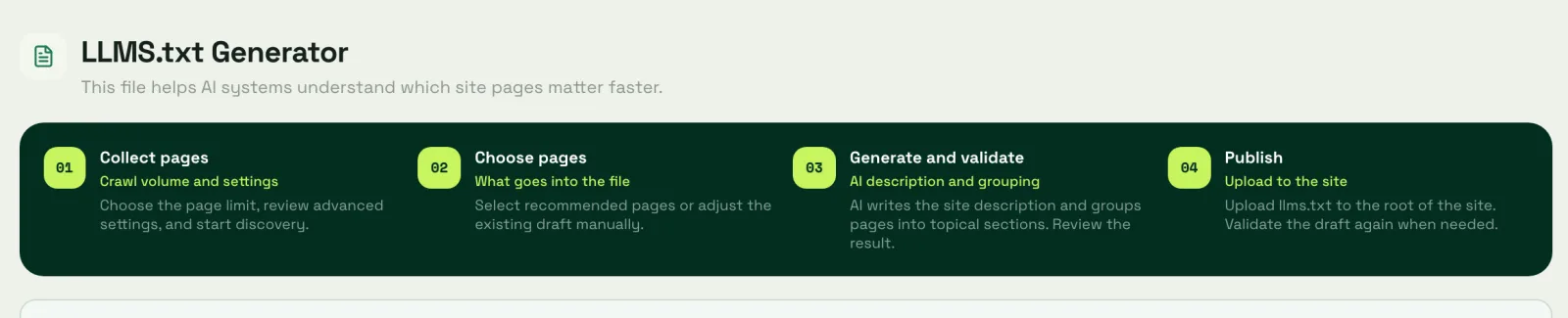
In the editor, you can adjust page selection, section names, and link descriptions, add URLs, reorder sections, and preview the Markdown. Its checks flag structural errors and warnings, duplicate URLs, link status and canonical URLs, whether optional .md versions exist, and whether the published /llms.txt matches the saved draft. A missing optional Markdown version is informational, not an error.
Before you create llms.txt, decide who will update its links when the site changes. VYDAI does not publish the file to your site or confirm that an AI system used it. Review the draft, download it, and publish it on your domain. For a small site, a template and manual link check may be enough. To start with a site scan and editor, .