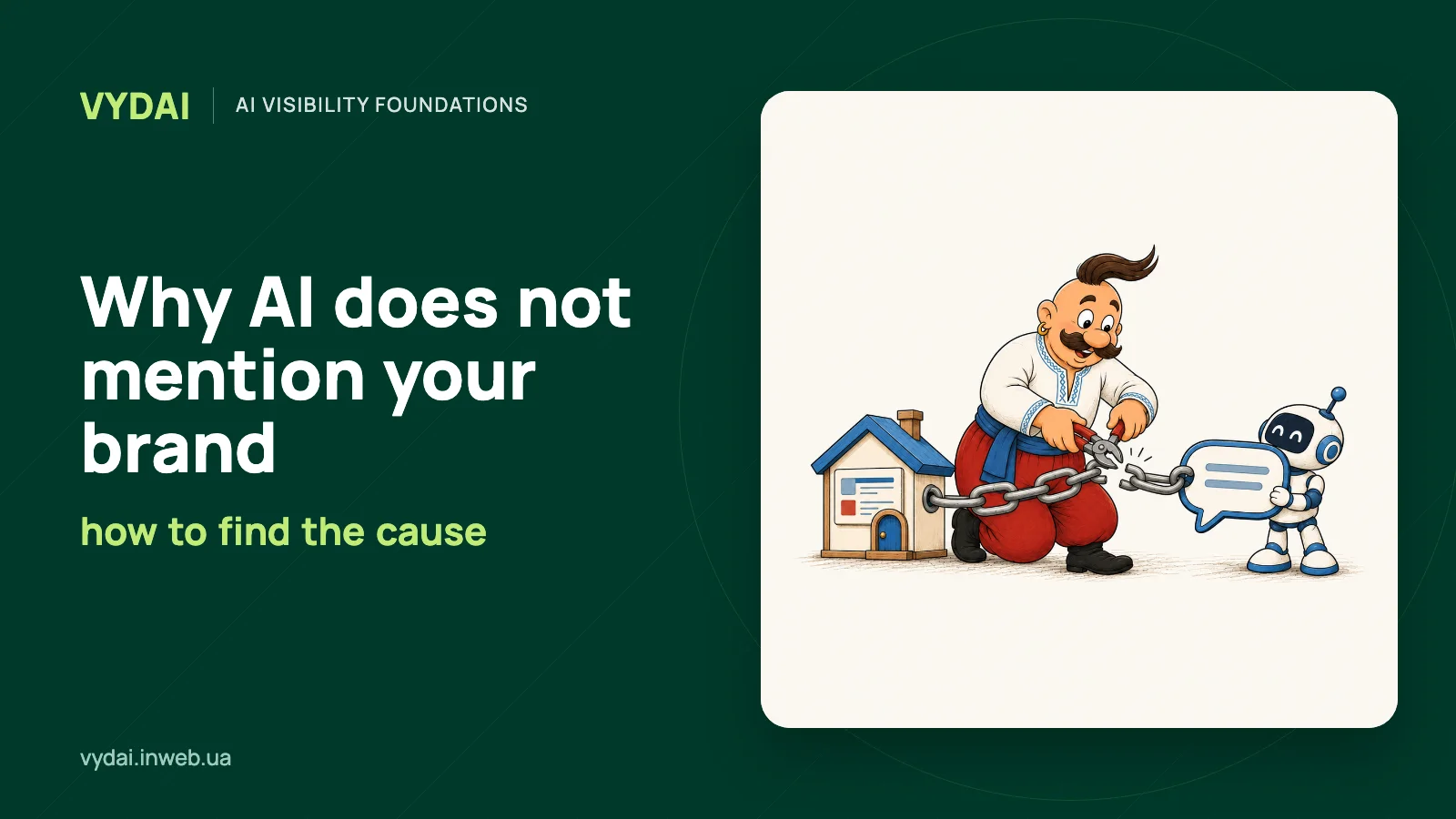
ChatGPT may omit a brand when the question asks for an explanation instead of a recommendation, the relevant page is inaccessible to search, or public sources do not connect the company with the topic. Open the answer, record the exact query and source URLs, then match what you see to the diagnostic table below. Start with the check that matches the signal.
How to read a visibility check
Separate a brand mention without a link, a citation to its page, and a direct company recommendation. Record the exact query, answer, search mode, and source URLs when available. Repeat the same query later and keep both results in a dated log.
Diagnostic tree
| What you see in the answer | What to check next |
|---|---|
| A broad question gets no brand name | Whether the query calls for a recommendation |
| A page does not load or is not indexed | Crawler access, robots.txt, CDN, and HTTP response |
| The system cites competitors | Whether your content answers the same buying question |
| Your domain is cited, but a different page | Page structure, internal links, and topical fit |
| Results differ across systems | Search mode, sources, and conditions for each check |
| The brand is confused with another entity | Consistent name, category, and brand description |
Find the row that matches your answer. Check the signal first, then fix the specific issue instead of rebuilding the site at random.
| Reason | Signal in the answer or sources | How to check | What to change |
|---|---|---|---|
| The query does not ask for a recommendation | The answer explains a category without naming brands | Compare an informational question with a choice query, such as selecting a CRM for a sales team | Create or improve a page for the relevant buying criteria |
| The page is inaccessible | Your URL is absent from sources, and the target page will not load or appear in search | Check robots.txt for OAI-SearchBot, test the response with curl -A 'OAI-SearchBot' -i https://example.com/page, and review CDN rules; use Search Console URL Inspection for Google | Allow the relevant crawler, remove an unintended noindex, and fix server or CDN errors; OpenAI also asks site owners to allow its published IP ranges (OpenAI bot documentation) |
| The page does not answer the buying scenario | The system cites a competitor page with terms, criteria, or examples | Compare the query with headings and facts on the cited competitor page | Add the missing criteria, product limits, and current terms to your page |
| External context is sparse | The answer names competitors, while the shown sources do not include your company | Search the exact name, spelling variants, and domain; review the answer’s sources and the business profiles you control | Correct outdated profiles and suggest factual updates to relevant directories or publishers |
| The system cites a different page on your site | Your domain appears, but the URL does not answer the query | Check the target URL’s canonical and index status in Search Console, then inspect internal links to that URL | Clarify the target page, link to it from relevant pages, and resolve duplicate content |
| Results differ by system | One system names the brand while another does not, or the sources differ | Run the same wording separately with and without web search; record the system, mode, and cited URLs | Keep findings specific to each system and work on the issue that repeats in the relevant scenario |
| The brand is absent without web search | A search-enabled answer includes sources, while the answer without search does not name the brand | Compare both answers and check whether current information exists in public sources | Maintain accurate public pages and allow search crawlers to access them |
| The name is confused with another entity | The answer describes another company or combines separate products | Compare the name, domain, category, and address on your site and controlled profiles | Align the factual entity description and correct inaccurate profiles |
Reason 1. The query does not call for a recommendation
When someone asks “what is a CRM,” explain the category; name vendors when the question asks for a comparison or recommendation. To check brand mentions, use prompts where potential customers compare options, look for a solution to a problem, or ask for a recommendation. If a company is missing from a buying-intent answer, check whether your site has a page that directly answers the buyer’s question.
If your query set is mostly informational, add questions with a clear buying intent and compare the answers. See our guide to choosing queries for AI visibility monitoring.
Reason 2. A page is inaccessible to the relevant search system
As of October 2026, OpenAI documents OAI-SearchBot for website search visibility and GPTBot for collecting web content that may be used to train models. Anthropic lists ClaudeBot, Claude-User, and Claude-SearchBot for different tasks. Google says Google-Extended is a control token for content use, not a separate HTTP user agent, and it does not affect Google Search indexing. Check the current rules in OpenAI’s crawler documentation, Anthropic’s bot guidance, and Google’s description of Google-Extended.
For Google AI Overviews and AI Mode, a page must be indexed and eligible to appear with a snippet in Google Search. That still does not guarantee it will appear in an AI feature. Google’s AI features documentation also says that no special schema.org markup is required for inclusion.
Check the server response, robots.txt rules for the relevant user agent, and any CDN or WAF restrictions. A CDN is a content delivery network; a WAF is a web application firewall. The user agent is the label a crawler sends when it requests a page. robots.txt controls access for crawlers that follow it, but it does not replace an indexing check. Bing Webmaster Tools’ robots.txt guide explains the basic syntax and rules for Bingbot. For detailed troubleshooting, see our guide to checking AI crawler access.
Reason 3. The page does not answer the buyer’s question
Check whether the page clearly explains what the brand offers, who the solution serves, what problem it addresses, and how buyers can compare it with alternatives. Compare those answers with the sources shown in the system’s response. If a competitor’s cited page includes pricing, terms, or an example use case, check whether your material answers the same question.
Compare the page with Google’s guidance for AI features: useful content, crawl access, and structured data that matches the visible page. See our article about which site pages appear in AI answers.
Reason 4. External sources provide little context about the brand
Review the sources the system shows. If competitors appear and your company does not, check its name, domain, and profiles in relevant directories and industry coverage. Look for outdated details in the business profiles you control, and assess third-party lists for topical fit and editorial standards.
OpenAI describes its publisher partnerships, and Reddit reports a separate agreement with Google for access to public content. Use these announcements to confirm the partnerships themselves. For diagnosis, focus on external pages that appear in the answer’s source list. See our guide to analyzing AI sources.
Reason 5. The system cites a different page on your site
If your domain appears among the sources but the system cites the wrong page, compare both URLs with the query. Check the target’s index status and canonical URL in Search Console, then find the internal links that point to it. Clarify its topic, link to it from relevant pages, and resolve duplicate content. Google does not require special schema.org markup for AI Overviews or AI Mode (Google’s AI features documentation).
Reason 6. Results differ across systems or search modes
ChatGPT Search can search the web, while answers without web search do not use that search step. Record the mode for each manual check. Save source URLs when the interface shows them. Claude also offers web search and may provide links to sources, as described in Claude’s web search help. Google says AI Overviews and AI Mode may show different answers and links.
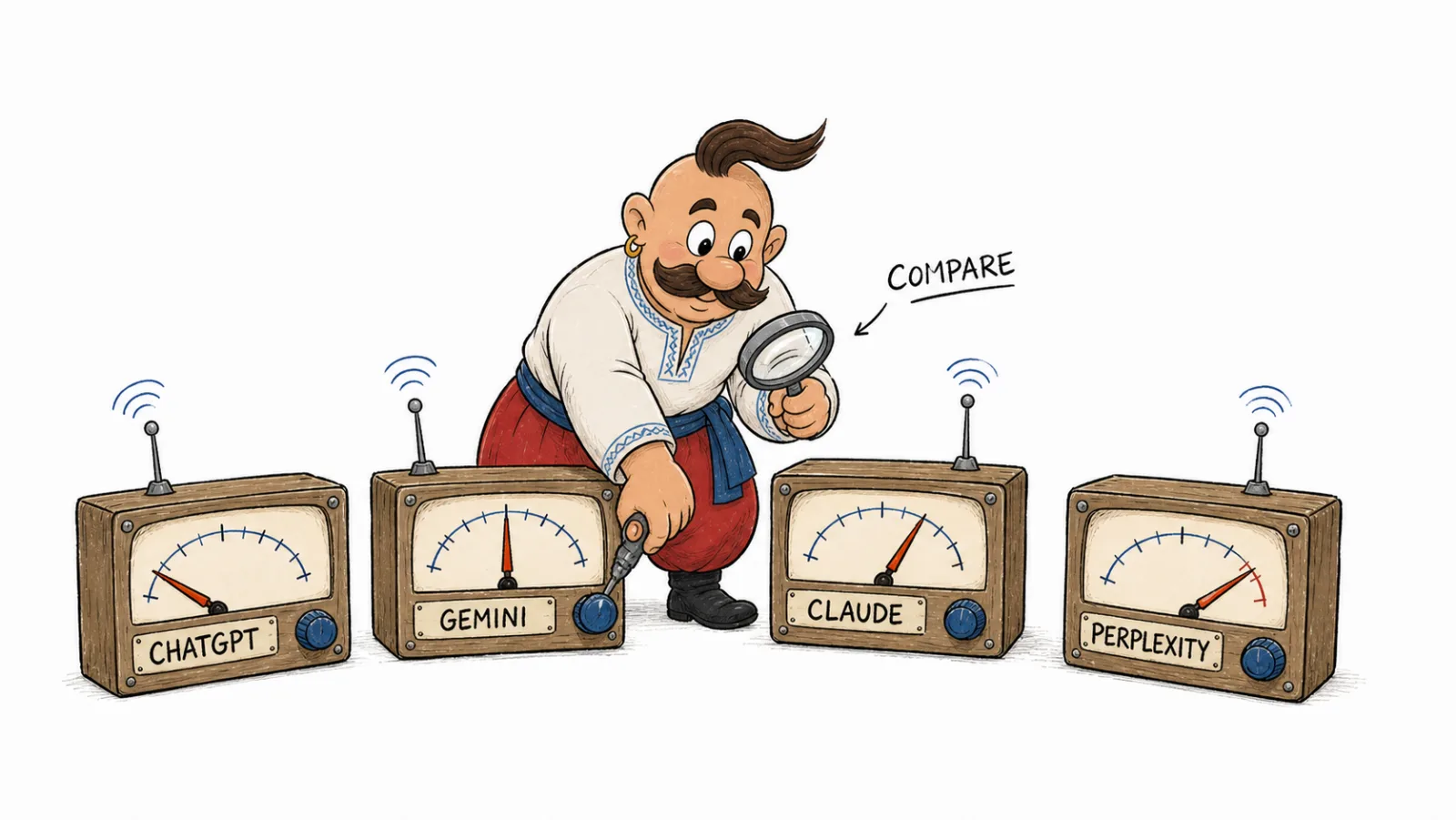
Check each system separately. You can include Perplexity in independent manual research, but VYDAI does not monitor it. An open 2026 study compared Google Search, AI Overviews, and Gemini Flash 2.5 on a dataset of 11,500 queries; the average similarity between systems’ source lists was below 0.2 on the Jaccard index (study methods and findings). Compare sources within each system instead of assuming that a Google result represents every AI answer.
Reason 7. An answer without web search does not mention the brand
If the brand is absent without web search, compare the answer with ChatGPT Search and open the sources shown in the search-enabled answer. OpenAI explains that base answers depend on the selected model’s knowledge cutoff, while Search can retrieve current web information (OpenAI guidance on model knowledge and search). The practical step is to keep accurate public pages accessible to the search crawler.
Reason 8. The brand name is confused with another entity
If the system describes another company or blends separate products together, compare the name, domain, category, and address on your site and controlled profiles. Align different spellings and update outdated descriptions. For structured details such as an organization’s official name and address, see Google’s Organization markup guide.
Why is my brand missing from AI search results?
First label what is missing: the brand name, a citation to your page, or correct identification of the company. Each case has a separate check and next step in the diagnostic table.
AI visibility audit
To run an AI visibility audit, create a table of queries, systems, search modes, answers, and source URLs. Record brand mentions, citations to your own pages, and direct recommendations separately. For each missing signal, name the URL to check, the person responsible for a change, and the next action.
| What to record | How to use it |
|---|---|
| Exact query and search mode | Compare checks made under similar conditions |
| Brand mention in the answer | Separate a name mention from no mention |
| URLs in the source list | Check whether your own site is among them |
| Recommendation and its context | See whether the system recommends the brand or only names it |
How can I fix my brand’s absence from ChatGPT?
Start with a query where the user is actually asking to compare or recommend a solution. Check whether the relevant page is accessible, answers that question, and appears among the sources. If you find a specific obstacle, change that item and repeat the check under the same conditions. For turning monitoring findings into work, see our guide to turning an AI visibility report into an SEO, content, and PR plan.
How to get recommended by ChatGPT and promote your brand
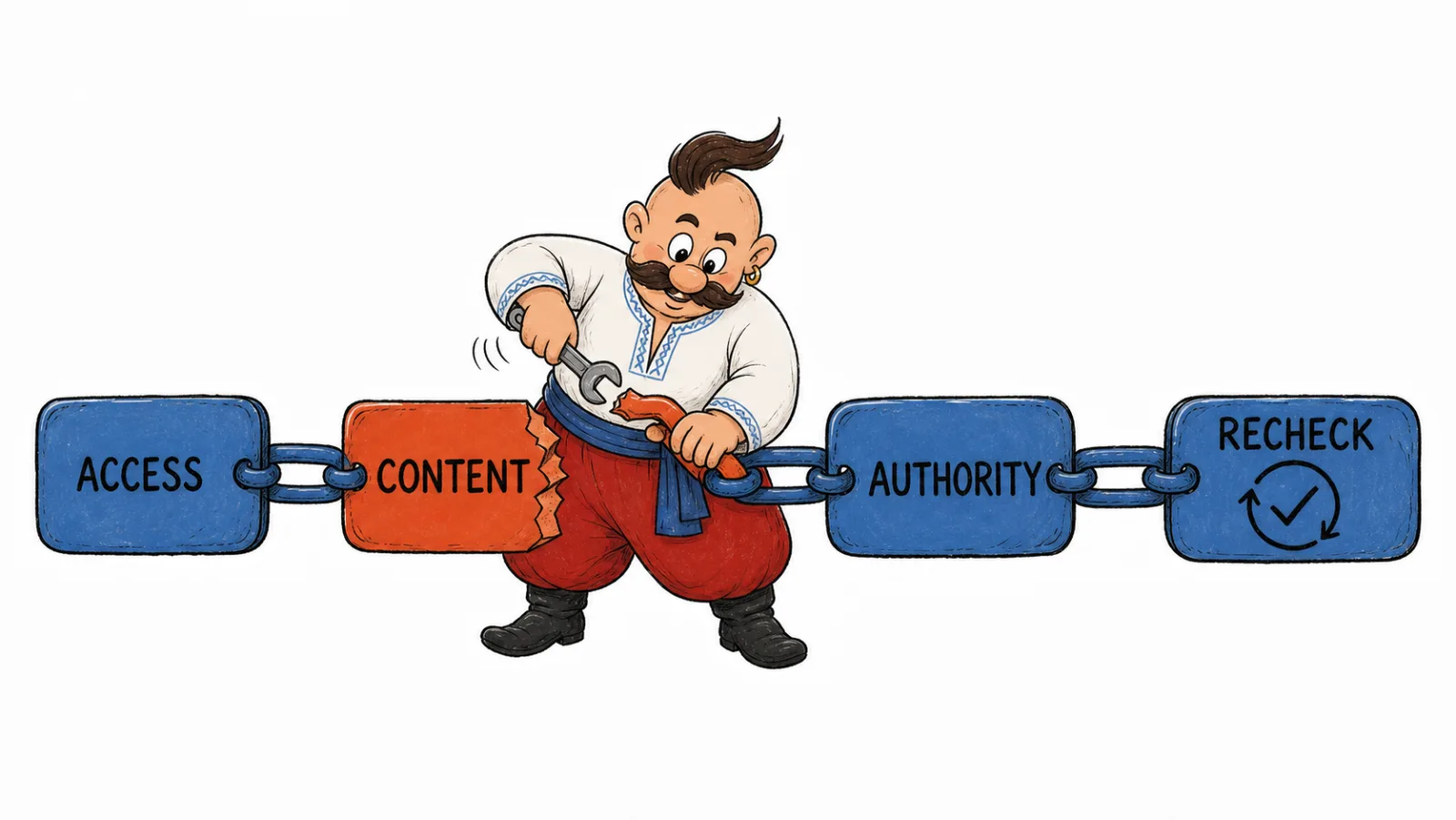
Start with a page that answers a real buying question: who the product serves, what job it does, what its limits are, and how buyers can compare options. Align the company name, category, address, and description on your site and in the profiles you control. Allow OAI-SearchBot, test the server response, and allow OpenAI’s published IP ranges (OpenAI’s website publisher guidance).
Next, inspect the sources ChatGPT shows for queries with buying intent. If a relevant directory, review, or comparison appears, check the entry for accuracy and ask its owner for a specific correction or addition. Choose other publications for editorial fit instead of distributing mentions indiscriminately.
As of October 2026, OpenAI describes ChatGPT ads as paid placements on a separate system and says advertisers cannot shape, rank, or alter ChatGPT answers (current OpenAI advertising guidance). Ads can buy an ad placement where Ads Manager is available, but they cannot buy an organic recommendation in an answer.
Frequently Asked Questions
Why doesn’t ChatGPT mention my company? The question may ask for an explanation instead of a recommendation, or the system may not find a relevant page or source. Compare the exact question, answer, and cited URLs before deciding what to change.
Can I add my company to ChatGPT?
OpenAI recommends allowing OAI-SearchBot and making sure the server or CDN accepts its published IP addresses (website publisher guidance). A company can be listed among ChatGPT Search sources when the system retrieves a relevant page. Check the page and cited sources in the answer.
How to make my brand visible to AI? Create pages for buying scenarios, allow relevant crawlers, and align company information in the profiles you control. Review the sources systems show in their answers.
How to get recommended by ChatGPT?
Answer a buying question clearly on your site, align company profiles, and check access for OAI-SearchBot. Then inspect ChatGPT Search sources and fill any specific information gap.
How can I promote my brand in ChatGPT? Work in this order: a page for the buying question, consistent company details, crawler access, then relevant directories and reviews shown in answer sources. Paid ads have separate labels and do not shape organic answers (OpenAI advertising guidance).
How quickly can a brand appear in AI answers?
As of October 2026, OpenAI says its systems take about 24 hours to adjust after a robots.txt change (OpenAI bot documentation). In Google Search Console, an indexing request often takes about a day, though some cases can take up to a week or two (Search Console guidance). Those are processing times for crawler settings or indexing requests, not a forecast for when a brand will appear. ChatGPT Search can use a current web page if it retrieves that page; an answer without search relies on the selected model’s knowledge (OpenAI search guidance, model knowledge guidance).
How we do it in VYDAI
VYDAI monitors brand mentions in ChatGPT, Gemini, Claude, Google AI Overviews, and Google AI Mode. In its report, compare queries and answers, open cited pages and domains, and see which competitors appear alongside your brand.
A spreadsheet of queries, answers, and sources works for an initial manual check. If your brand is not appearing in ChatGPT, compare the result with the other systems and note where their sources differ. View the VYDAI demo or create an account to review the reports in the product. For a separate page-access check, use the public GEO audit.