To fix wrong information about your business in ChatGPT, save the exact answer and check where the false claim may have come from. Correct the page or profile that contains it, then repeat the same query in the same mode.
If ChatGPT gets your business wrong, a complaint to the platform will not update the website or directory the false claim came from. Start with the specific claim and its source.
Why AI can get a brand wrong
ChatGPT may answer from training data or use web search when that mode is available. OpenAI says its answers can contain inaccurate facts, fabricated citations, and links to sources that do not exist. Check an important claim against a primary source, even when the answer sounds confident. OpenAI's guidance on ChatGPT accuracy explains these limits.
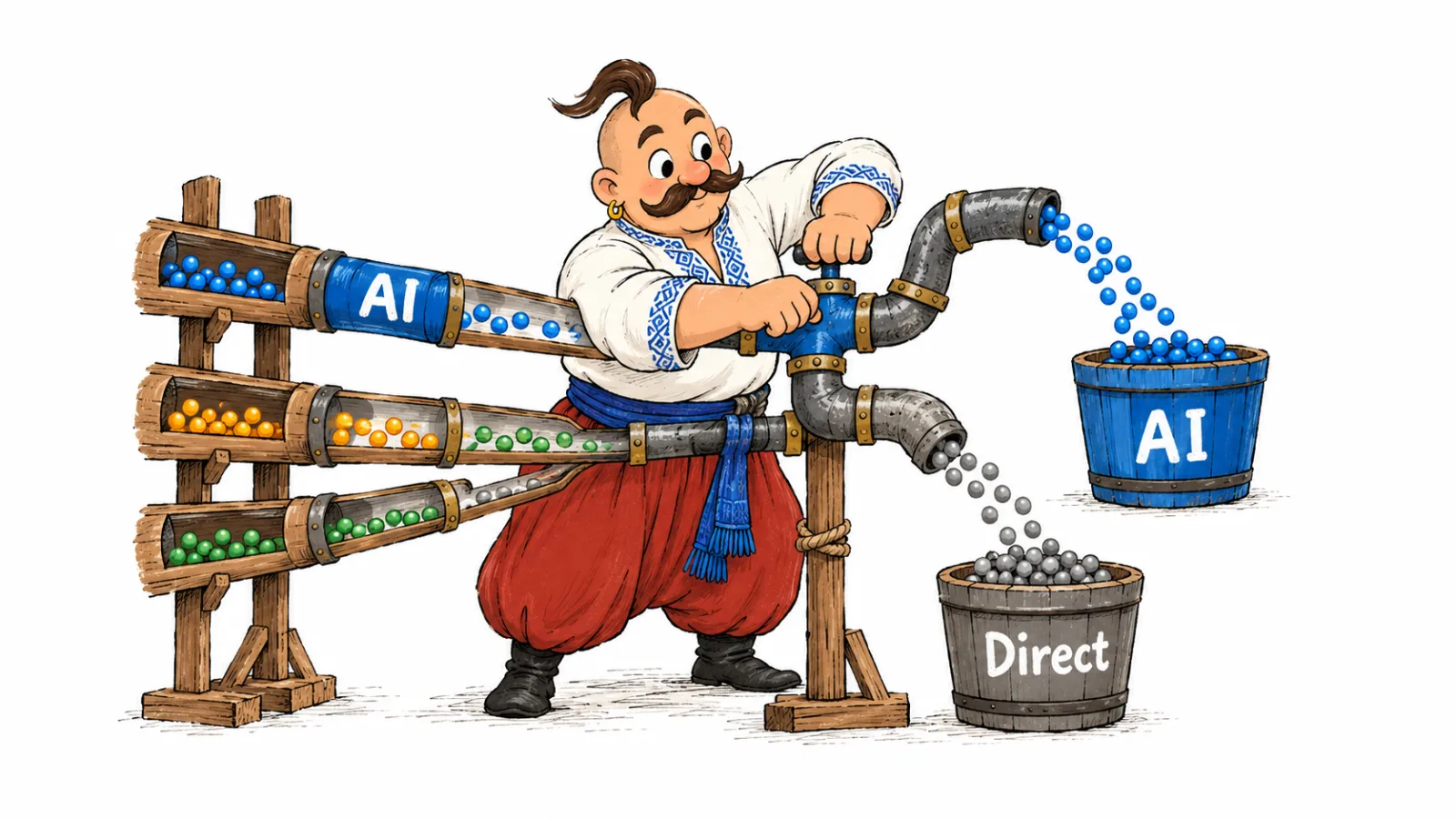
Incorrect details may come from an old company page, an outdated business profile, a news article, or another organization with a similar name. If the answer includes a link, read the page itself and check which part of the claim it supports. If no source is shown, record that and avoid guessing where the error began.
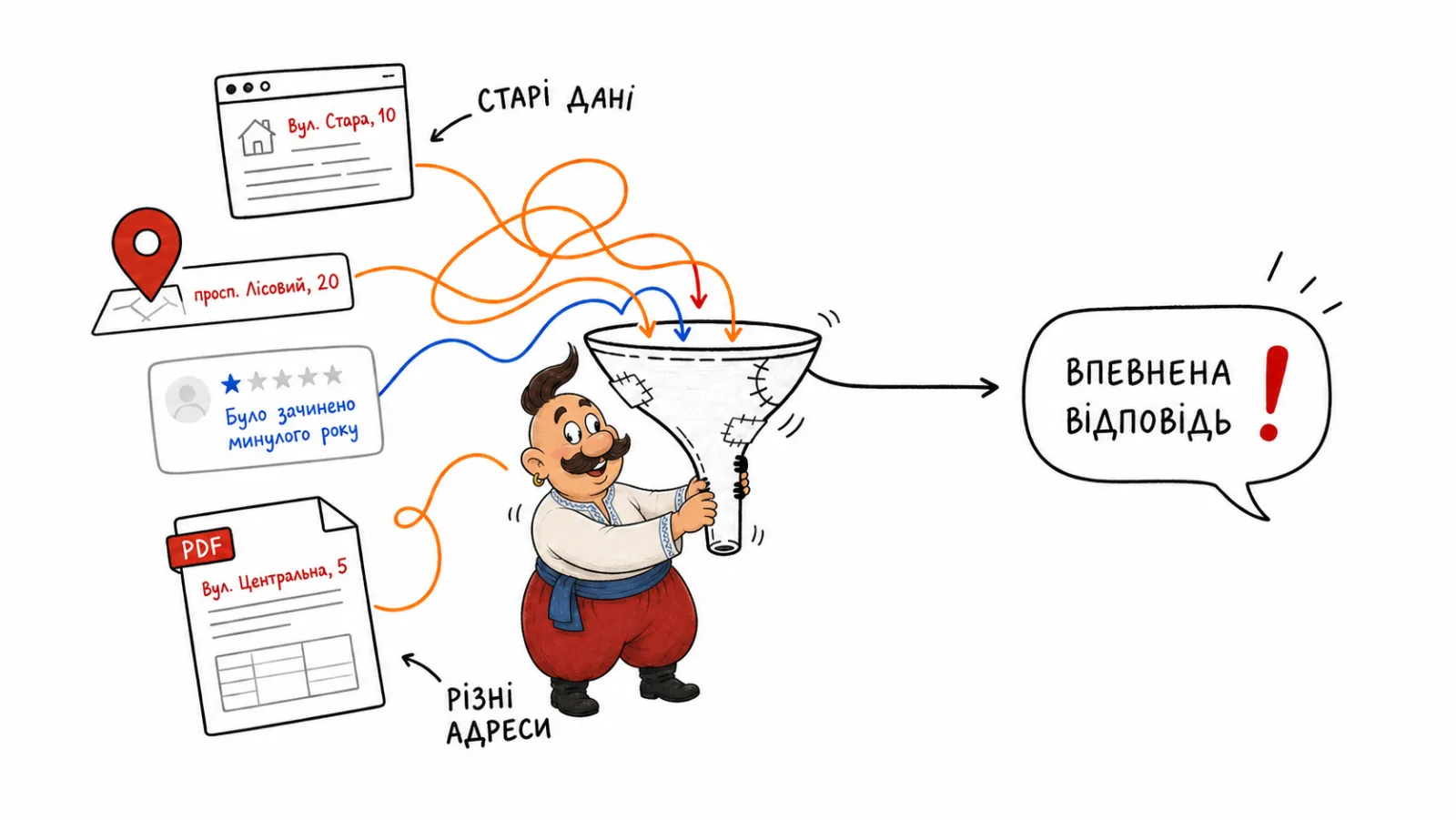
Which errors need attention first
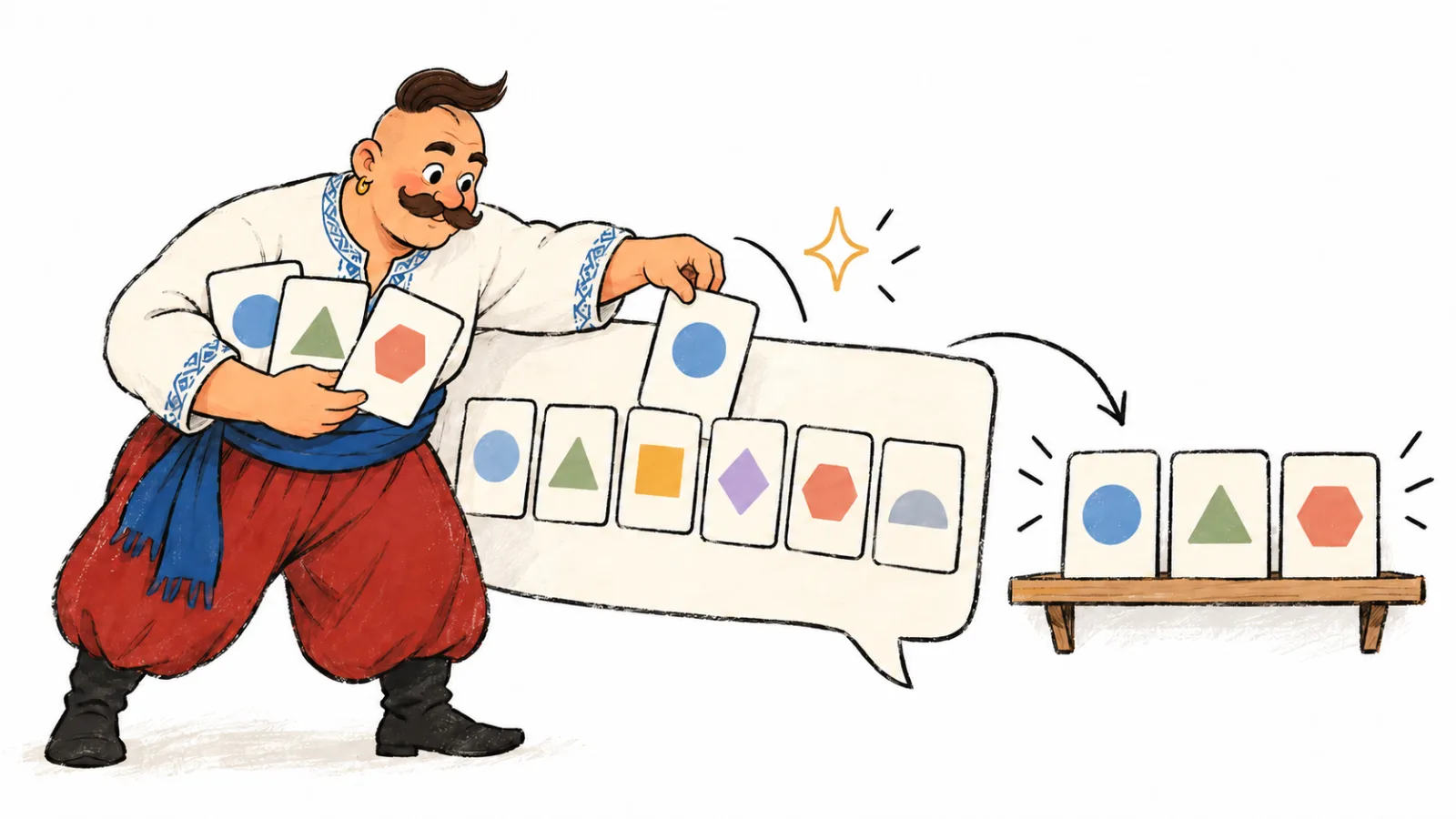
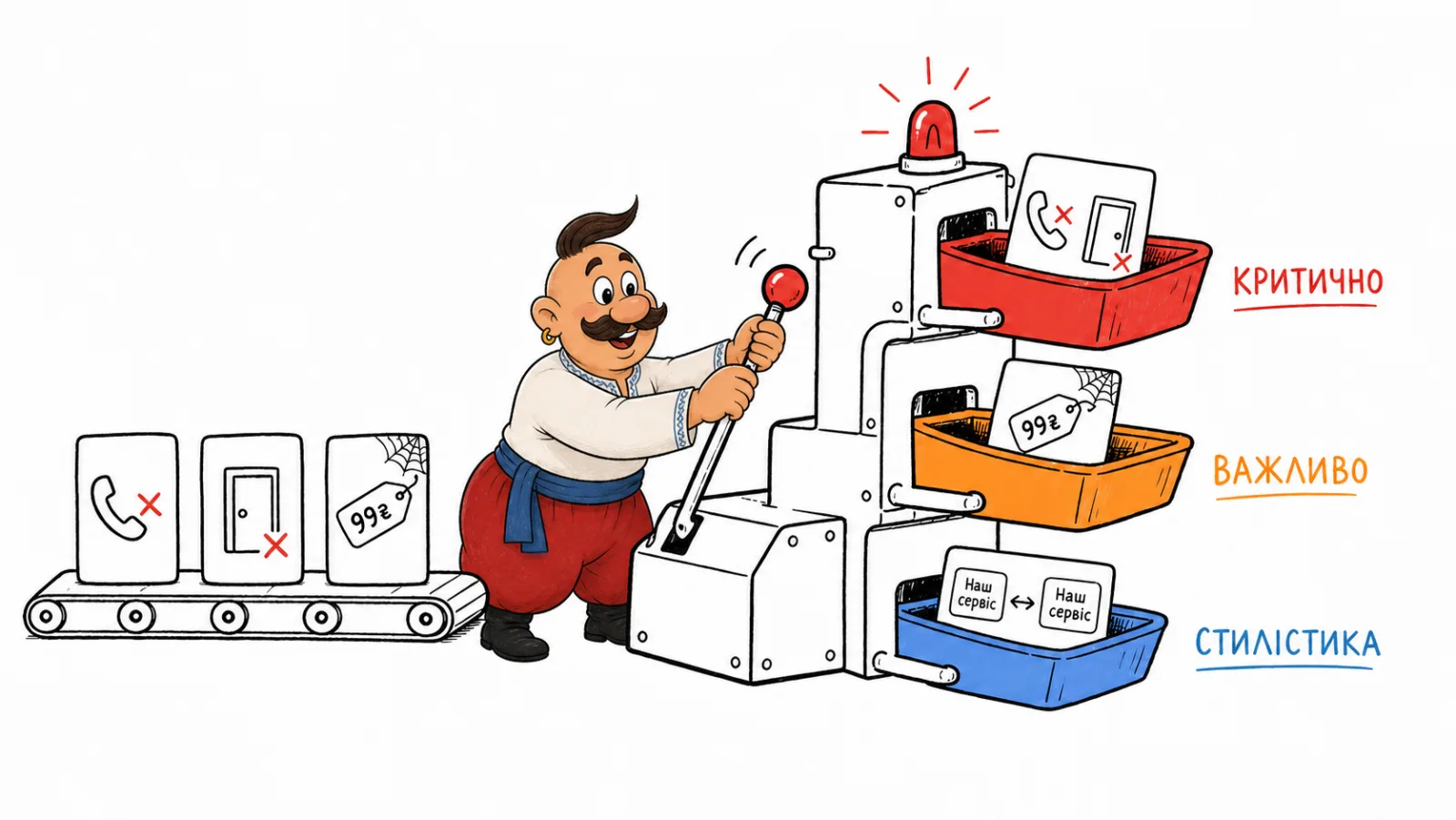
Start with the effect on the person reading the answer. A wrong phone number can prevent a customer from contacting the business. A price error may affect a purchase decision. A false legal claim may need review by counsel.
| Claim type | What to check | First action |
|---|---|---|
| Contact details | Current contact page and business profiles | Correct the source and profiles your team manages |
| Price or terms | Service page, rate, or delivery terms | Update the page that states the terms |
| Company services | Whether the current service is described on the site | Add an accurate description or update its page |
| Legal status | Official documents and verified registry details | Ask counsel to review the wording before replying publicly |
| Confused identity | Name, domain, address, and description of the business | Clarify the distinction on your own pages and profiles |
If an answer could affect customer safety, money, or a legal decision, send it to the responsible team and check primary sources before replying publicly. This helps set priorities; the timeline depends on the situation.
Where to check
Check the systems and modes your audience uses. A manual review may include ChatGPT with web search, Google AI Overviews and AI Mode, Gemini, Claude, Copilot, or Perplexity. As of October 2026, VYDAI monitors five systems: ChatGPT, Gemini, Claude, Google AI Overviews, and Google AI Mode. Copilot and Perplexity can be checked manually, but VYDAI does not monitor them.
Use queries that reflect real customer situations: a company description, contact details, pricing, a service, reviews, or a comparison with a competitor. If the business serves more than one language or shares a similar name with another organization, check the answer in the relevant language and confirm that it refers to the right company.
| Scenario | Example query to check manually | What to verify |
|---|---|---|
| Company description | “What does [company name] do?” | Name, services, and location |
| Contact details | “What is [company name]'s address?” | Address on the site and profiles |
| Services | “Does [company name] offer [service]?” | Description on the service page |
| Terms | “How much does [service] cost at [company name]?” | Current price or how it is calculated |
| Identity | “How is [company name] different from [other company]?” | Domain, address, and legal name |
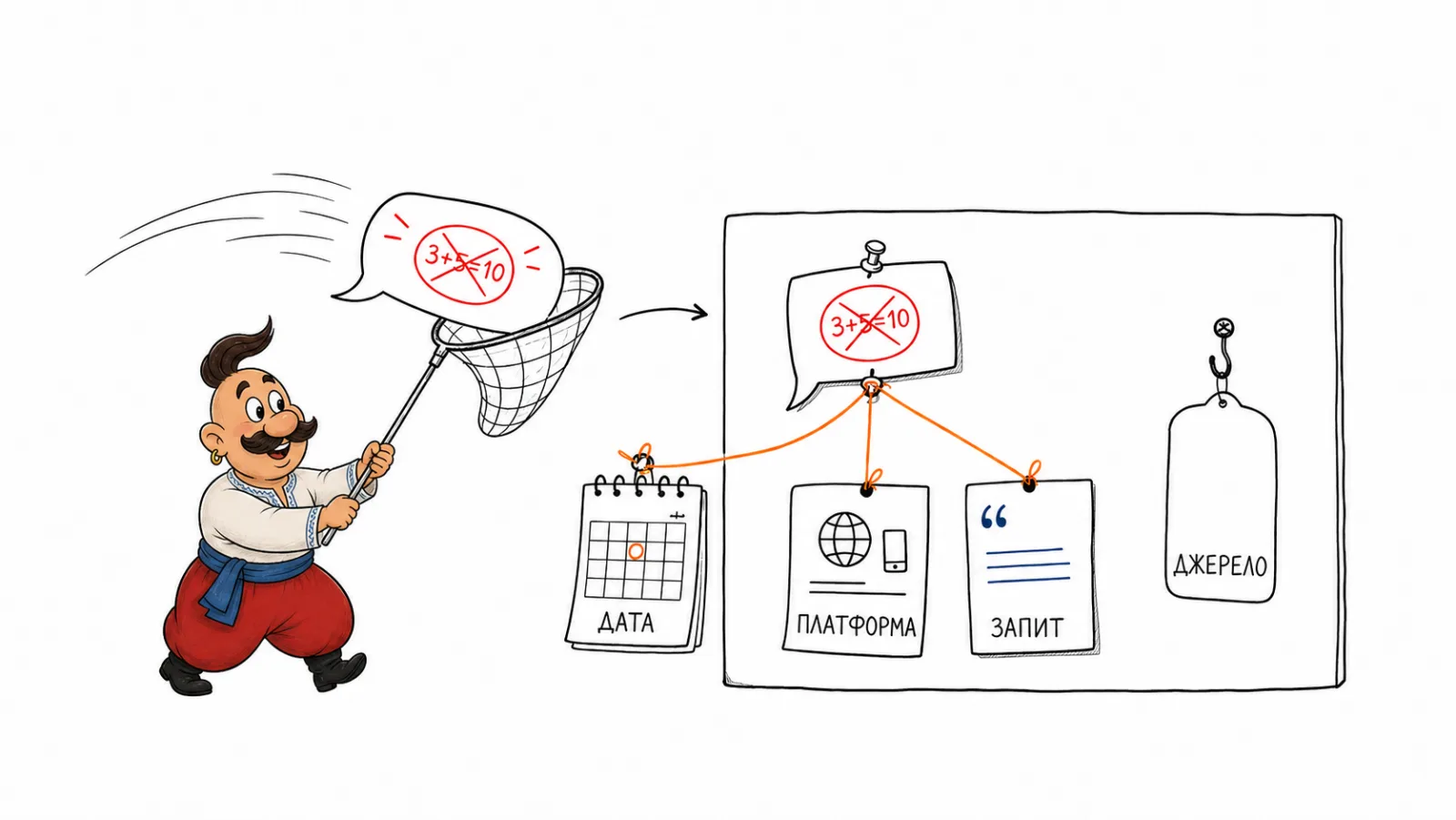
For each check, record the date, system, mode, language, exact prompt, answer, and any sources shown. If ChatGPT gets my business wrong, this record makes it possible to repeat the same check after a correction. Build a query pool around the situations customers ask about.
How to find the source of a ChatGPT error
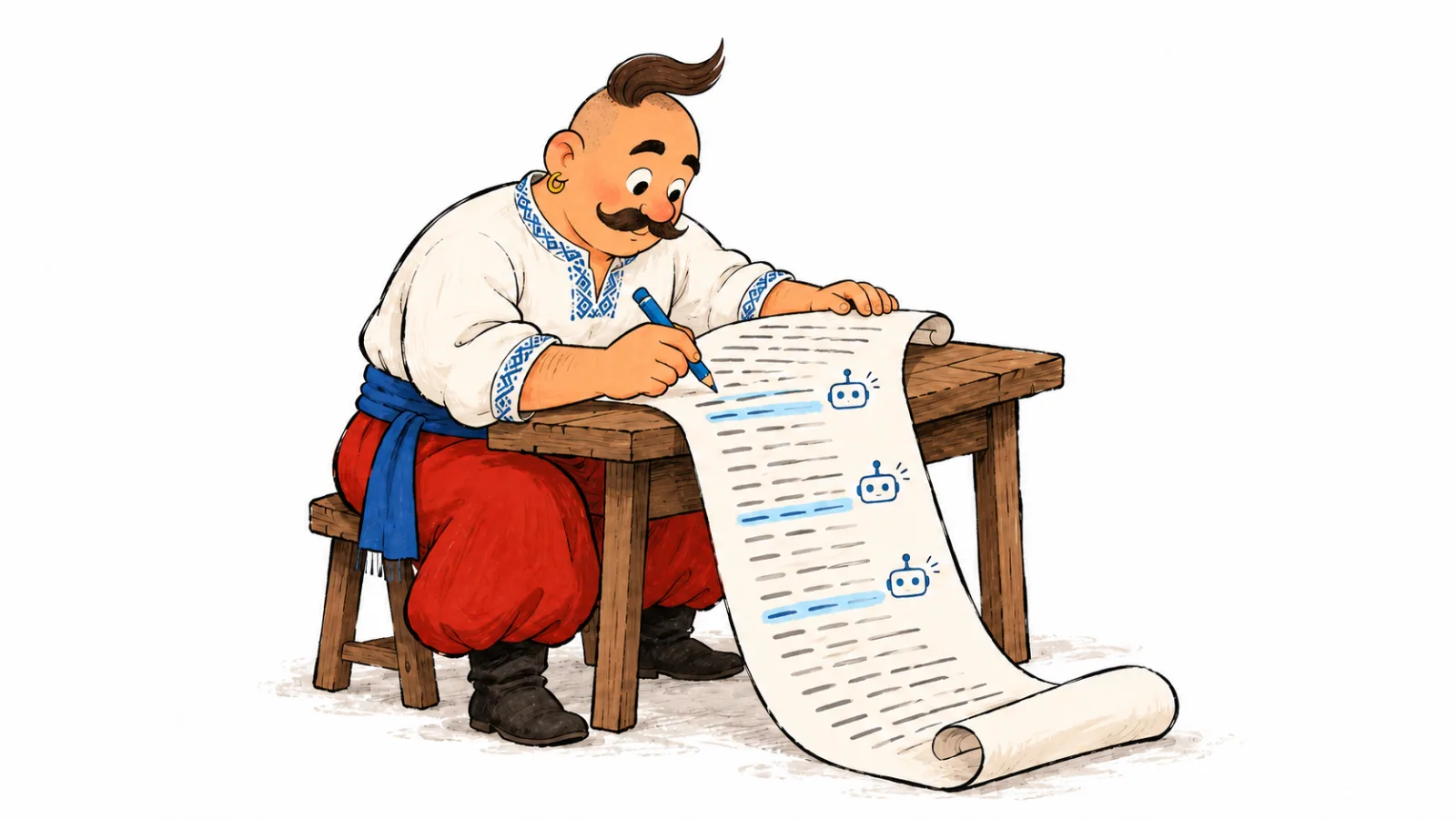
To find the source of a ChatGPT error without guessing, separate the review into two steps. Check any cited URLs, then search the exact false phrase in quotation marks. Review company pages, business profiles, and external coverage that repeats the claim. A cited link may be one source of the claim. Check whether it supports the specific fact.
For example, if an answer says a service is no longer available, search for that phrase on the site and in older coverage. If you find outdated text, update it or explain what changed. If you cannot identify the source, label the case “source unconfirmed” and check other queries about the same service. For more on reviewing cited pages, see how to analyze sources AI relies on.
What to fix on your website
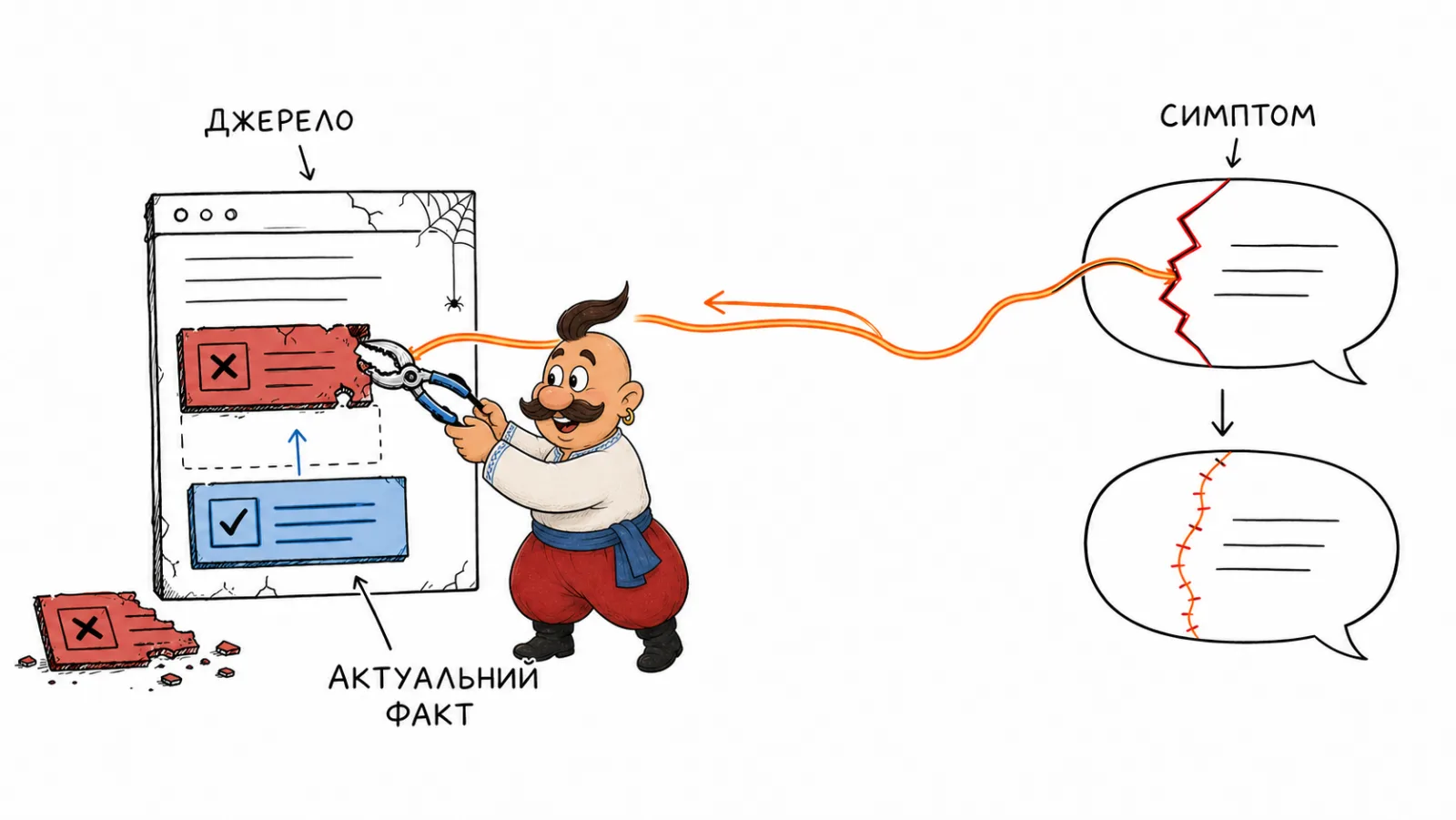
When you need to fix wrong information about your business in ChatGPT, start by comparing the visible copy on your site. Check your About, contact, service, terms, and FAQ pages. Core facts should match across them: the company name, address, services, and current terms.
An outdated page does not always need to be deleted. Update it if it is still useful, redirect it if it has been replaced, and choose a canonical URL when duplicate pages exist. Google explains the information Organization markup can provide, including a name, address, and official profiles. This data helps describe an organization in Search. Adding it alone does not determine the content of a specific AI answer.
Do not add structured data that conflicts with visible page content. Bing's Webmaster Guidelines require accurate structured data. They also say SEO practices support content eligibility in AI experiences; citations are not guaranteed.
Business profiles, maps, and external sources
For a local business, compare the address, hours, phone number, website, and category in profiles your team manages. Google explains how to edit a verified Business Profile. Also check directories, social pages, and industry profiles that matter in your market. Do not assume every AI answer uses every source. Check the sources shown or the pages where the fact appears.
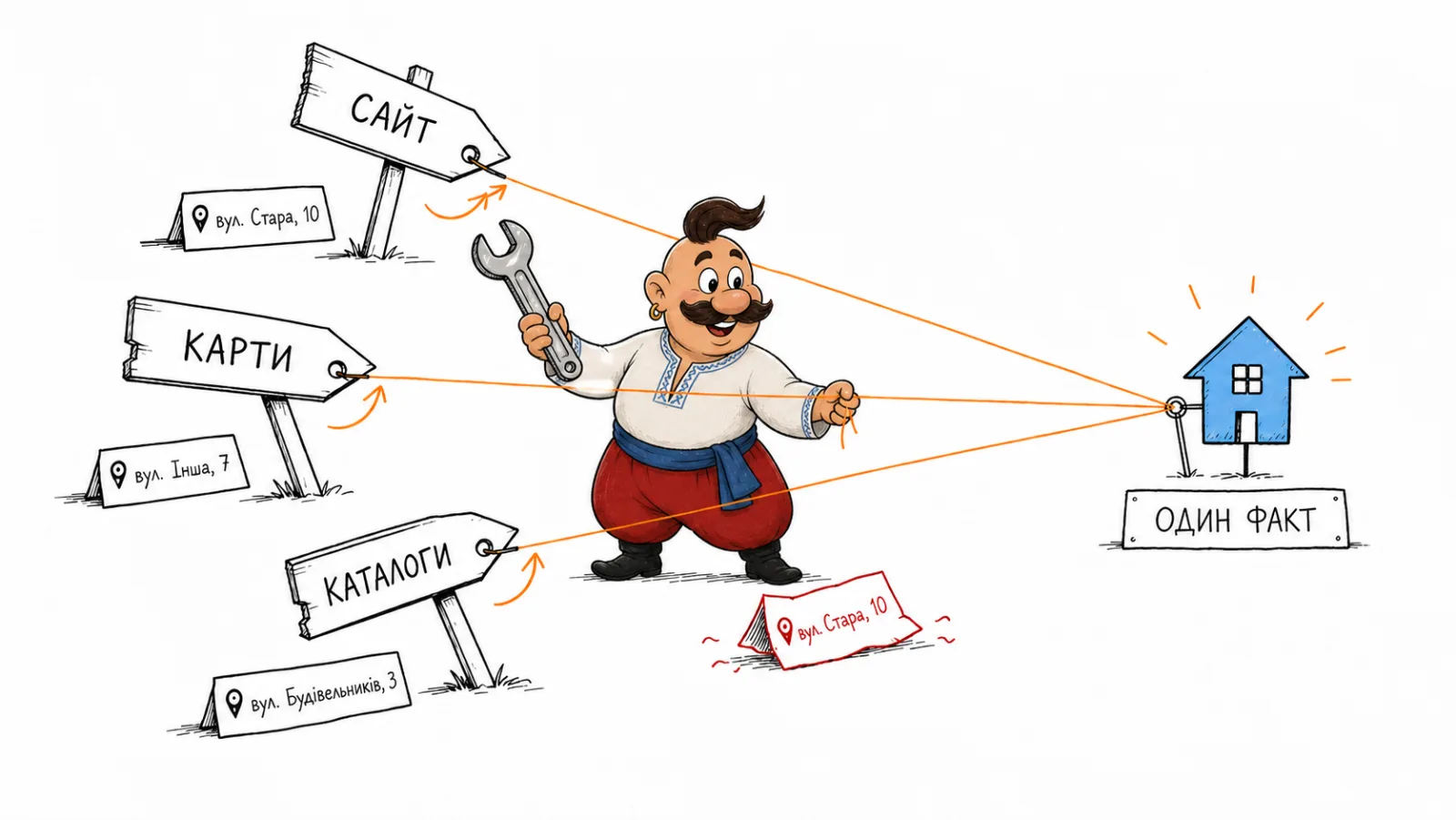
If two pages disagree, correct the ones you manage. For an external directory, send its editor the listing URL, the incorrect detail, and a link to current evidence. Respond calmly to factual errors in reviews. Do not create repeated mentions as a substitute for correcting the source. For more on directories, media, and reviews as AI sources, see AI trust sources: website, PR, directories, or reviews.
When to report an error to a platform
Report an answer when it violates platform rules or the law, or causes clear harm. As of October 2026, OpenAI describes reporting a specific conversation through ChatGPT feedback or its content reporting form. It provides a separate form for trademark concerns. OpenAI may review a report; future answers may still include the same fact.
For Google AI Overviews, use Google Search's feedback option and separately correct the page that contains the error. If you manage the page, Google lets you request a recrawl through Search Console. As of October 2026, Google says repeated requests for the same URL do not make it crawl faster. A crawl estimate is not a timeline for changing an AI answer.
As of October 2026, Bing offers the URL Inspection tool in Webmaster Tools for sites you manage. You cannot request reindexing of an external page you do not control. Correcting an AI Overview may require feedback in Search and a separate source correction. Those actions differ from requesting a recrawl of your own page.
If an error affects customers
Give sales and support a short, factual response with a link to the current company page if customers are asking about a false claim. Send legal claims, safety issues, or a risk of financial harm to the responsible expert before publishing a rebuttal.
Do not spread the false claim farther than needed to correct it. If the error is in a directory, start by contacting its editor. If customers need an explanation, publish a short page with verified facts and an update date. There is no direct way to remove false information from ChatGPT by editing one answer. Do not promise that changing a page will immediately change AI answers.
How to check whether a correction worked
After updating the source, open it again and confirm that the right fact is visible. Then repeat the original query in the same system, language, and mode.
Keep the test conditions consistent.
If the error remains, record the new answer and its sources. If it is gone, keep checking only scenarios relevant to the business.
Assess each system separately. Record whether the false claim remains, whether cited sources have changed, and whether a different error appeared. Do not draw a conclusion from one query across different modes. If you need to assign follow-up work from a report, see how to turn an AI visibility report into an SEO, content, and PR plan.
Prevention and common team mistakes
Review important details after a change to the address, name, price, or service. Compare your website with profiles and directories your team can edit. If AI confuses my brand with another company, compare the names, domains, addresses, and business descriptions. Update the pages where you find a mismatch.
Treat a model's memory as temporary. Update the public source, check a URL's role before deleting it, and consider how crawler access affects search. Assign an owner to the correction and a date for the next check, then keep the results in one log.
Frequently Asked Questions
What to do when ChatGPT gets your business wrong? Save the original query and answer, check any sources shown, and search for the false claim on your pages and external profiles. Correct the source you manage, then repeat the same query.
How to correct company information in ChatGPT? Find the page or profile with incorrect details, update that source, and check that the corrected information is visible. Then repeat the original prompt in the same mode. The answer may remain unchanged after a source update.
How to remove false information from ChatGPT? You cannot directly erase an individual fact from a ChatGPT response. Correct the public source and report the answer if it violates platform rules or the law, or concerns intellectual property. A report does not guarantee a different answer.
What to do if ChatGPT gives incorrect information about my company? Compare the claim with your official information, inspect any cited pages, and search the exact phrase if the source is unclear. Record the platform and mode so you can run the same check after correcting the source.
How to report a wrong ChatGPT answer? Use feedback on a specific conversation or OpenAI's content reporting form for concerns that may involve a policy or legal violation. Keep the conversation URL and explain the issue. For an ordinary factual error, correct the source and check the answer again.
How to correct wrong information in Google AI Overviews? Send feedback in Google Search. If the error is on a page you control, correct the page and request a recrawl through Search Console when appropriate.
AI confuses my brand with another company. What should I check? Compare each company's full name, domain, address, and business description on official pages. Add clear, verified details to your own site and profiles where they help distinguish the businesses.
How we do it in VYDAI
VYDAI lets you run checks for selected queries and systems. The results view shows the answer, system, and check date; source links appear when the system provides them. The Sources section shows cited pages and related answers. VYDAI's provider registry lists ChatGPT, Gemini, Claude, Google AI Overviews, and Google AI Mode. The service does not check Perplexity or Copilot.
For a one-off error, you can save the answer and inspect its source manually. If your team needs to repeat checks across many queries, view the VYDAI demo or create an account. This helps you track how to fix wrong information about your business in ChatGPT after updating the source. Your team remains responsible for verifying the claim and correcting the public page.