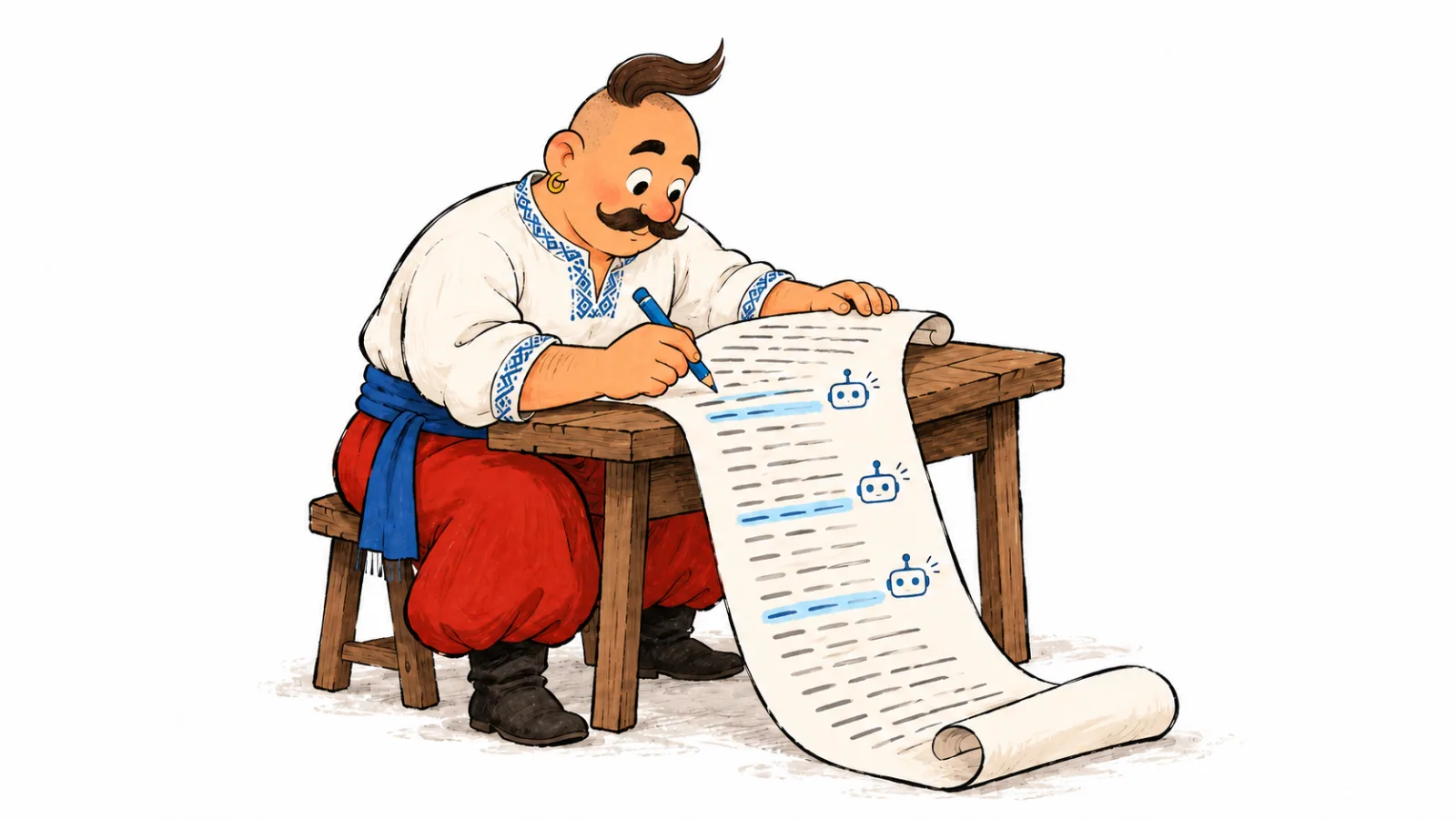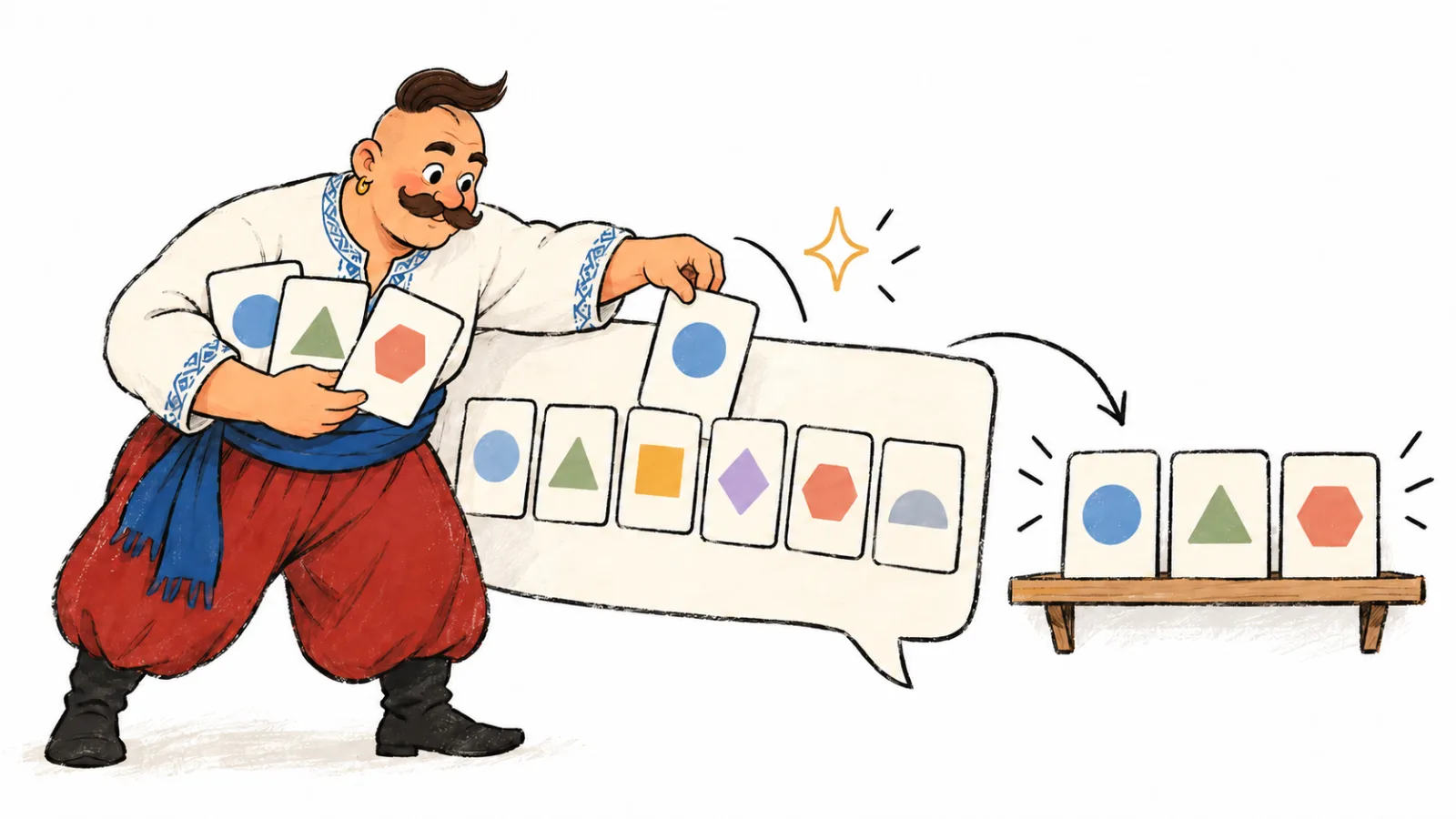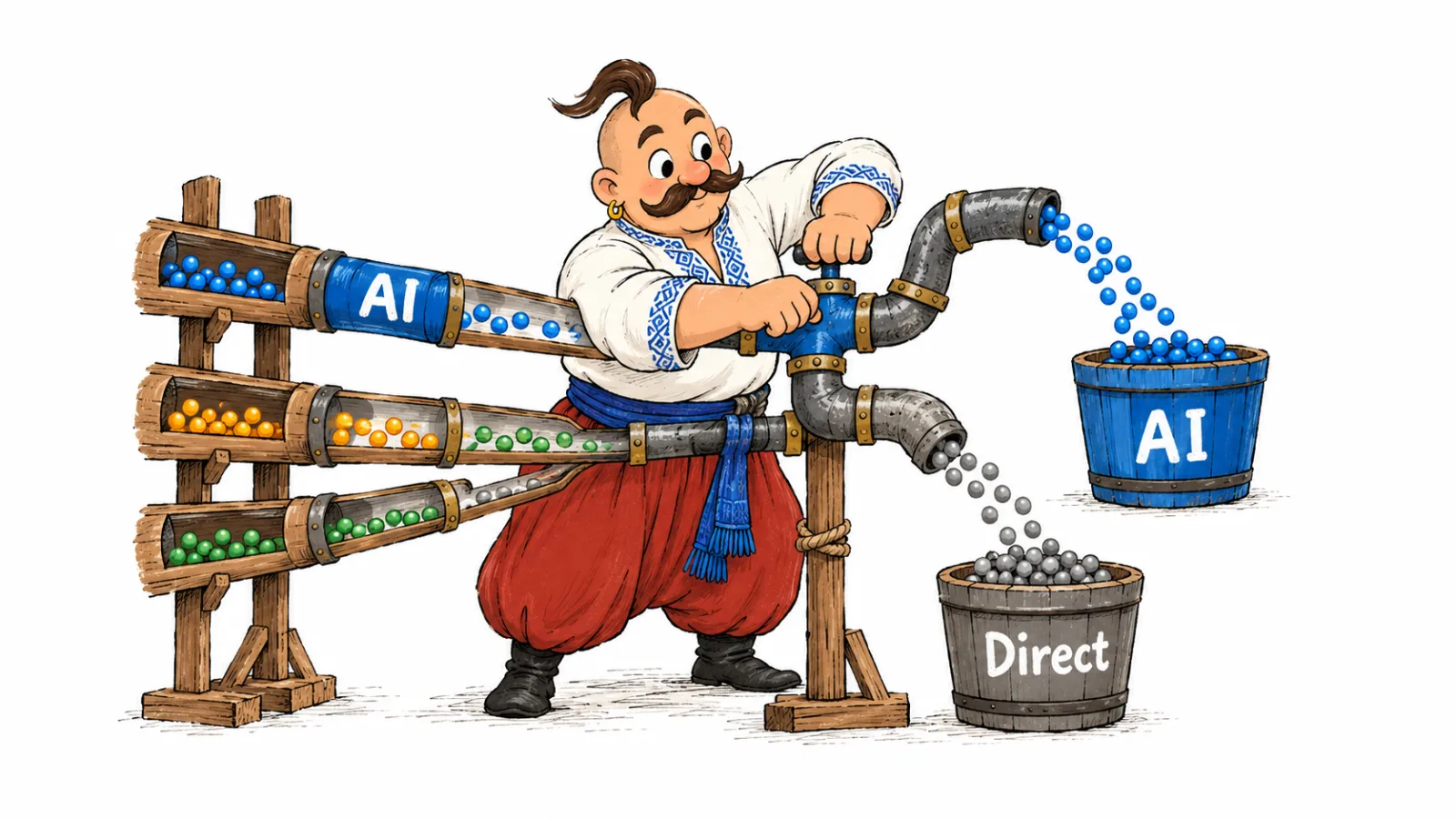
A GEO audit checks whether search systems can retrieve important URLs, whether a page answers customer questions clearly, and whether its key claims can be verified. Each finding should identify the URL, evidence, an owner and a retest criterion. This guide provides a checklist for AI search readiness, technical and editorial checks, and a dated VYDAI report screenshot for its public audit page.
Scope and deliverables
This review checks whether generative search systems can retrieve a page and whether its information answers a customer's question. GEO stands for Generative Engine Optimization.
A generative engine optimization audit combines access checks with a review of the page, its claims and relevant outside sources. An AI search readiness audit should define which pages and questions are in scope before checks begin.
The deliverable should list confirmed findings with a URL, evidence, an owner and a retest criterion. A crawler access issue needs a technical check. A competitor recommendation calls for examining the prompt, answer and cited sources.
| Workstream | Question it answers | Deliverable |
|---|---|---|
| SEO audit | Can search engines discover, index and rank the site? | Findings about indexing, templates, links, performance and content |
| Page GEO review | Is the information accessible and useful for the target question? | Technical and editorial findings for a specific URL |
| AI visibility monitoring | Does the service mention the brand, cite the site or recommend competitors? | Recorded answers, mentions and sources for a fixed prompt set |
| Traffic and conversion analysis | Do people visit the site and take a useful action? | Sessions, leads, purchases and other business outcomes |
Definitions of GEO and AEO overlap. Agree on scope before choosing a label: an individual page, a group of templates, or a wider review that includes external sources.
For Google AI Overviews and AI Mode, a supporting page must be indexed and eligible for a search snippet. Google does not require a special AI schema. Google's requirements for AI features.
Choose pages and questions before running checks
Start with URLs that affect a customer's decision. For accounting software, this might be pricing, integrations and comparisons. For a service business, check the service scope, locations, terms and a documented example of the work. The homepage alone often misses product or article problems because those pages use different templates.
As a practical starting point, choose representative URLs for the important page templates. If one has an issue, inspect other pages using the same template to see whether the problem is isolated or shared.
| Page type | Information a reader needs | Suggested sample |
|---|---|---|
| Service | Scope, location, price factors and limitations | A main service and a second location |
| Product or category | Specifications, compatibility, availability and delivery | A typical product and a filtered category |
| SaaS feature or pricing | Capabilities, limits, integrations and payment terms | A feature page and current pricing |
| Article or comparison | Selection criteria, examples, sources and currency | A page answering a question before purchase |
| Company and contact | Who provides the service and how to verify the business | About and contact pages |
| Another language | Information appropriate to that market | A separate localized URL |
Record the language, template, business purpose and main customer question beside each address. For example: “English pricing page; the reader is comparing tools; is export included in the entry plan?” That gives the content review a concrete standard. When auditing a website for AI search, start with URLs tied to customer decisions.
How to do a GEO audit in VYDAI
As of October 2026, the VYDAI page audit includes 33 checks across four categories; its public page describes the scope and estimated duration. Each run analyzes one public page and returns a readiness score, check results, explanations and recommendations that can be downloaded as a PDF.
- Review the VYDAI audit page, then open the application to access your project.
- Enter the full URL of a page available without authentication. Keep private links and one-time tokens out of the input.
- Select “Check page.” As of October 2026, the interface says a check usually takes about 40 seconds; a slow site can take longer. See the current VYDAI audit page.
- Save the URL, date and initial report. If the address redirects, inspect the destination.
- Expand a category and a relevant check. Read the evidence before acting on the recommendation.
- Repeat for the other templates in your sample.

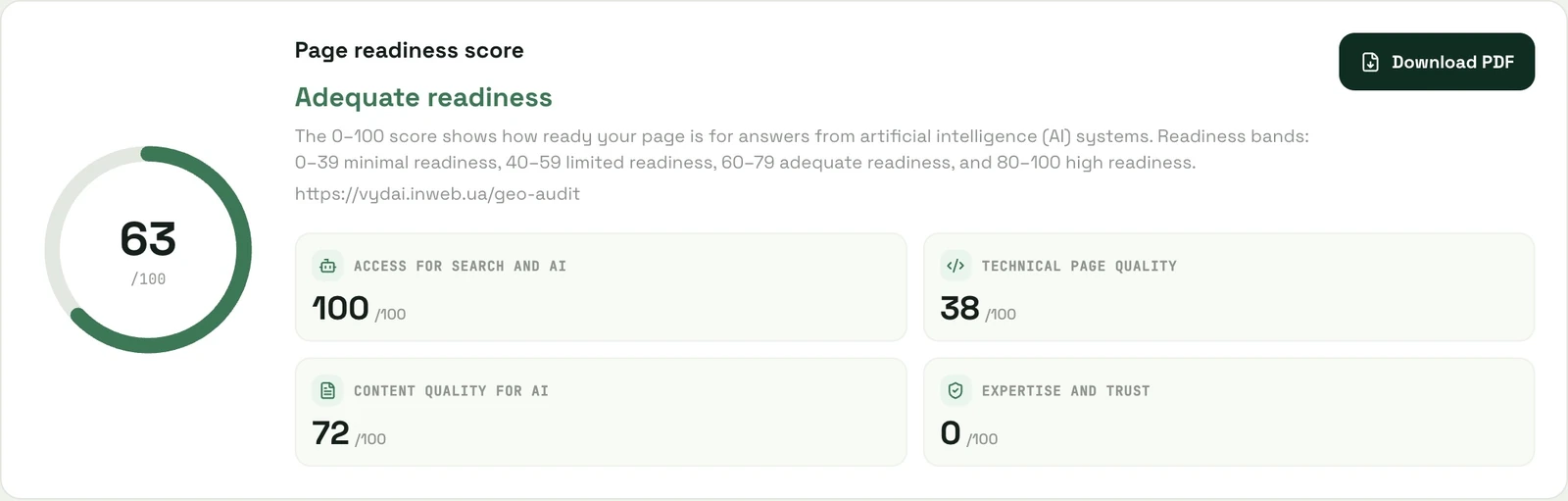
The screenshot dated October 1, 2026 shows a VYDAI audit of its public page, with a score of 63 out of 100 across four categories.
It is one dated interface example, not a client result or a benchmark.
Only project owners and editors can start an audit. The guest demo is read-only. Enter a public URL because a page behind sign-in does not show what search crawlers can retrieve.
Technical audit for AI crawlers: checklist
Confirm some findings outside the audit: indexing in Search Console, crawler activity in server logs, and product terms with the person responsible for them. A technical audit for AI crawlers complements page access checks. For agent-specific access procedures, see the AI crawler access guide and the robots.txt guide to AI crawlers.
| Check | Look for | Confirm with |
|---|---|---|
| HTTP and redirects | Errors, loops, login pages or a different language | Final URL, response status and body |
| robots.txt | A restriction on the exact path for a relevant agent | The applicable group and path rule |
| Bot protection | A CAPTCHA or challenge replacing the page | Matching CDN/WAF events and server logs |
| Robots directives | Unintended noindex, nosnippet or preview restrictions | HTML and the X-Robots-Tag header |
| Content in HTML | An application shell without the description | The initial response compared with the visible page |
| Indexing | An unindexed URL or a different selected canonical | URL Inspection in Search Console |
| Sitemap and links | An important URL that is difficult to discover | Sitemap, navigation and internal links |
| Languages | Incorrect lang or links between language versions | Each localization separately |
A 200 response can contain a security message rather than the intended page. An Allow rule in robots.txt also does not establish that the server returns readable content. Follow the AI crawler access diagnostic guide when those signals disagree.
Check the title, H1 and canonical URL, which identifies the preferred version of a page. An English URL pointing to another language without a sound reason deserves a localization review. Google uses canonical signals to consolidate duplicate pages. See Google's canonical URL documentation.
Review structured data, also called schema markup, for the organization, product, article or author. Match fields to visible facts. A fabricated rating or an author who did not work on the material makes the information less dependable. See our guide to structured data and AI visibility and Google's structured data documentation.
Test mobile reading, load performance and layout stability. A large screenshot or an unreserved banner can disrupt the page. Adding llms.txt does not fix that issue. Essential descriptions and terms should remain accessible when a third-party script fails to load.
Review answer coverage and content structure
List the questions a reader needs answered before taking the next step. For a service, these usually include scope, price factors, timing, location, limitations, preparation and applicable guarantees. For a tutorial, include prerequisites, steps, verification, common errors and alternatives.
| Element | Common weakness | Useful addition |
|---|---|---|
| Direct answer | An introduction explains why the topic matters without answering it | A definition or concrete outcome near the beginning |
| Conditions | Advice is presented as universal | Who it suits, under which conditions, and when another option fits |
| Comparison | “Better,” “faster” or “cheaper” without criteria | A table with consistent parameters and tradeoffs |
| Numbers | Prices or statistics without a date or origin | Source, period, unit and method |
| Experience | Advice with no evidence of how it applies | An original example, screenshot, process or verified result |
| Navigation | A long block of uninterrupted prose | Contents and headings organized around reader tasks |
| Images | Essential facts appear only in a picture | A text explanation, caption and appropriate alt text |
A GEO audit should record whether the main answer appears in the page's HTML, important claims have evidence, and the visible copy matches structured data. When evidence is missing, record the exact claim that needs support.
Check authorship and trust in context
An article should explain who prepared it, where its claims come from and when the content was checked. A commercial page should identify the responsible company, contact details and applicable terms. A review should describe an identifiable experience rather than an unexplained compliment.
VYDAI's “Expertise and trust” category is a group of product checks. Its score is not an official Google E-E-A-T rating. Google describes E-E-A-T as characteristics used to assess helpful content, rather than a single ranking factor. Google's people-first content guidance.
Apply recommendations to the page type. An author biography belongs naturally in a research article. On pricing, the responsible company, accurate limits and payment terms may matter more. Repeating a biography on every page to gain points does little for the reader.
Examine competitors and external sources
Check how AI services answer real customer questions. Use the same prompt set for your brand and competitors. Specify the market, language and use case when those affect a recommendation. “Inventory software for a UK online store with delivery integrations” gives a clearer need than “inventory software.”
Save the prompt, service, date, answer and links. Open the cited pages: a citation may not substantiate the claim next to it. Inspect the source's content instead of treating the presence of a link as proof.
| Observation | Follow-up check | Possible task |
|---|---|---|
| A comparison cites a competitor | Criteria, conditions and evidence in that source | Answer missing comparison questions on your own site |
| Answers link to a directory | Accuracy of your company profile | Update a relevant profile with verified facts |
| The answer repeats an old price | Source containing that price | Correct the source and reconcile site pricing |
| The brand appears without a link | Name and attributed characteristics | Track mentions separately from visits |
| Answers vary between runs | Whether the test conditions are consistent | Repeat the prompt set and record variability |
One answer cannot establish a stable share of visibility.
To compare changes, repeat the same prompts in the same services and record dates and sources. The guide to choosing AI visibility prompts explains how to build that set.
An editorial before-and-after example
Hypothetical example, not a client case. The opening says: “We help your business grow. Our team delivers high-quality services.”
The reader still does not know what they are buying. A clearer version would be: “We check selected pages for search access, answers to customer questions and evidence behind key claims. The report names the page, the finding and the task for the person responsible.”
The rest of that page still needs the scope, report format, limitations, ordering terms and an example of the deliverable. A clearer opening addresses one finding; review the remaining sections on their own merits.
Turn findings into an implementation plan
Resolve confirmed retrieval and indexing barriers first. Then take shared template errors and missing answers to commercially important questions. Record every task with the URL, an evidence excerpt, an owner and an acceptance criterion.
| Finding | Owner | Acceptance criterion |
|---|---|---|
| Protection replaces the content | Developer or infrastructure administrator | The relevant verified crawler receives the page, with a matching log record |
| Service description is missing from initial HTML | Developer | The response includes the heading, description and terms |
| Pages show conflicting prices | Product owner and editor | Prices and limits match current terms |
| A comparison lacks evidence | Editor | Material claims have sources, a date and clear criteria |
| A template has an incorrect canonical | SEO specialist and developer | Sample URLs identify the correct preferred version |
How to read the score and check statuses, set P0–P3 priorities and compare repeat audits is covered on a real report in the audit report guide.
Measure the result at the right level
Save the starting state before editing. After deployment, verify the page itself first: removal of noindex, presence of the text, or correction of the canonical. Assess changes in AI visibility, search traffic and leads separately, on the same prompts and comparable periods.
As of October 2026, Google includes AI Overviews and AI Mode in Search Console's overall Web search data, so that report does not give a separate total for all AI traffic. See Google's AI feature measurement documentation. Google says the separate Generative AI performance report has been available worldwide since August 31, 2026, and reports impressions for AI Overviews and AI Mode. See Google's report documentation and our guide to measuring AI Overviews in Search Console.
Sources and verification method
The report screenshot shows VYDAI's public audit page on October 1, 2026. Other workflow suggestions here are practical guidance, not industry standards. Key claims were checked against Google's documentation on AI features, canonical URLs, structured data, helpful content, and OpenAI crawlers.
Frequently asked questions
What should a GEO audit include? A list of URLs, access and indexing checks, answers to customer questions, evidence for key claims and relevant external sources. Each confirmed finding needs an owner and a retest criterion.
Can I start manually? Yes. Start by inspecting HTTP responses, HTML and robots.txt, then compare the page content with a customer's question. For indexing, use Search Console's URL Inspection tool, which reports on the indexed version and lets you test the current URL. Keep evidence with each finding so the team can verify it.
How to audit a website for AI search? Choose representative URLs, check access and indexing, review the page against its main customer question, and verify important claims against sources. Record findings with an owner and a retest criterion.
Does every audit fix need a developer? Assign work according to what needs to change. Have an editor work with the product owner to clarify service terms or add a supporting source. Send bot protection or HTML template changes to a developer or administrator, with the affected URL and the expected test result. Track an AI visibility audit separately: it checks brand mentions in answers to an agreed prompt set.
The audit flags a missing llms.txt file. Should I fix that first? If your goal is visibility in Google AI Overviews or AI Mode, prioritize a confirmed access or indexing problem over this finding. Google's requirements for AI features do not call for special AI files or a separate schema. Start with the barrier preventing the system from retrieving the content it needs. Google's AI optimization guide says Google Search ignores llms.txt. See how to create llms.txt.
Should I allow GPTBot if I only care about ChatGPT search? As of October 2026, OpenAI documents separate controls for OAI-SearchBot and GPTBot: you can allow search access while restricting use for training. Check OAI-SearchBot rules for your search visibility task. Agree on GPTBot access separately with whoever owns your content usage policy.
How we do it in VYDAI
The VYDAI page audit groups page results by category. Open a check to review its status, evidence and suggested fix, then confirm the recommendation fits the page's purpose.
For a small site or a one-time question, a manual checklist can be enough. Confirm indexing in Search Console, verify terms with the product owner, and after changes repeat the review on the same URLs. Use the GEO audit checklist to keep the retest on the same URLs. Open the VYDAI demo to see the reporting interface.