To appear in Google AI Overviews or AI Mode, a page must be indexed and eligible to appear with a snippet in Google Search. Check that your site is also included in Search generative AI features in Search Console. These conditions make a page eligible, but Google does not guarantee it will show. Its systems decide when an AI answer will help with a search.
Start by checking indexing, access to the page content, and snippet controls. Then make sure the page answers relevant follow-up questions, review external sources about the brand, and track results in Search Console and a repeatable manual log. Google's AI features documentation says you do not need special schema, an AI text file, or a separate optimization method for these features.
How Google chooses sources for AI Overviews and AI Mode
A page must be indexed and eligible to appear with a snippet in Google Search to be considered as a supporting link in an AI answer. Google's AI features documentation lists no additional technical requirements for AI Overviews and AI Mode. Google does not publish exact ranking weights or a formula for choosing sources.
SEO for Google AI Overviews starts with Search access, indexing, and a useful answer. The same search optimization fundamentals apply to Google AI Mode: check that the page is accessible and explains the topic clearly. Google does not describe a separate way to guarantee inclusion.
Google AI Overviews ranking factors: what Google publishes
Exact ranking weights and a full source-selection formula are not published by Google. Its published requirements cover indexing and snippet eligibility, alongside the fundamentals of Google Search. Treat third-party GEO advice as a recommendation, not as a confirmed Google AI Overviews ranking factor.
To appear in Google AI Overviews, start with these documented requirements and measure what happens on your own pages.
Why a high Google ranking does not guarantee a citation
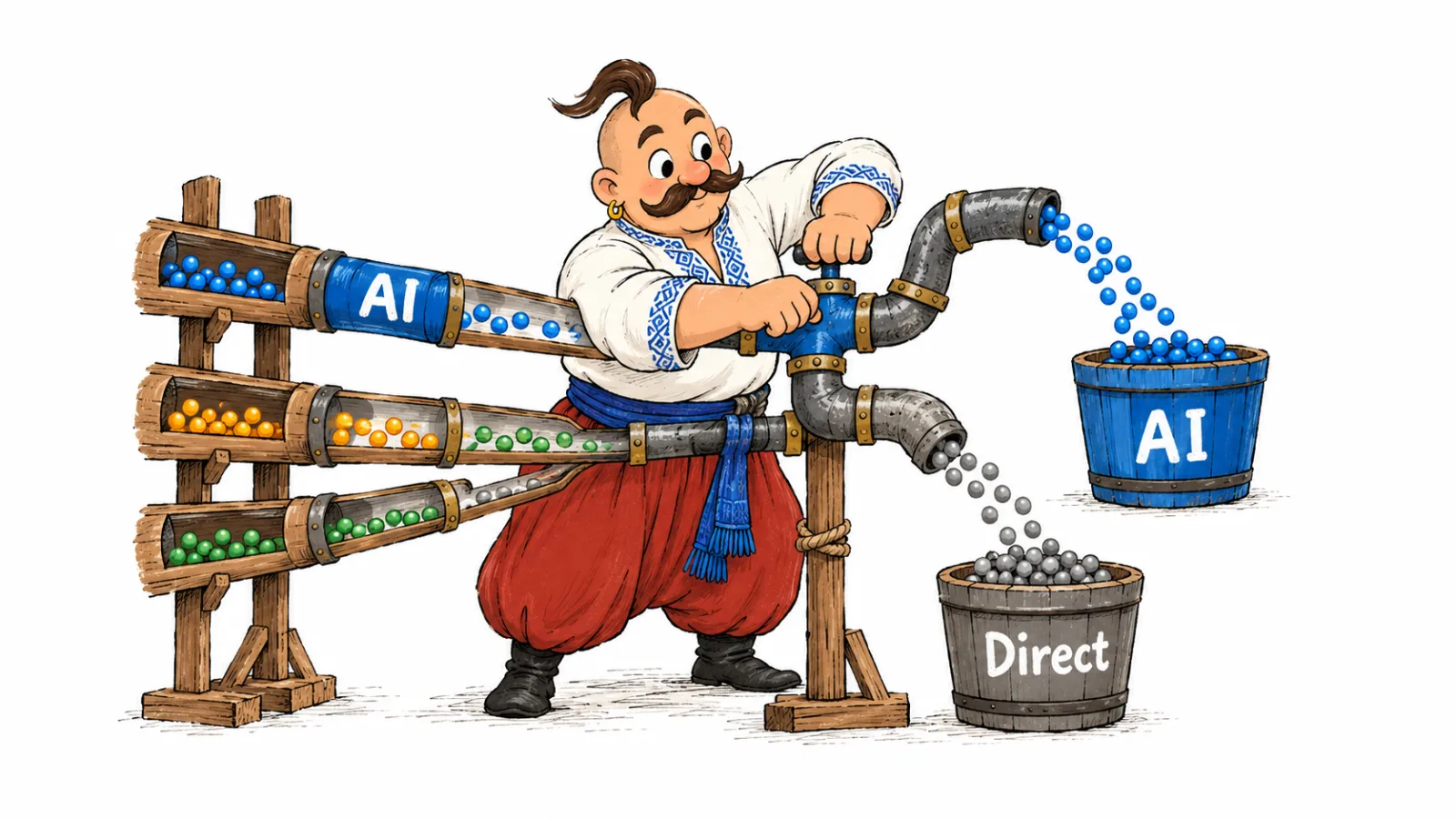
Measure organic rankings and links in AI answers separately. The preprint Measuring Google AI Overviews analyzed 55,393 trending queries across 19 topical categories over 40 days, from March 13 to April 21, 2026. Nearly 30% of domains cited in AI Overviews were not among the first-page results shown alongside them. This is a domain-level finding from that study's sample, not an estimate of an individual page's chance of being cited. The study does not describe AI Mode.
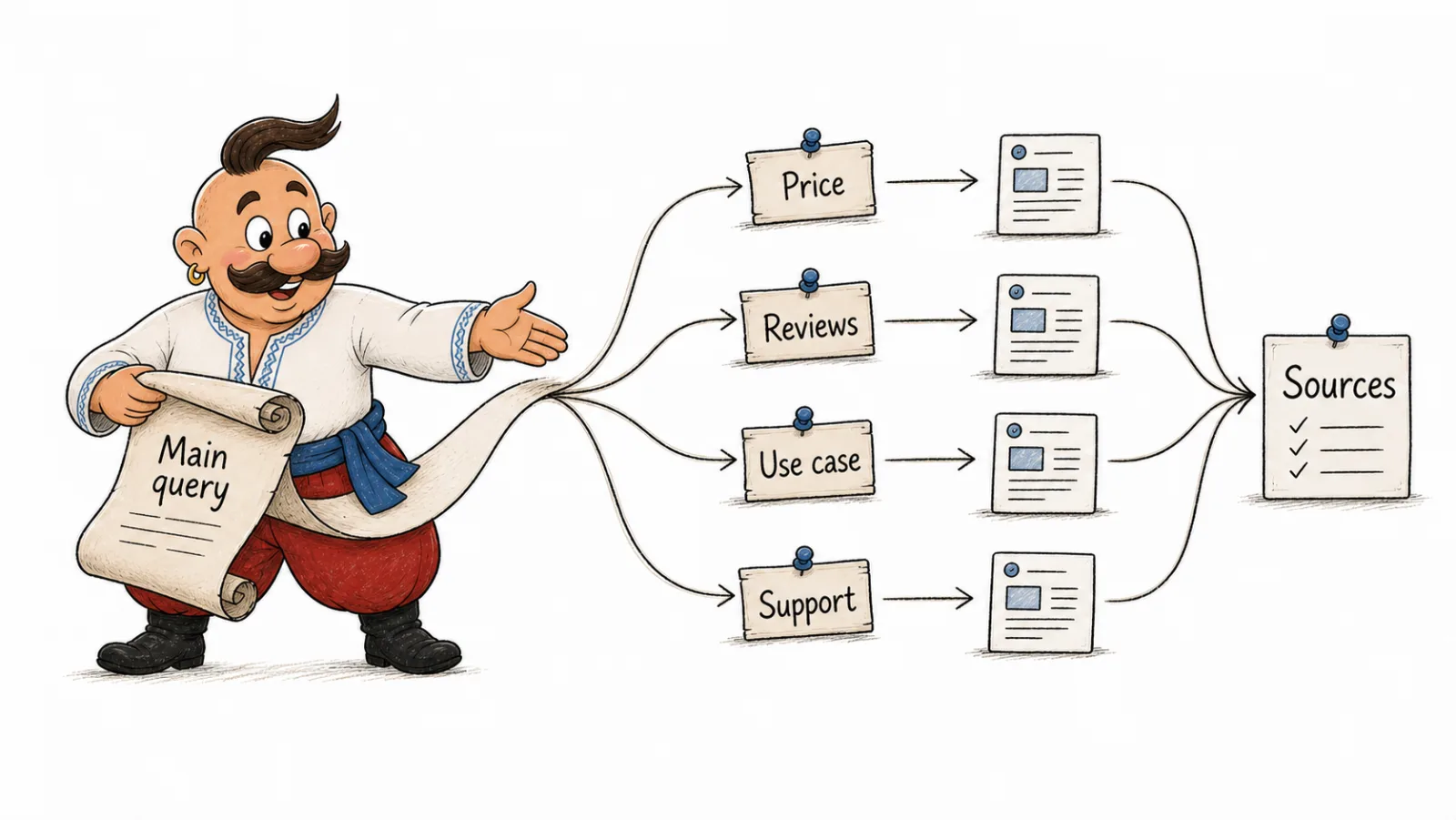
Query fan-out: one query, several searches
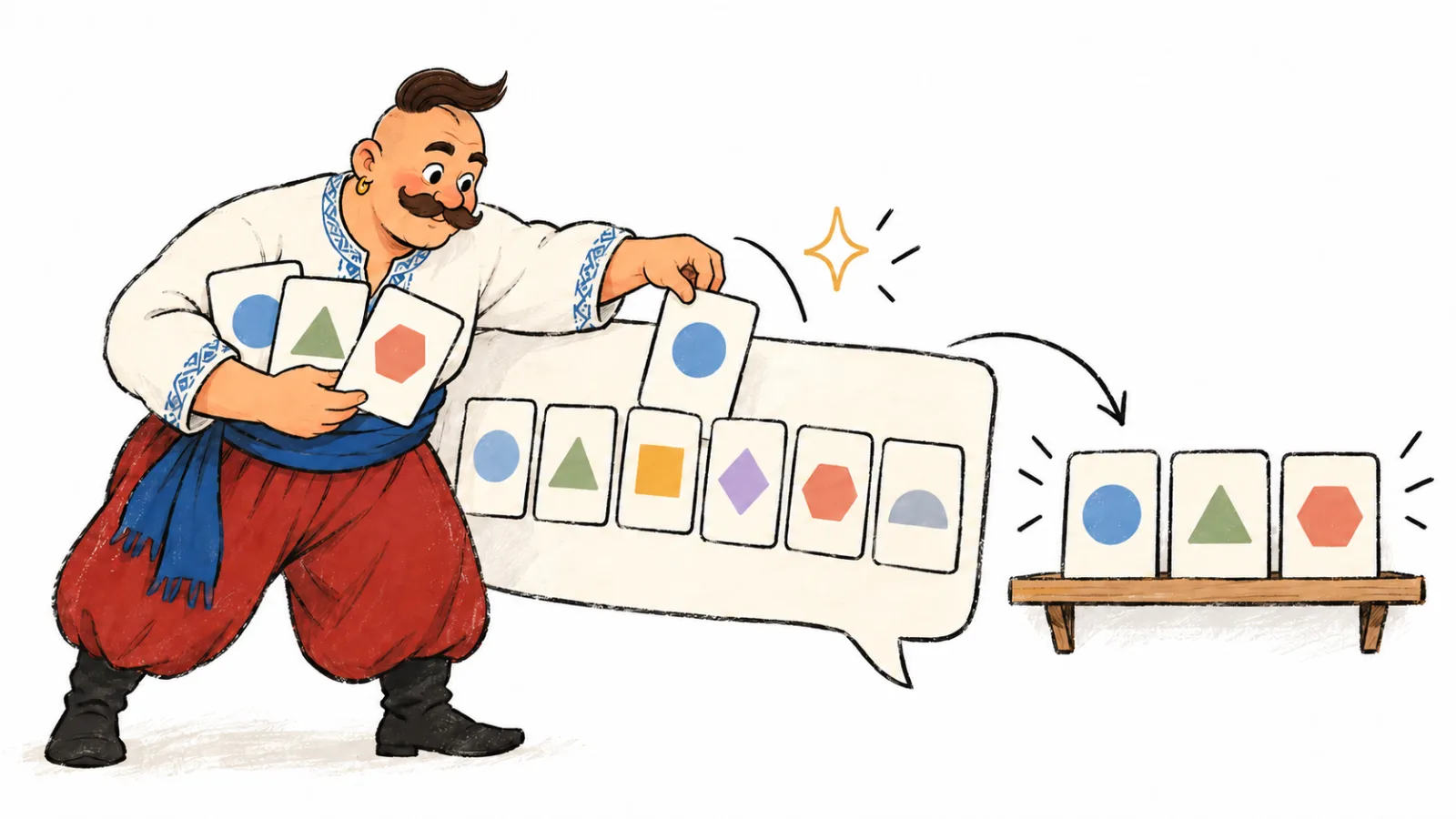
In its guide to generative AI features, Google describes query fan-out as running related searches across subtopics and sources to gather material for an answer. For example, a search about choosing CRM software could lead to questions about pricing, integrations, and moving data. This hypothetical example can help plan a page; it is not a list of searches Google actually ran.
For page planning, make your own table of subtopics to cover:
| Possible follow-up question | What to verify in the answer |
|---|---|
| What will the software cost a small store? | Prices, plan limits, and extra costs with supporting evidence |
| Which options fit this market? | Available languages, payment methods, and needed integrations |
| How can a store move data from spreadsheets? | Supported formats, migration steps, and known limits |
| How should two options be compared? | Shared criteria and verifiable differences |
AI Mode vs AI Overviews: what differs for a website
AI Overviews appear within regular Google Search results when Google decides an overview will help. AI Mode is a separate Search experience for more complex queries and follow-up questions. The features may use different models and techniques, so their answers and links can vary. Google explains this difference in its website documentation.
| Feature | AI Overviews | AI Mode |
|---|---|---|
| Where it appears | Within Google Search results | In a separate Search mode |
| When it appears | When Google's systems decide an overview will help | When a user opens the mode to explore a complex question |
| Answer format | A concise overview with links to web sources | A longer response with links and follow-up questions |
| Links | Support parts of the overview; the set and number can vary | May differ from links in AI Overviews |
| Search Console reporting | Generative AI performance report includes impressions | The same report, without a separate feature dimension |
As of October 2026, Google's Help pages list Ukraine and Ukrainian among the supported countries and languages for both features: AI Overviews and AI Mode. Availability does not mean an AI answer will appear for every query. Test the features separately and record the URLs shown, since these lists can change.
SEO for Google AI Overviews still means improving access and usefulness, not promising a citation.
Technical foundations: what a page needs
Check the page as it is received by Search. Googlebot must be able to access the main content, and indexing or snippet settings must not block the URL.
- The page returns a successful response and has no
noindexdirective. robots.txt, a content delivery network (CDN), or a web application firewall (WAF) does not block Googlebot.- The main content is available as text. Google can process JavaScript, but check that rendering does not make important content inaccessible.
- The canonical URL points to the intended version of the page.
- Internal links help people and crawlers find the page and understand its topic.
- Structured data, if present, matches the visible content.
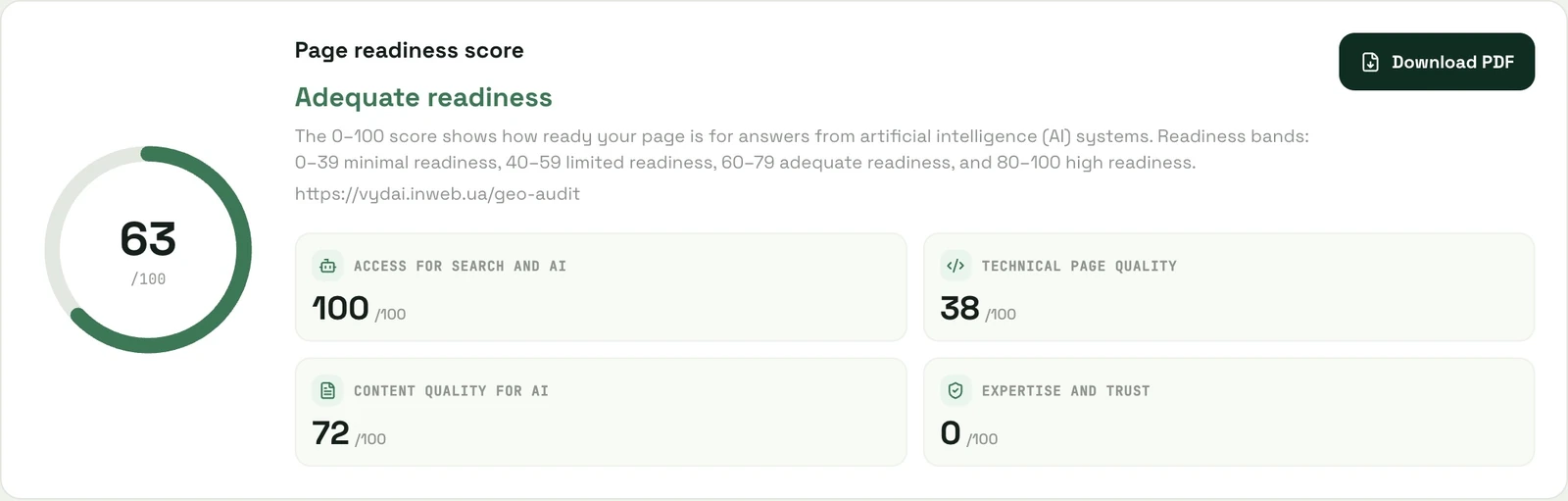
Google's documentation lists indexing and snippet eligibility as requirements. Use the AI crawler access checklist to review robots.txt, access, and content after rendering. The VYDAI GEO audit checks technical conditions on a page, but cannot predict whether Google will select it.
How to limit display: nosnippet, max-snippet, and Google-Extended
These controls have different effects. Review Google's robots meta tag documentation before changing a setting.
| Setting | Effect on AI Overviews and AI Mode | Effect on regular Search | When to check it |
|---|---|---|---|
noindex | Removes the page from Search results, so it cannot meet the basic eligibility conditions for a link | The page is not shown in Search | A URL is not indexed |
nosnippet | Prevents a snippet and the page content from being used as direct input for AI features | Removes the text preview in Search | A page is indexed but its preview is restricted |
max-snippet:[number] | Limits snippet length and how much text Google may use; 0 is equivalent to nosnippet, and -1 leaves length unrestricted | Limits the Search preview | A CMS or plugin may have added a restriction |
data-nosnippet | Excludes marked text from snippets; Google supports span, div, and section elements | Excludes the marked text from the preview | Only a passage needs to be omitted |
Google-Extended | Does not control inclusion in AI Overviews or AI Mode | Does not change inclusion or ranking in Google Search | Do not use it as a Search AI switch |
Google-Extended relates to content use in some other Google systems, including Gemini Apps and Vertex AI. It does not control AI answers in Search. Google documents a separate Search Console setting for including a site in generative Search features. For other crawler roles, see how to control AI crawlers with robots.txt.
If visibility changes, check snippet directives, Googlebot access, and whether the site is included in Search Console. Do not draw a conclusion from one result.
Content for Google AI Overviews and AI Mode
The Google guide to generative AI features recommends the same Search fundamentals: publish useful, reliable, crawlable content and organize it for readers. It also addresses common misconceptions.
| Advice or assumption | What Google says | Practical action |
|---|---|---|
| Add special schema for AI | No special markup is required for AI features | Use markup for its intended purpose and match it to visible content |
Create llms.txt for Google | Google Search does not use the file to improve visibility or rankings | Create it for other systems only when needed |
| Split text into chunks for AI | Google does not require special chunking | Use clear headings and complete answers for readers |
| Rewrite a page only for AI | Google recommends the same principles for useful content | Explain the topic, selection criteria, and limits of a specific decision |
For markup types, see how structured data influences AI visibility. For the purpose of llms.txt, see how to create llms.txt and why your site may need it.
A page that helps someone choose a product or service should answer the query, explain selection criteria, and support factual claims. A service page can say who it is for. These are recommendations for clarity and completeness, not a published formula for Google's selection. See which website pages appear in AI answers for examples.
Local businesses and products: Business Profile and Merchant Center
The Google website guide says generative AI responses can include information about products, services, and local businesses. Current details in Google Business Profile and Merchant Center can help represent a business and its products in Search and AI responses. The guide does not promise a display or a higher position.
For a local business, check the profile's category, address, hours, and service details. For products, compare the site information with Merchant Center data. Correct specific inconsistencies instead of adding unverified attributes.
External sources: when your website is not enough
Review pages Google already links to for topics that matter to the business. Record the domains and URLs, note each source type, and check the company name, category, and facts. If information is outdated, update a profile you manage or contact the publisher.
Your own page cannot correct an inaccurate company description on another site. Read which sources build AI trust: websites, PR, directories, or reviews to assess those sources. For a structured review of links, see how to analyze the sources AI relies on.
AI Overviews in Search Console: what the report shows
As of October 2026, Google's report documentation says the Generative AI performance report launched worldwide on August 31, 2026. It reports link impressions in AI Overviews and AI Mode, with dimensions for pages, countries, devices, and dates. Search Console also has a separate setting to include a site in Search generative AI features. If the report is missing, check property access, impression volume, and this setting.
The report includes impressions, but not user queries or a separate breakdown for AI Overviews and AI Mode. Search Labs data is excluded. Use the standard Performance report for clicks, CTR, and position; clicks on external links from either AI feature count as Search clicks. All links in an AI Overview share one position, while an AI Mode follow-up is counted as a new query. Google's report documentation and click, impression, and position methodology describe these limits.
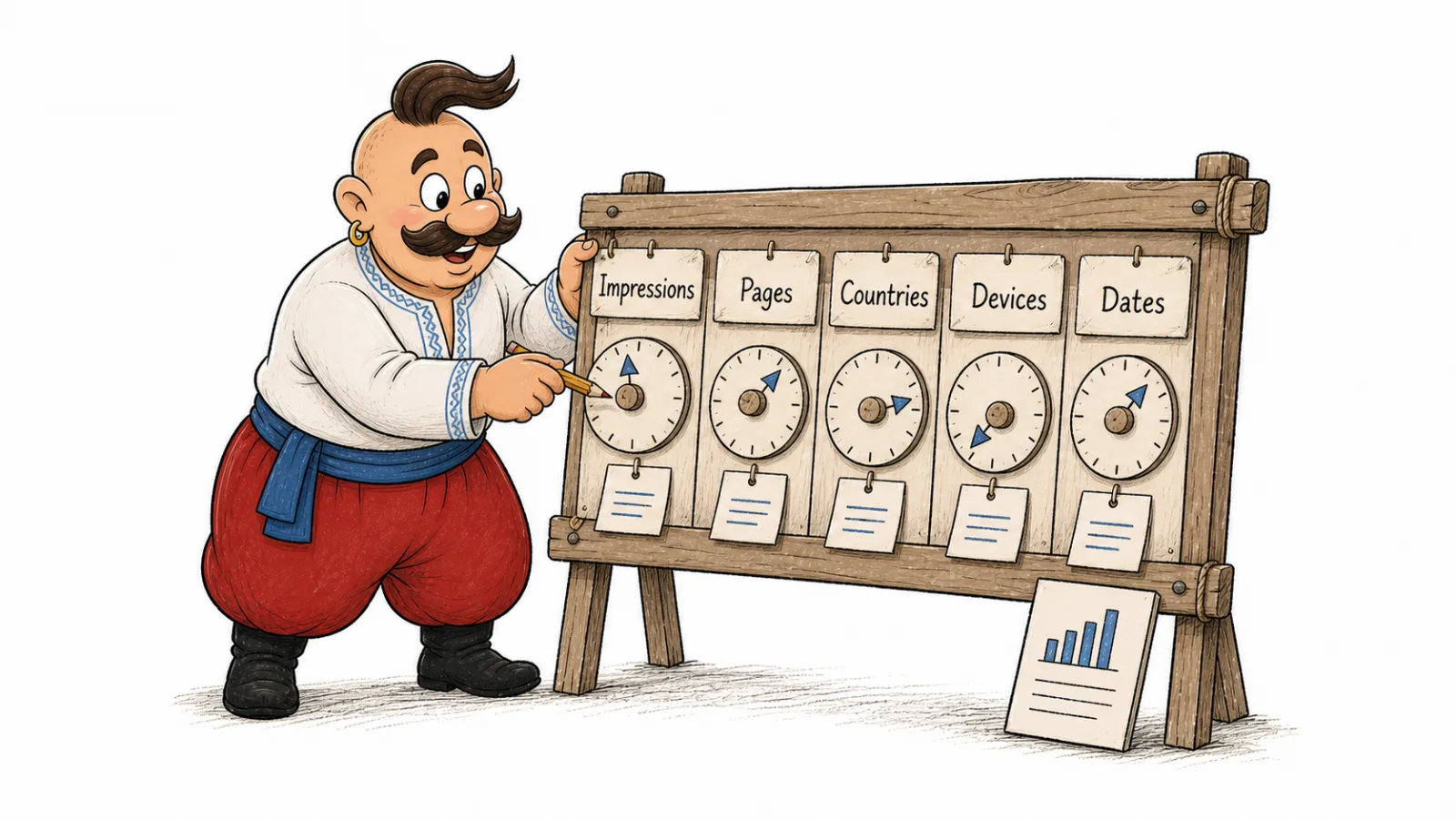
Search Console does not show the specific query in its generative report, so keep a separate manual log. For each check, record the date, country, language, device, query wording, Search feature, URL, and personalization state if known. Hypothetical AI Mode follow-up chain: Q1 → Q2. Repeat the same check in a fresh session and keep observations separate from explanations.
The Search Console report and a manual log help measure visibility in Google AI Overviews in different ways: one shows aggregate impressions, while the other records specific queries and URLs.
VYDAI also checks Google AI Overviews and Google AI Mode by prompt, country, and city. For AI Overviews, its report shows how many checks returned an overview. When Google does not show one, the check does not count toward visibility or use an AI Overviews limit. This lets teams compare recorded checks with Search Console impressions without treating a missing overview as a site error.
Manual checks for AI Overviews and AI Mode
Record each result with the conditions under which it appeared. A URL shown in an answer is an observation; an explanation for why Google selected it needs separate evidence.
| What to record | Example or instruction |
|---|---|
| Date, country, language, and device | For example, United States, English, desktop |
| Query and Search feature | Exact wording; AI Overview or AI Mode |
| Account | Sign-in and personalization state, if known |
| Result | Whether an AI answer appeared, brand mentions, and URLs |
| AI Mode follow-ups | Record each follow-up question and answer |
| Repeat | Run the same check in a fresh session for comparison |
The study How Generative AI Disrupts Search found that AI Overviews were less consistent across repeated runs than traditional Search. Its authors compared Google Search, Gemini, and AI Overviews, not AI Mode. A Gemini response is not a substitute for checking Google AI Mode.
When checking query fan-out in Google AI Overviews and AI Mode, record the query and URL shown at each step. This helps distinguish a change in the topic being explored from a change in the answer.
Why a site does not appear in AI Overviews: diagnosis
First identify what happened: no AI answer appeared, the URL is not available to Search, or Google selected a different source.
| Symptom | What to check |
|---|---|
| No AI Overview appeared | Check other relevant queries later; an overview does not appear for every search |
| The page is not indexed | URL status, noindex, robots.txt, canonical, and Googlebot access |
| The snippet is restricted | nosnippet, max-snippet:0, HTTP headers, and CMS settings |
| Main text is missing after rendering | Check what content Googlebot receives |
| The page does not answer related questions | Compare the query with topics the page should actually cover |
| Other sources describe the company inaccurately | Review profiles and publisher pages Google already links to |
| Search Console report is missing | Check property access, impression volume, and inclusion in generative features |
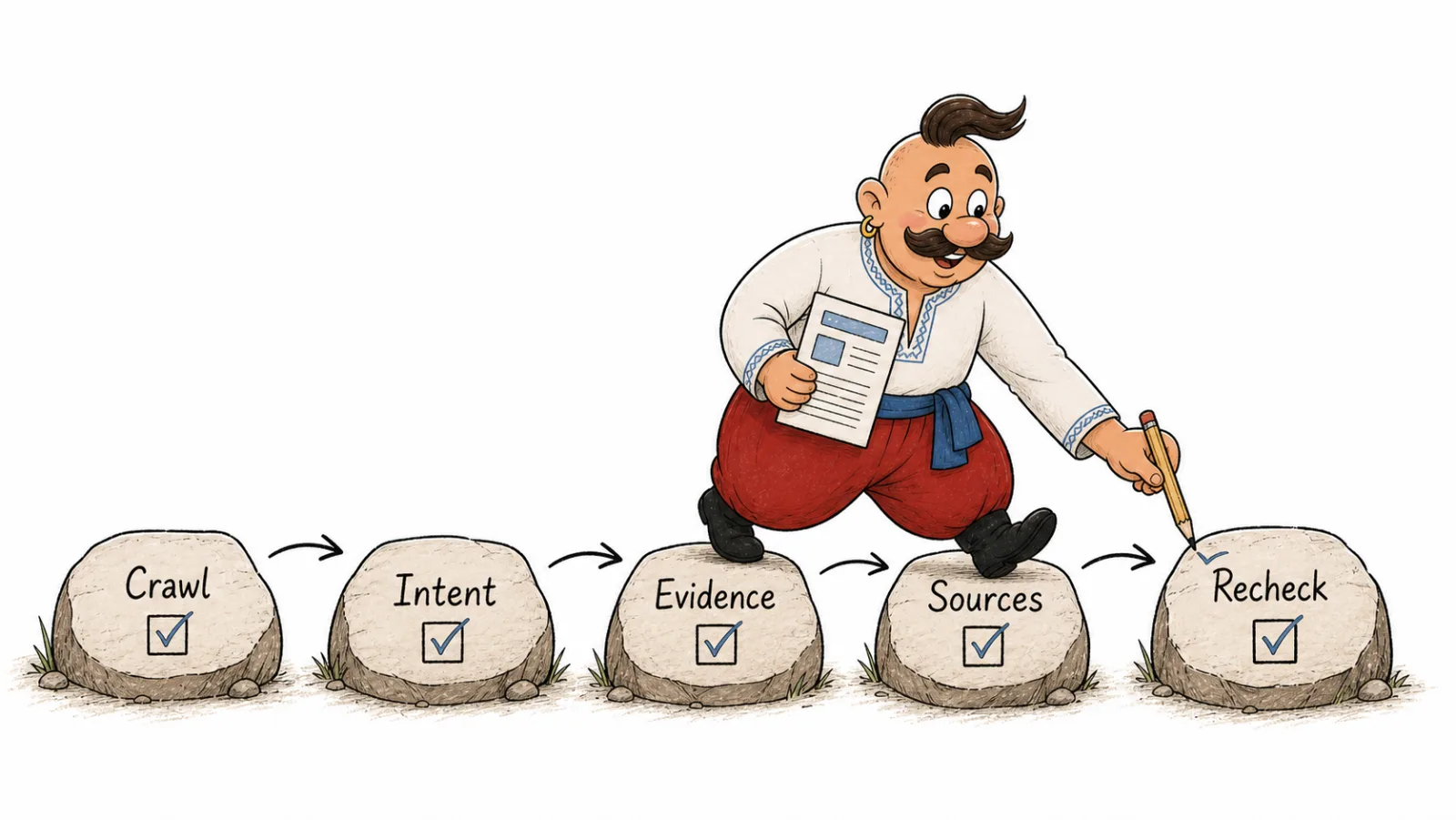
Work in this order: access and indexing, snippet controls and Search Console inclusion, page completeness, external sources, then measurement. Fix one identified issue at a time and record the date.
Frequently Asked Questions
What does it take to appear in Google AI Overviews? Make sure Google can index the page and show a snippet, and that the site is included in Search generative AI features. Then provide a complete answer to the reader's need. These steps make the page eligible; they do not guarantee a citation.
What are Google AI Overviews ranking factors? Google does not publish exact ranking weights or a source selection formula for AI Overviews. Its published guidance names indexing and snippet eligibility as requirements and recommends the same Search fundamentals.
Why is my site not appearing in Google AI Overviews? Check indexing, snippet controls, Googlebot access, Search Console inclusion, and whether the page answers the query. First distinguish a technical issue from a search where Google did not show an overview.
How can I track visibility in Google AI Overviews? Use the Generative AI performance report for aggregate impressions and a manual log for query wording and URLs. VYDAI also records Google AI Overviews checks and reports how many returned an overview.
How do I optimize for Google AI Mode? Make the page accessible, indexed, eligible for a snippet, and useful for the query. Google documents no separate technical checklist for AI Mode.
How does Google AI Mode choose sources? Google lists indexing and snippet eligibility but does not publish its selection formula. AI Mode may show different links from AI Overviews, so check and log the two features separately.
Are AI Overviews and AI Mode available in Ukraine in Ukrainian? Check the current AI Overviews Help page and AI Mode Help page; availability does not mean an answer will appear for every query.
How we do it in VYDAI
VYDAI checks brand mentions and sources in ChatGPT, Gemini, Claude, Google AI Overviews, and Google AI Mode. Checks run for selected prompts, countries, and cities. Google does not show an AI Overview for every query. When no overview appears, that check does not count toward visibility or use an AI Overviews limit; the report includes a line such as AI Overviews: overview shown in X of Y checks.
The GEO audit checks an individual page's indexing, Googlebot access, canonical URL, visible text, and snippet directives. It helps identify technical obstacles but does not predict Google's selection. To appear in Google AI Overviews, fix any issue it identifies and track citations separately. Explore monitoring in the VYDAI demo, or check a page with the GEO audit.